138 MI-42-0001 Rev. 19
MAINTENANCE: Service Functions
7.2 Service Functions
7.2.1 Service Functions Screen
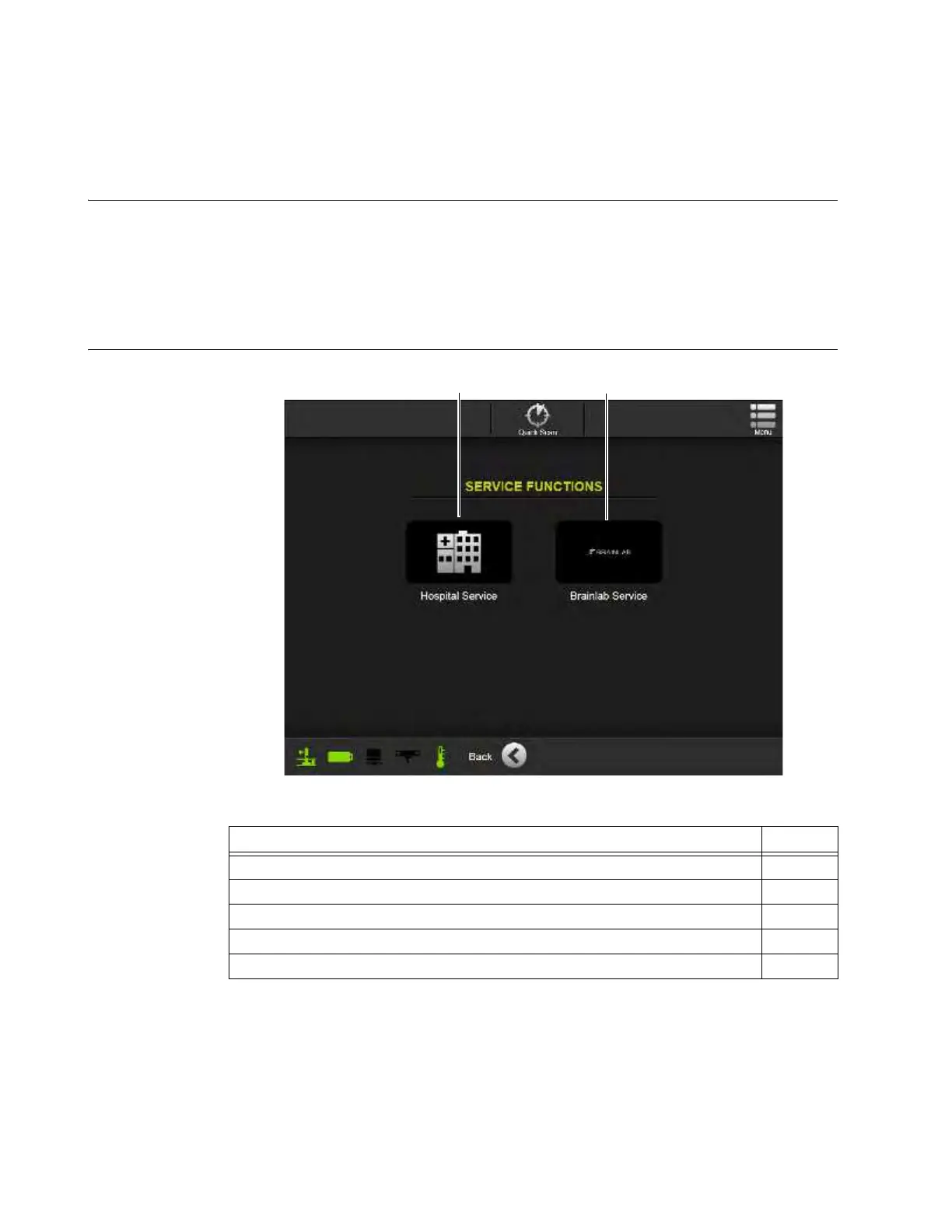
Overview The Service Functions screen provides access to AIRO configuration and maintenance features.
Available categories are:
• Hospital Service — Includes routine maintenance and scan quality-check procedures for on-
site hospital technicians.
• Brainlab Service — Includes navigation-system configuration and protocol- customization
procedures for authorized service personnel.
Select an option
from the Service
Functions Screen
Figure 111
Steps See
1. If necessary, power on the system. 3.3.1
2. If necessary, log in with a user-level or higher password. 3.3.2
3. From Choose Mode, select
Scan
. 6.3.2
4. From the Welcome screen, select
Service
. 6.6
5. Select either
Hospital Service
for routine maintenance, or
Brainlab Service
.



 To Next Page