MI-42-0001 Rev. 19 145
MAINTENANCE: Service Functions
How to perform the
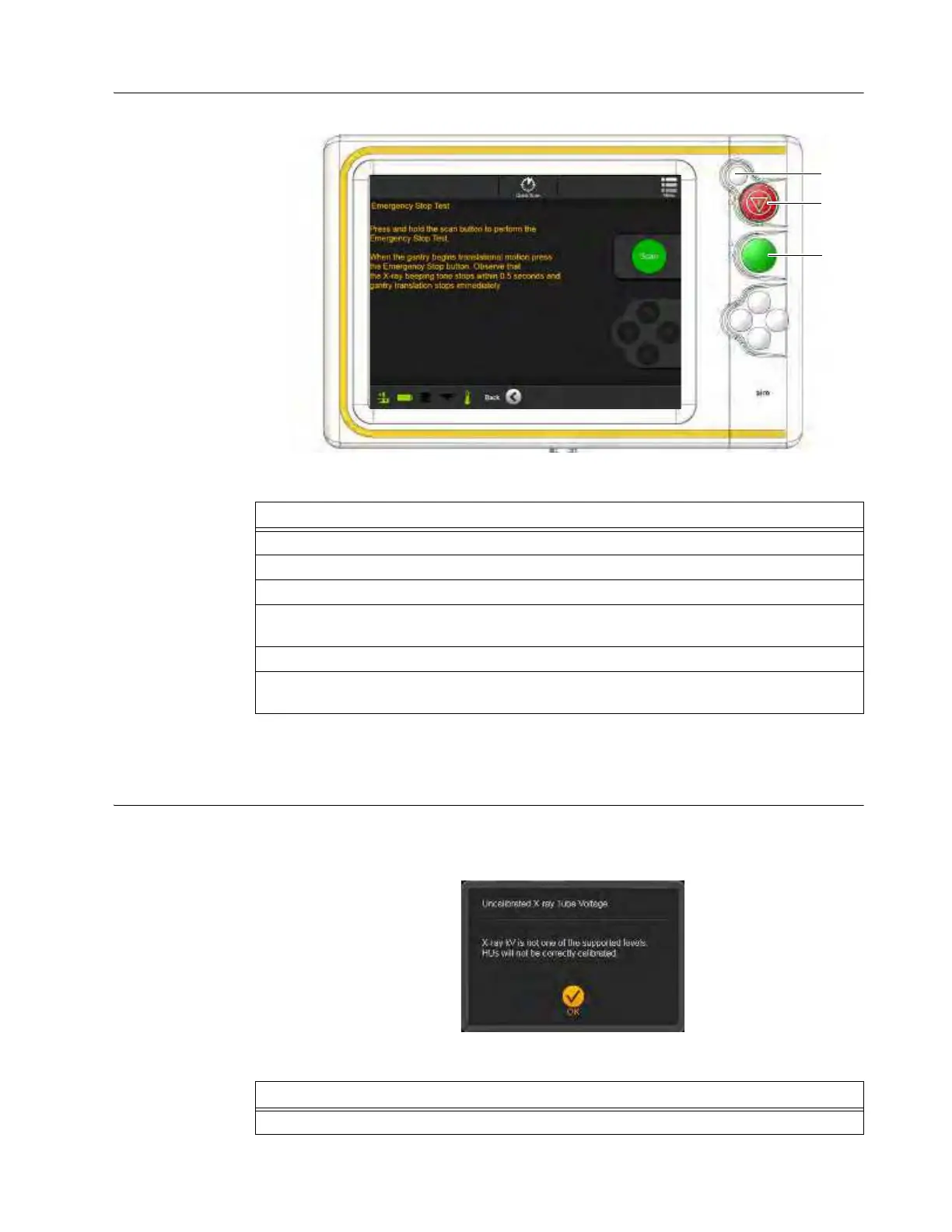
E-Stop scan
After preparing for an E-Stop test, start the scan.
Figure 118
7.2.6 Option: Using Custom kV Settings in Manual or Single Shot Scans
Setting Custom kV
Levels
When technicians use custom kV settings in Manual or Single Shot scans, AIRO indicates that
dosage results may not conform to typical scans because the entered values are not included in
standard calibration protocols.
Figure 119
Steps
1. Press and hold the green Scan button
a.
2. Wait until Z-axis translation has started.
3. Press the red E-Stop button
s.
4. Observe X-ray beeping tone stops within 0.5 seconds and Ring translation stops
immediately.
5. Touch Next to continue, or contact service if the E-Stop test fails.
6. After the scan is complete, press the Reset button
d next to the red E-Stop button to clear
the Emergency Stop.
Step
Select
OK
to continue Manual or Single Shot scan setup.



 To Next Page