68 MI-42-0001 Rev. 19
SCANNING: System and Controls
6.2 System and Controls
6.2.1 AIRO System
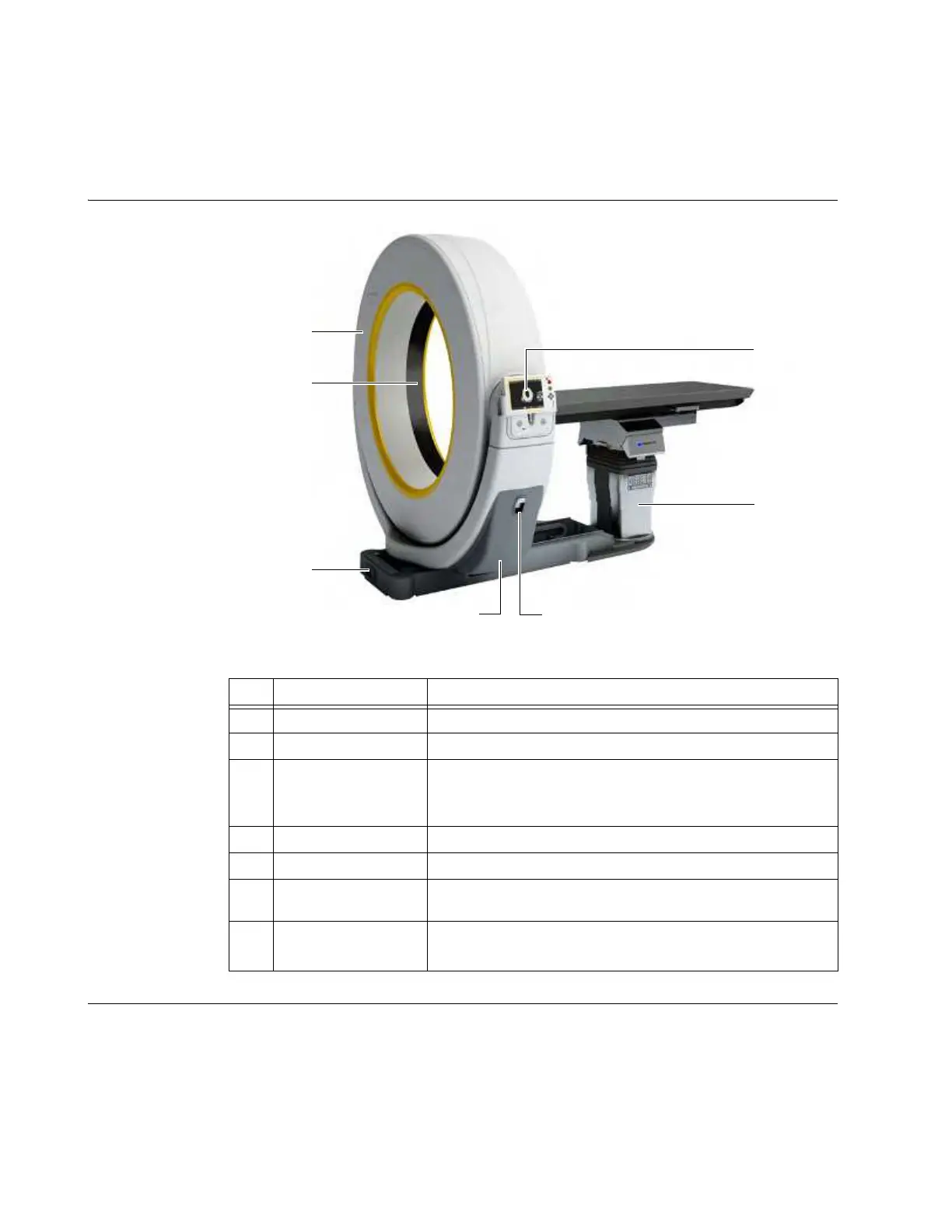
Diagram of System
Configured for
Scanning
Figure 35
Details In Scan mode, the base is lowered and locked. The Ring is around the surgical table. The system
operator has the Pendant display out of its holster and stands back from the system and/or behind
a protective barrier.
The operator runs the system and views the images on the Pendant display.
During a scan, the Ring moves down the patient axis and stops at the selected end point of the scan.
Image data is then transferred to the Pendant.
No. Component Function/Usage
a
Ring Scans patient and sends data to Pendant
s
Window Opening through which scan is taken
d
Base
Supports and moves the system, includes power and data
connections.
NOTE: Casters are retracted into the base.
f
Gimbal Supports the Ring
g
Latch Releases Gimbal, enabling rotation
h
Column
Supports some models of surgical tables/chairs (see parts list
for specific part numbers)
j
Pendant Display
Controls system movement, imaging, and data storage
NOTE: The Pendant Display is shown stored in the holster.



 To Next Page