MI-42-0001 Rev. 19 49
TRANSPORT MODE: Transportation
3.3.4 Menu in Transport Mode
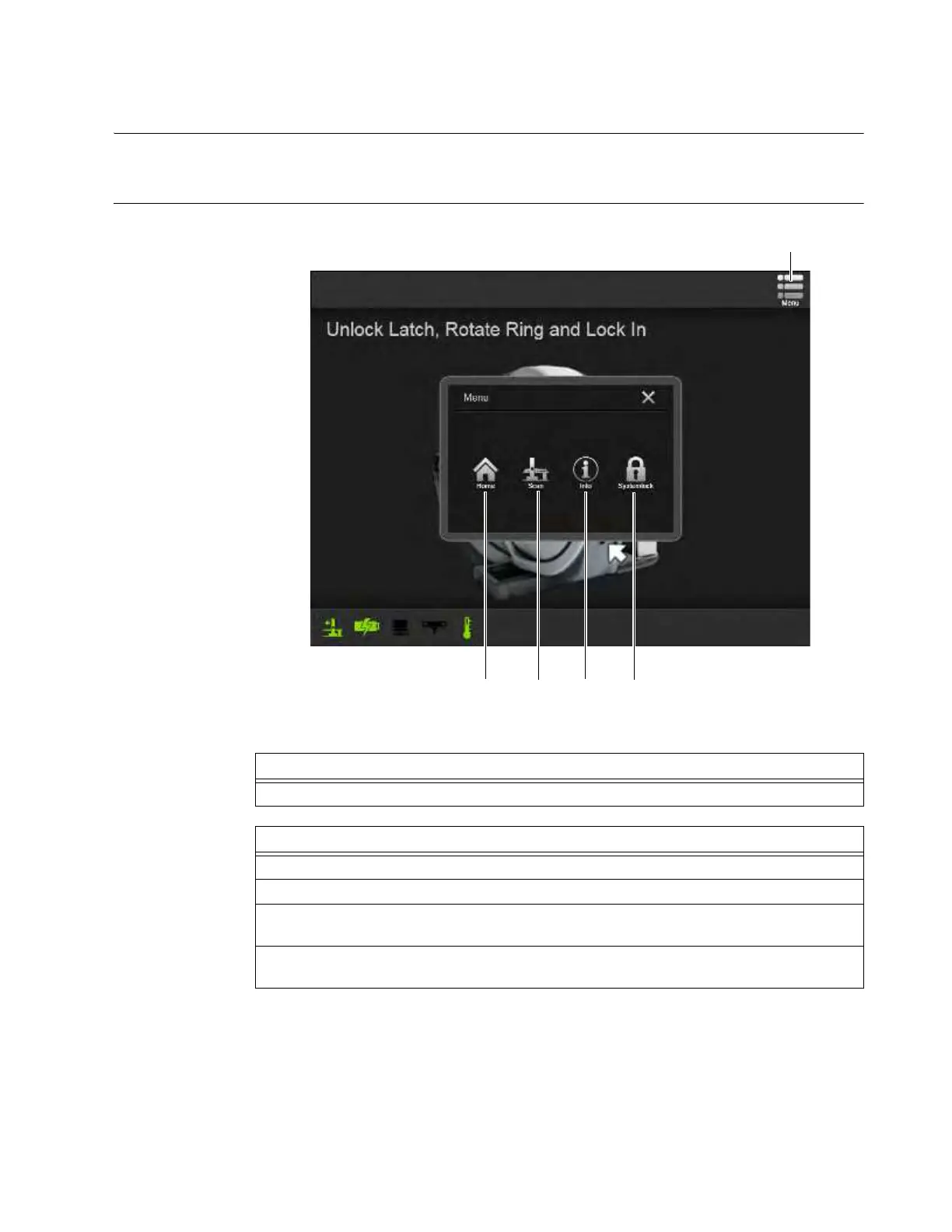
Overview The main Menu in Transport mode provides universal options to access
Home/Choose Mode
,
Scan
, system
Information
, and
System Lock
features.
Universal Option:
Menu in Transport
Mode
Figure 23
Step
Touch Menu
a at any time to access the Menu with Transport mode options.
Transport Mode Options
Select Home s to return to the Choose Mode screen. See section 6.3.2 Choosing Scan Mode.
Select
Scan
d to exit Transport mode and enable scanning.
Select Info f to learn more about AIRO and your system’s customer support contact
information.
Select System Lock g to enable security requiring a password to access system functions.
See section 3.3.2 Logging In.



 To Next Page