MI-42-0001 Rev. 19 37
SAFETY: Power Failure
2.12 Power Failure
2.12.1 In Case of Power Failure
Power Interruption AIRO recovers automatically from brief power interruptions (e.g., accidental unplugging). The
system shows an error message and reboots when the power is restored.
What Happens if
the Power Fails
Dur
ing a Scan
NOTE: You can move the Ring away from the table manually.
How to Restore
Limi
ted Functions
During a Power
Failure
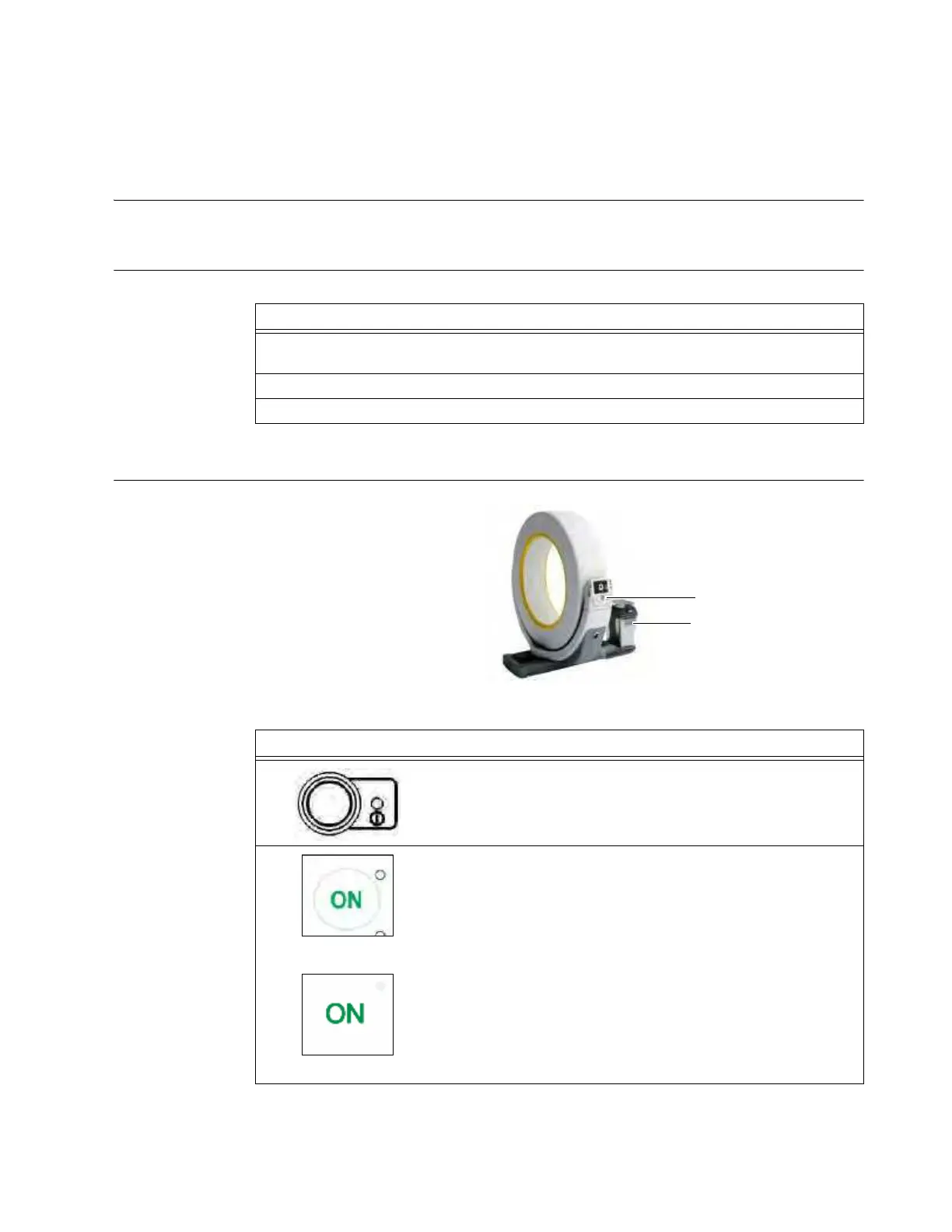
Figure 15
Power Failure
1. AIRO detects the power outage, aborts the scan, and stops all movement within
50 mm of travel.
2. AIRO stores any partial scan.
3. AIRO powers down its battery-driven functions.
Steps
1. With the key in the
ON
position, press
Start
a on the Control Panel.
2.
Original Column
Updated Column
Press
On
s on the Column keypad or Column remote control.



 To Next Page