122 MI-42-0001 Rev. 19
SCANNING: Typical Scan Sequence: New Scan
How to View Slice
Position and Scan
Metrics
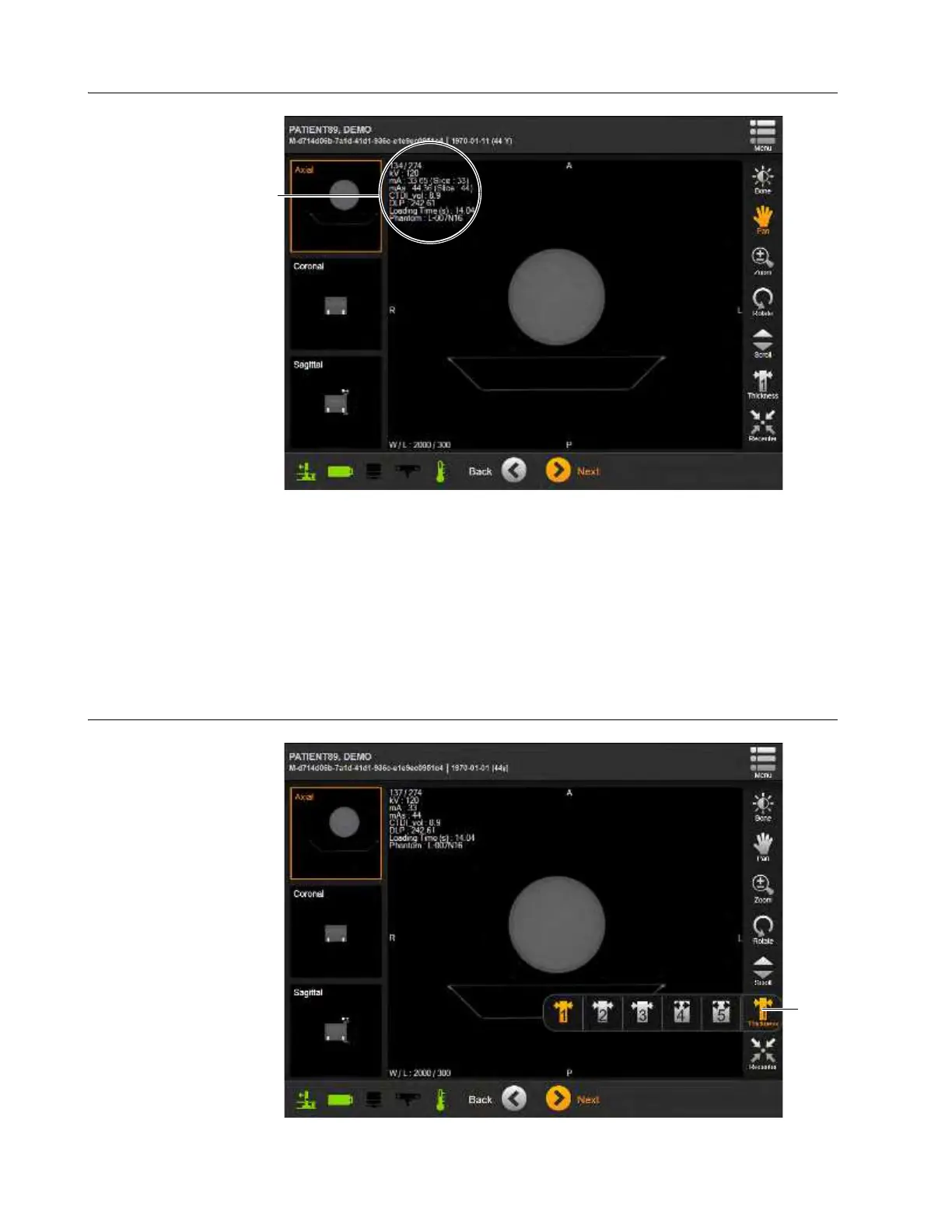
Figure 95
The DICOM Viewer shows various metrics in the upper left corner of the primary viewing window.
While scrolling through the slices of Constant Tube Current scans (Axial or Helical) only the slice
indicator changes. For example, item
h of Figure 91 shows that the current slice is the 137th slice
of the 274-slice series. All other shown metrics apply to the whole scan.
Modulated Tube Current scans (Helical only) add per-slice metrics for mA and mAs to the slice
position and scan totals. These allow per-slice comparisons to average mA and mAs levels a.
6.8.23 Setting Slice Thickness
How to Set the Slice
Thickness
Figure 96



 To Next Page