50 MI-42-0001 Rev. 19
TRANSPORT MODE: Transportation
3.3.5 Starting from Scan Mode
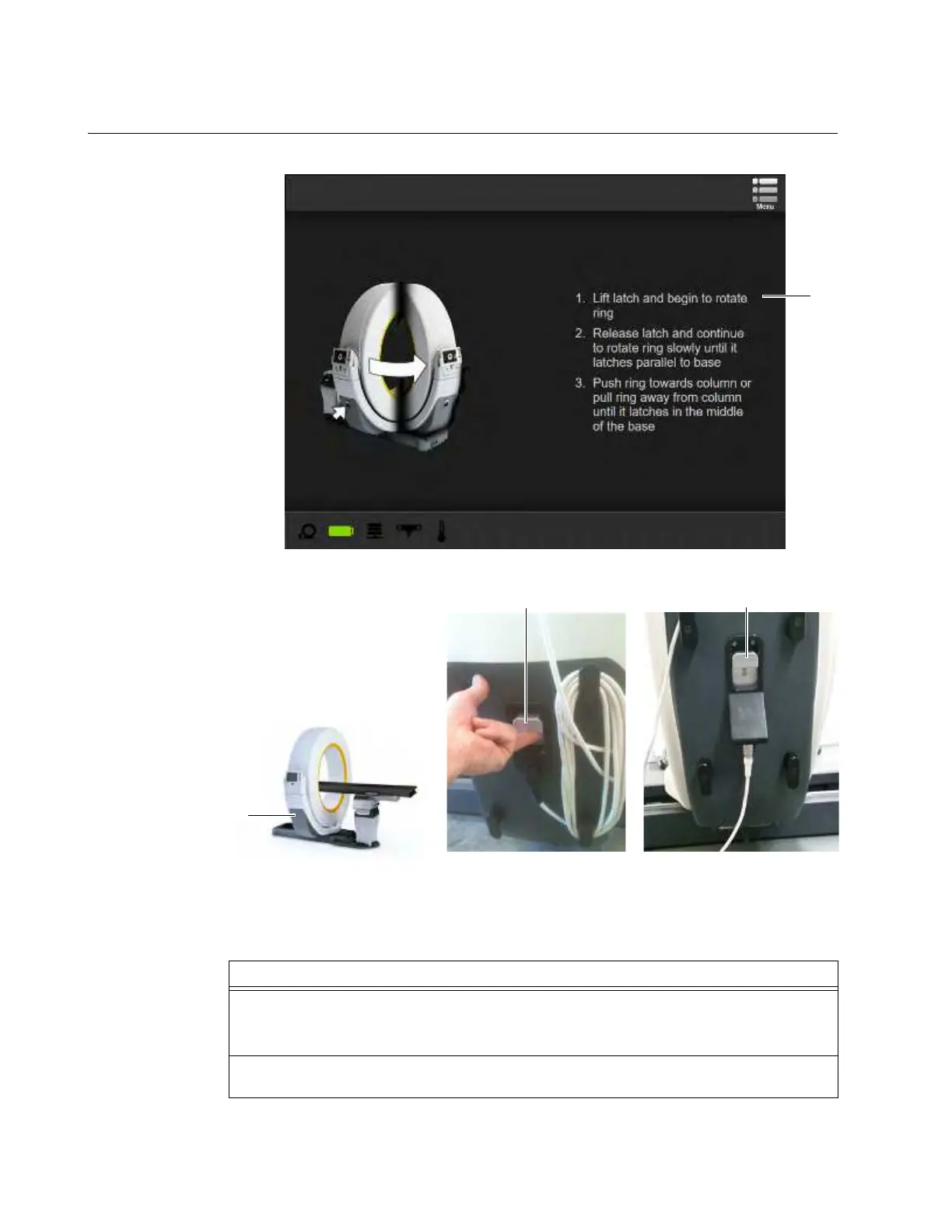
Using the Latch Use the latch to unlock the Ring.
Figure 24
Figure 25
NOTE: The latch locks when the Ring is pushed fully into the scan or transport position.
Steps
1. For systems with Columns, move, or translate, the Ring along Z-axis away from the Column
to make room to rotate Ring for Transport mode.
For systems without columns, make sure there is room for the Ring to rotate.
2. Using the main Menu, display the Choose Mode screen on the Pendant. See section
6.7.4 Menu in Scan Mode.
a
s
s
s
Hardwired Pendant Latch
Detachable Pendant Latch



 To Next Page