MI-42-0001 Rev. 19 21
SAFETY: Radiation Safety
2.7.2 Safety Features Against Excessive Radiation
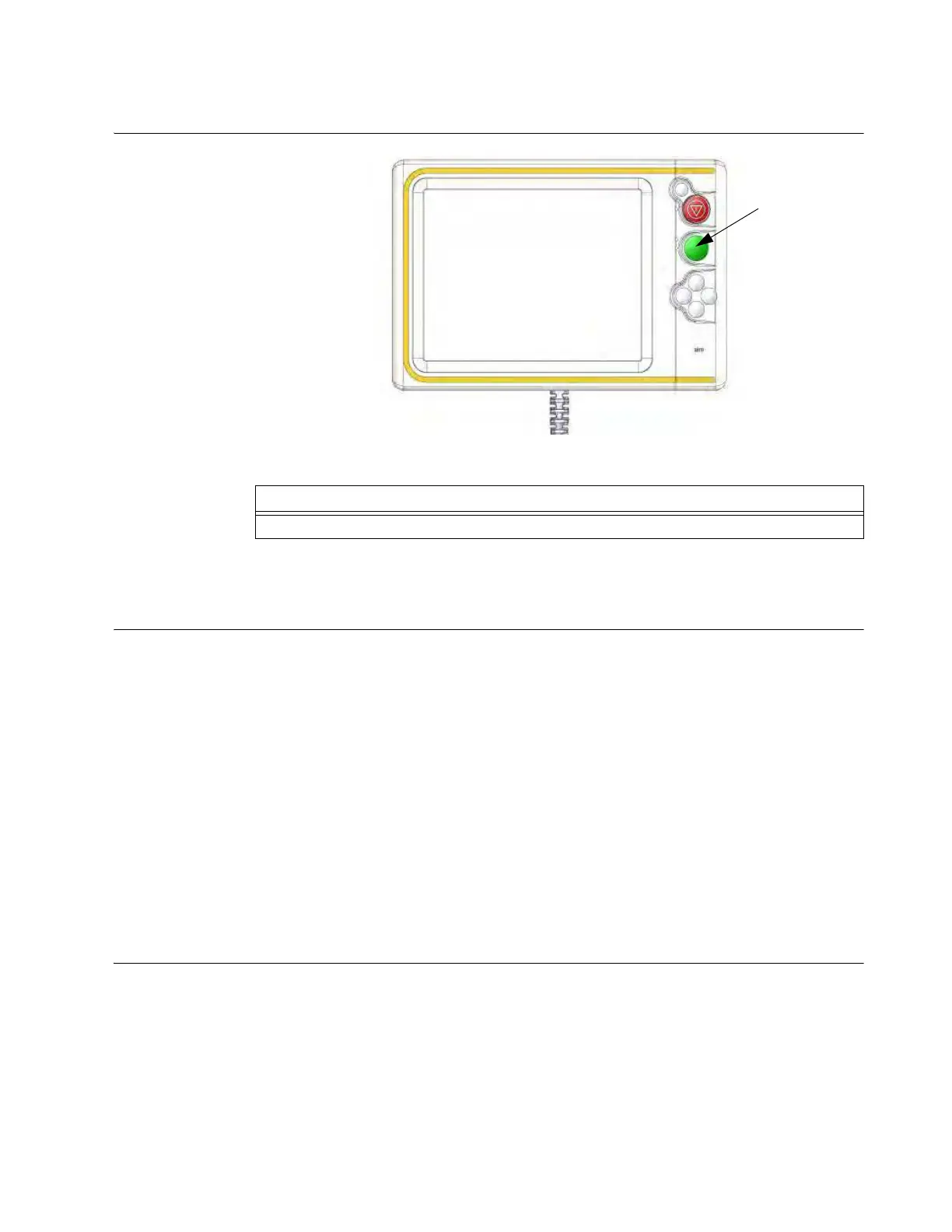
How to Stop a Scan
Figure 6
2.7.3 Dose Notifications and Alerts
Overview Both previous and current releases of the AIRO scanning system provide warnings that performing
multiple scans on patients may result in excess dosage. To proceed with multiple scans, users are
required to acknowledge this by selecting
Yes
. See Figure 99.
In addition to the existing warning concerning multiple scans, the current release also complies with
the NEMA XR 25 Computed Tomography Dose Check standard. As articulated by AAPM, the
purpose of dosage Notifications and Alerts is to prompt users to confirm settings that might lead to
“higher than usual” dose index values prior to scanning the patient.
Because the XR 25 standard does not provide a mechanism to take patient size into account when
evaluating dose indices, scans may require doses that exceed recommended “dose check” levels,
especially when scanning obese patients. For these scans,
Dose Notification
or
Dose Alert
messages provide “time-out” opportunities for confirming scan parameters.
By default, AIRO includes standard Computed Tomography Dose Index volume (CTDI
vol
) dose
check values in accordance with AAPM guidelines. Mobius Imaging defines four levels of users,
User, Manager, Technician, and Service. However, only Service-level users are allowed to change
the default dose check values. Please contact your certified service representative if standard
CTDI
vol
or Dose Length Product (DLP) levels for Notifications or Alerts need to be modified.
Notification When
Do
sage Level
Exceeds
Recommended
Value
When a scan’s estimated CTDI
vol
or DLP values exceed the maximum CTDI
vol
or DLP settings of
the scan protocol, the values are highlighted on the
Location Selection
and
Set Scan Parameters
screens. See
a, s, and d in Figure 7 (CTDI
vol
values shown in this example).
Step
Release Scan
a button.



 To Next Page