140 MI-42-0001 Rev. 19
MAINTENANCE: Service Functions
Options See
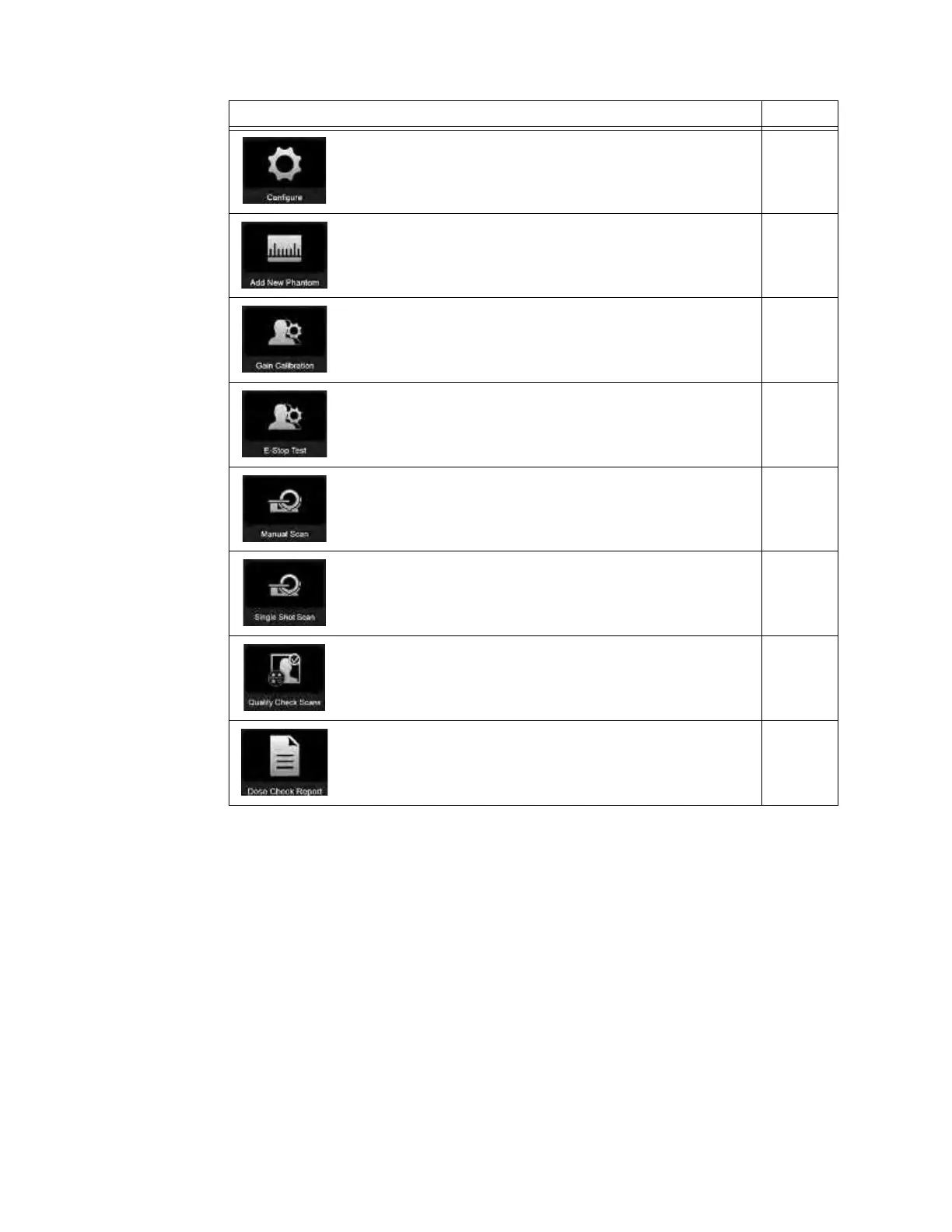
Select Configure
a to export log files, export Gain Cal, calibrate
the Pendant, and view the QC pattern.
7.2.3
Select
Add New Phantom s to add a new test phantom. 7.2.4
Select Gain Calibration d to perform the daily Gain Calibration. 7.3.3
Select E-Stop Test f to perform the daily Emergency Stop test. 7.2.5
Select
Manual Scan g to perform a helical or axial scan
selecting a specific dosage (kV and mA), kernel, field of view and
navigation.
7.2.7
Select Single Shot Scan h to perform a place scan without
motion. Using a specific kV, mA, angle and duration. Used for
dosage testing.
7.2.8
Select Quality Check Scans j to perform daily and semi-
annual helical and/or axial self-check scans of the Gammex 464
phantom.
7.2.9
Select
Dose Check Report
k to view and export scan protocol
dosage settings and system scan-notification and scan-alert
data.
7.2.10



 To Next Page