MI-42-0001 Rev. 19 131
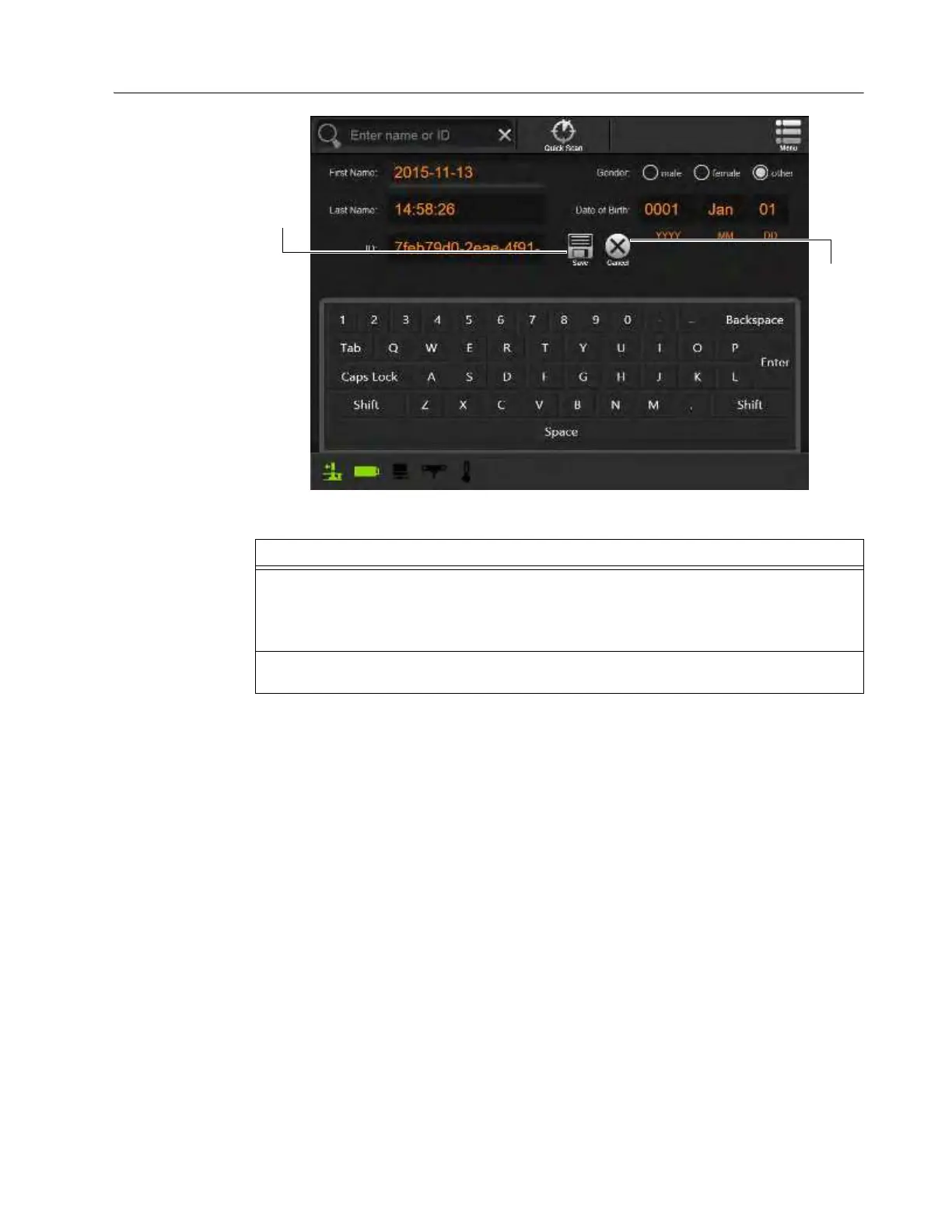
SCANNING: Editing Patient Data
Change Patient
Information and
Save
Figure 106
Steps
1. Edit patient information as required.
NOTE: Emergency scans will have the first name “Date [2015-11-13]” and the last name
“Time [14:28:26]”. The patient name is the date and time the scan was taken. AIRO
automatically generates a unique patient ID.
2. Select Save a to save the patient information to the database or Cancel s to ignore
changes and return to the Patient Selection screen.



 To Next Page