128 MI-42-0001 Rev. 19
SCANNING: View an Existing Scan
How to View Series
Details
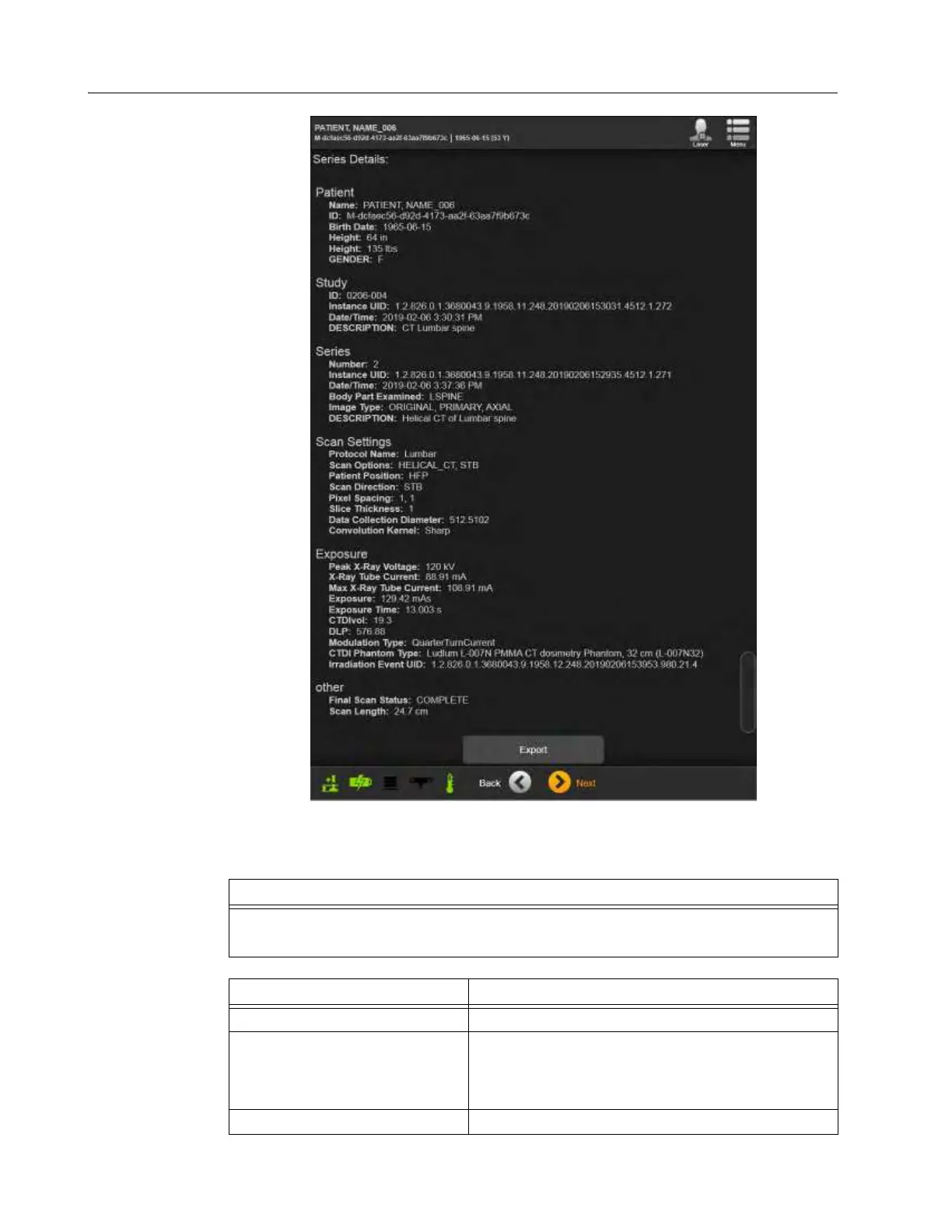
Figure 102
For more information about a particular scan or series:
Step
Select the
Details
on the Please select a series screen. See j in Figure 101.
Figure 102 shows an example details report.
Option Action
View currently selected scan. Touch Next.
Export series details
1. Select
Export
.
2. Select options and then touch either
Send to DICOM
node
or
Export to USB
. See section 6.8.24 Sending
Scan to DICOM or USB.
Select a different scan in the study. Touch Back.



 To Next Page