112 MI-42-0001 Rev. 19
SCANNING: Typical Scan Sequence: New Scan
How to Adjust
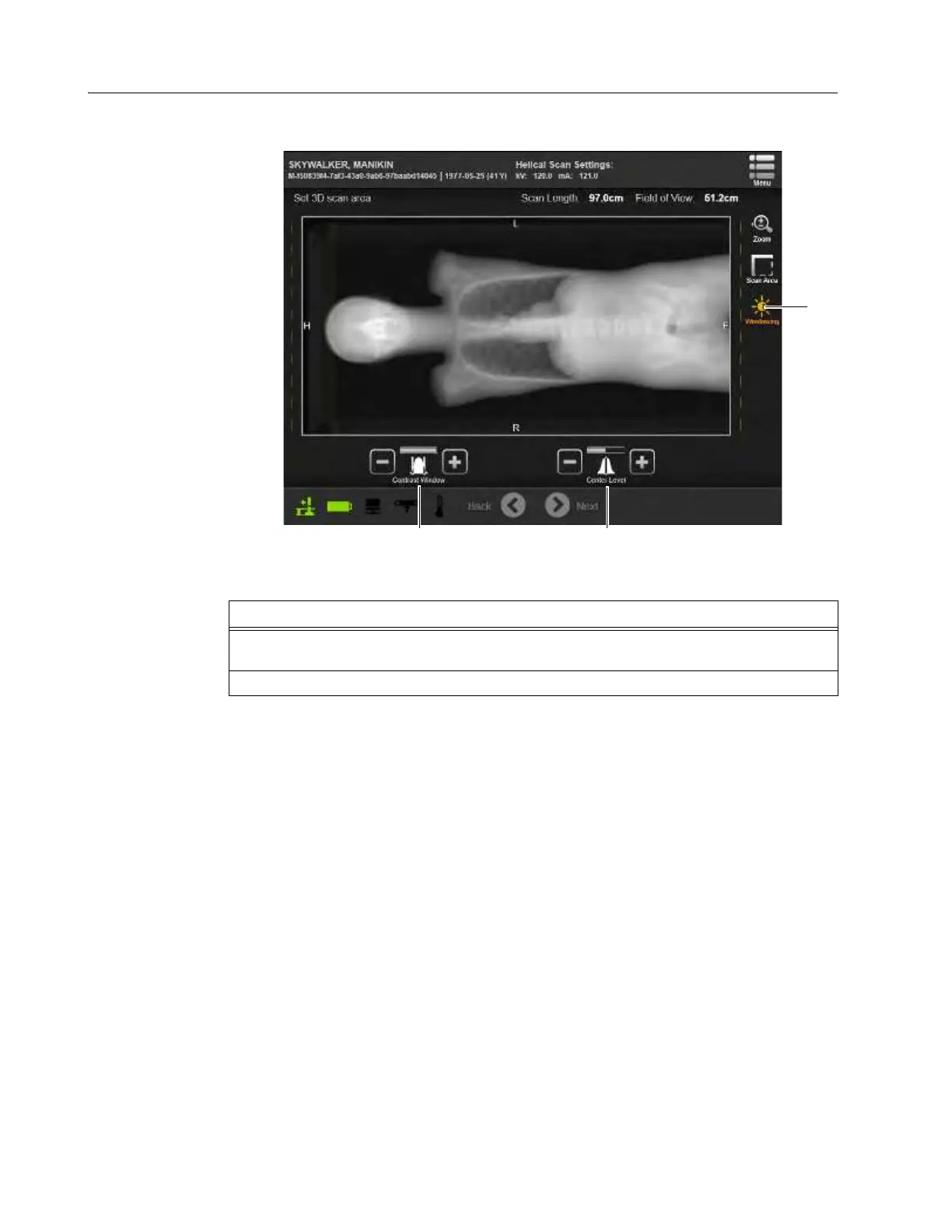
Scout Scan View
Settings
Window viewer settings change the Contrast and Center Level settings to help users differentiate
elements in the image that have different densities.
Figure 84
Steps
1. Select the
Windowing
icon a on the right side of the screen to enable Contrast Window s
and Center Level d controls.
2. Touch the +/- icons to adjust the image.



 To Next Page