MI-42-0001 Rev. 19 111
SCANNING: Typical Scan Sequence: New Scan
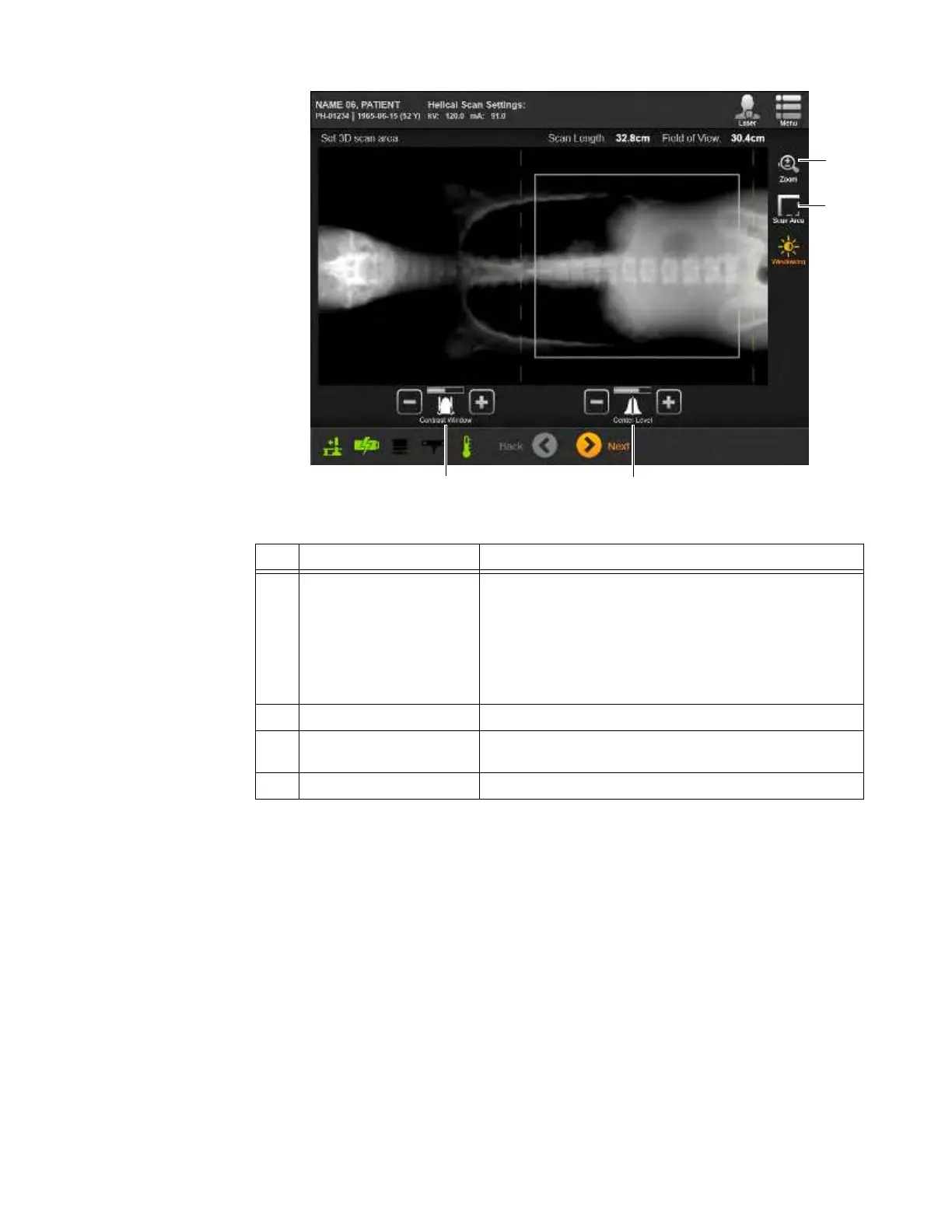
Figure 83
No. Category Adjustments Visible in Scout Scan Image (Figure 83)
a
Scan Area Box on image shows:
• Left boundary adjustment
• Right boundary adjustment
• Field of View narrowed to approximately torso width
NOTE: Dashed yellow lines indicate width of beam outside
the Field of View at isocenter.
s
Zoom 1x setting
d
Windowing > Contrast
Window
Default - ~50%
f
Windowing > Center Level Default + ~15%



 To Next Page