MI-42-0001 Rev. 19 99
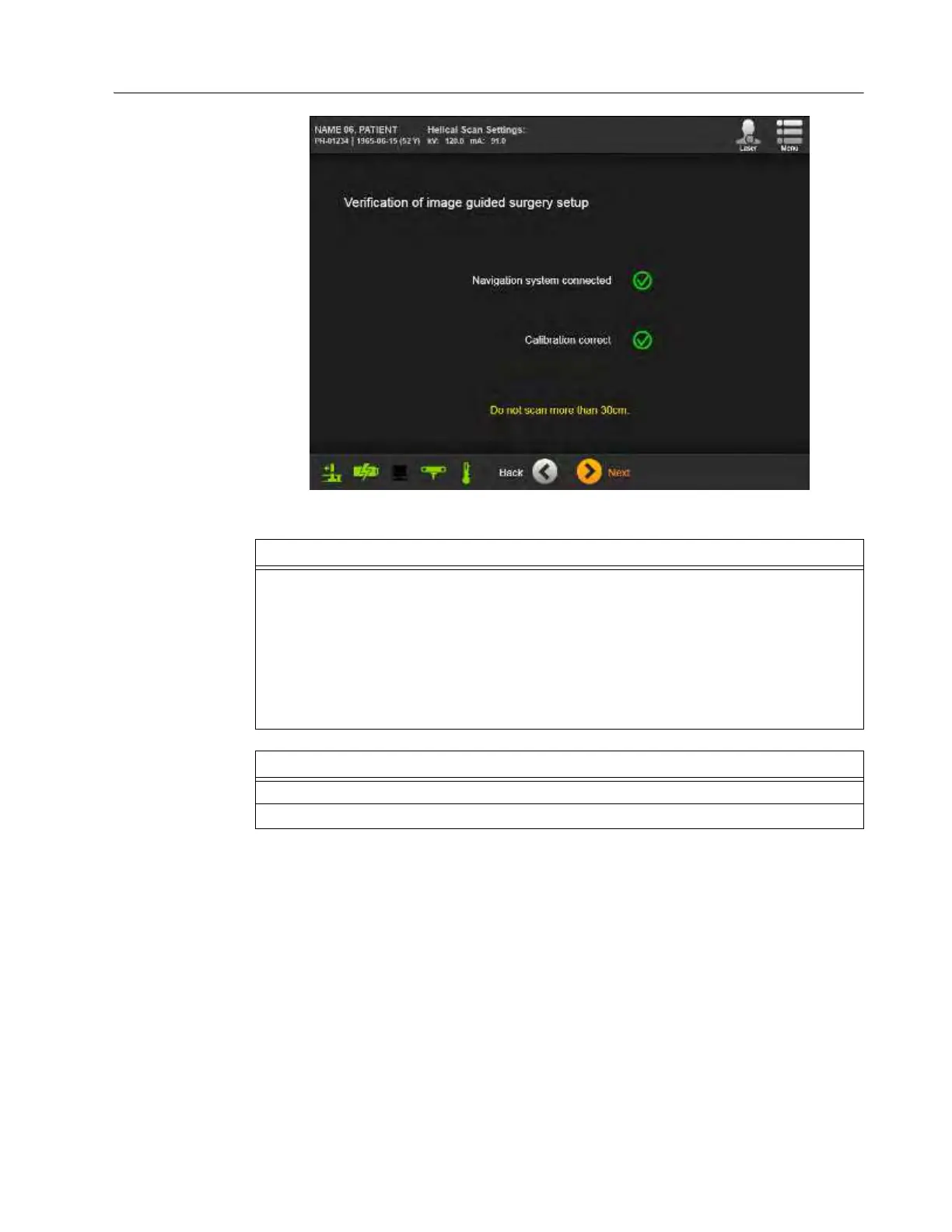
SCANNING: Typical Scan Sequence: New Scan
How to verify
Navigation System
is Operational
Figure 69
Step
Verify Navigation System is operational.
NOTES:
• This screen only appears for scans when AIRO connects to a navigation system, and the
operator selects
Navigation:
>
with
on the Set Scan Parameters screen. See Figure 68.
• For Navigation scans, the icons for
Navigation system connected
and
Calibration
correct
should both be checked and green. If icons are not checked, verify your Navigation
System setup and retry.
• Navigation scans should not exceed 30 cm.
Options
To change parameters, touch Back.
To proceed, touch Next.



 To Next Page