MI-42-0001 Rev. 19 109
SCANNING: Typical Scan Sequence: New Scan
AIRO produces ionizing radiation. Excessive exposure causes serious injury. Follow
the procedures in section 2.7 Radiation Safety.
To stop the scan at any time, release the Scan button. The data will be saved.
Result of Releasing
Scan Button Before
Scout End Point
Setting
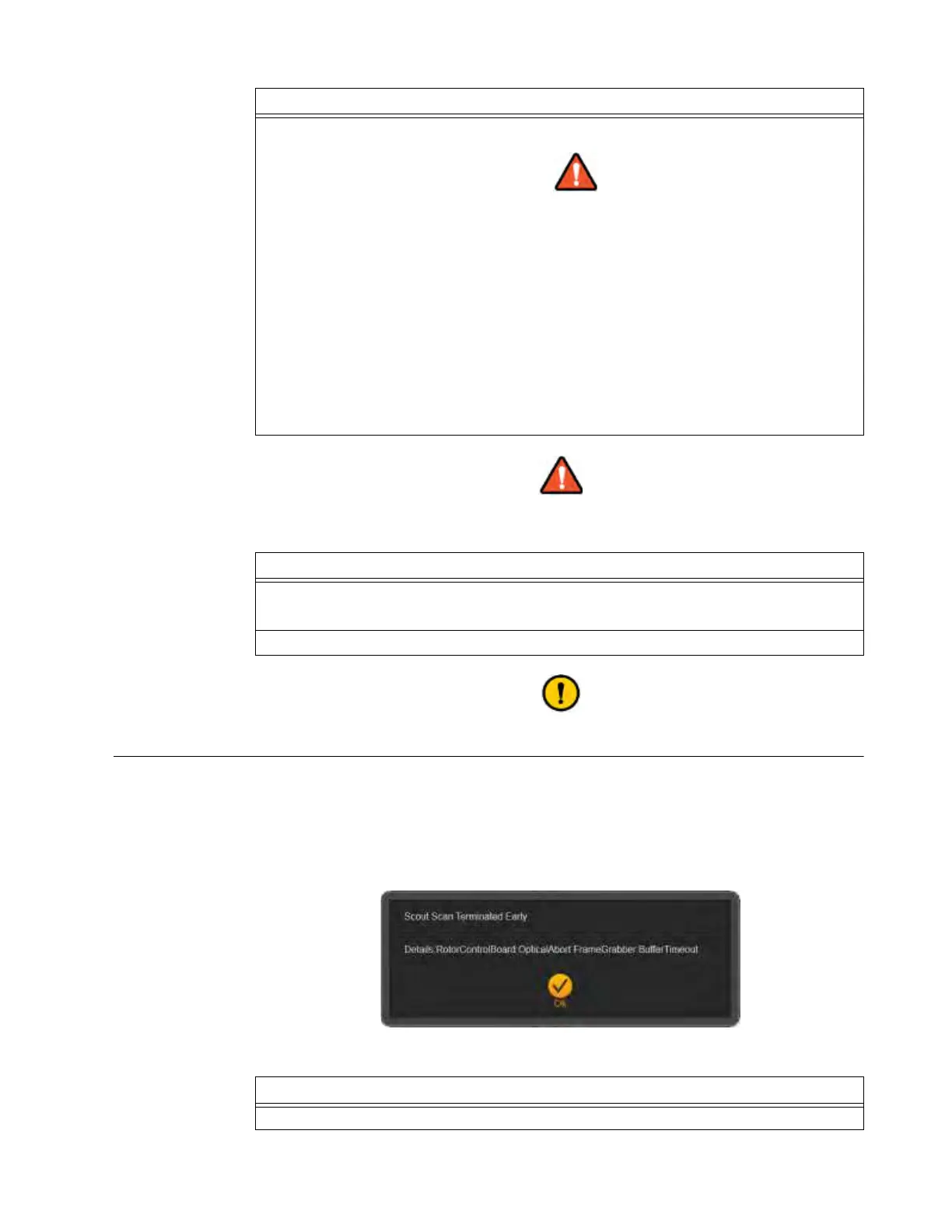
AIRO Scout Scans can be stopped by releasing the Scan button after the scout shows the region of
interest (ROI) and before the scan reaches the end point set during the scan preparation. Because
the set scan length is longer than the actual scan performed, AIRO shows a dialog that indicates the
expected image-data buffer has not been filled in the expected time frame.
NOTE: This feature is limited by the minimum scan length of 7.9cm (3.11 in.). If the Scout Scan is
stopped before reaching the minimum scan length, the system will not allow a 3D scan to be run.
Figure 81
4. To scan when the Green LED is lit s, press and hold Scan d.
Keep continuous visual contact with the system and the patient when system
components are in motion.
NOTES:
• The positioning lights show the point of scan on the patient.
• The scan image is streamed to the display as it is constructed.
• Follow on-screen instructions to ensure that the scout scan is complete and data is
available for setting up the 3D scan. See
f in Figure 80 that shows the Pendant
during a 2D Scout scan.
• Occasionally the Scout image may not appear in real time due to wireless
communication issues.
• Allow approximately 2 minutes for completion of the Scout scan. The image should
then appear on the
Set 3D scan area
screen. See Figure 82.
Options
To stop the scan at any time, release Scan.
NOTE: Minimum Scout Scan length is 7.9cm (3.11 in.).
To go back, touch Back.
Steps
Step
Touch
OK
to acknowledge the message and continue optimizing the 3D scan.



 To Next Page