80 MI-42-0001 Rev. 19
SCANNING: Daily Warm Up Scan
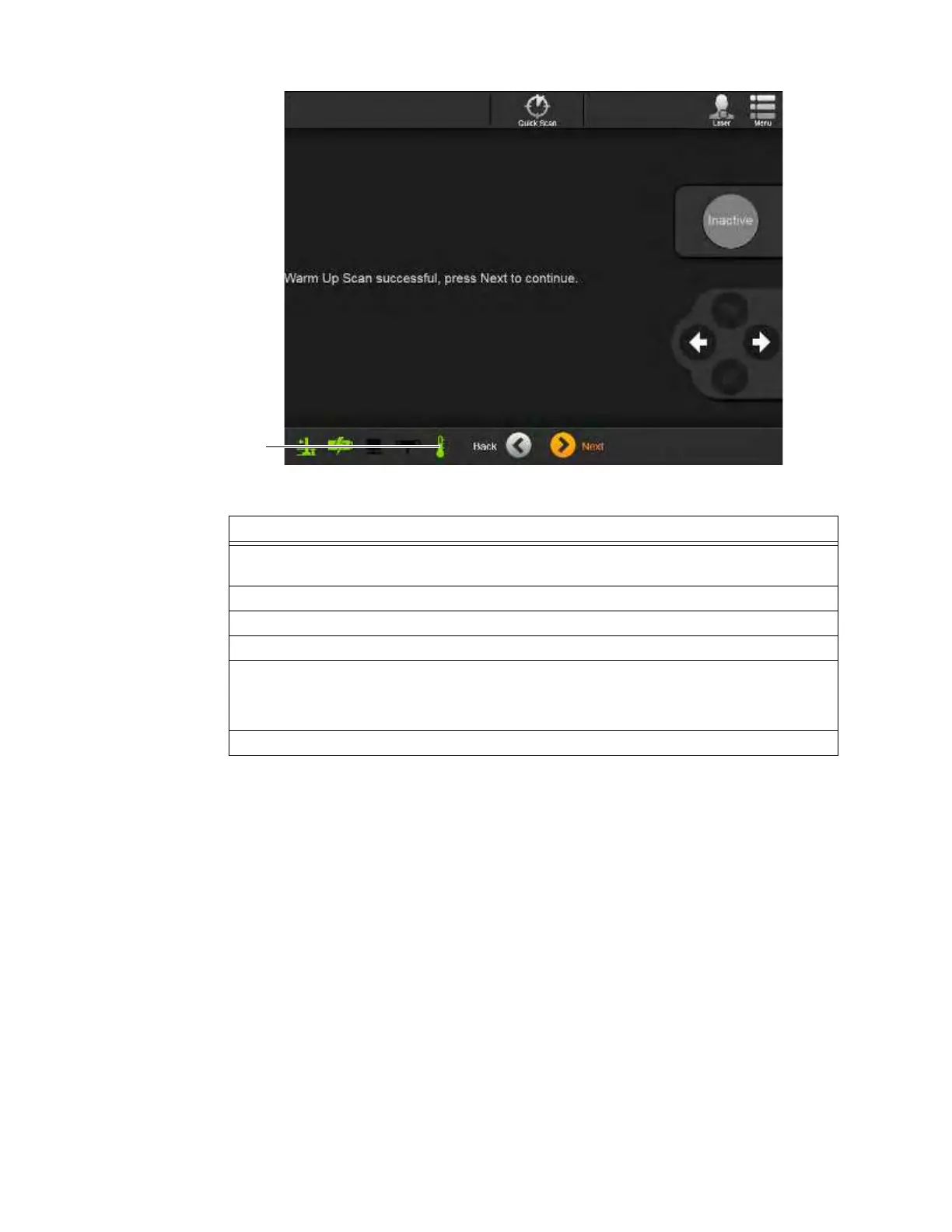
Figure 46
Steps
1. Verify that the system temperature icon
a is cyan, indicating that the warm-up scan is
required. See Figure 45.
2. Touch
Next
to show the
Warm Up Scan Preparing
screen.
3. Wait until the indicator for the Scan button is Green, then follow on-screen instructions.
4. Release the green Scan button as instructed.
5. Verify the Warm Up Scan result:
• Success - system temperature icon changes to green
s. See Figure 46.
• Failure - see chapter 12 TROUBLESHOOTING.
6. If required, repeat the Warm Up Scan.



 To Next Page