MI-42-0001 Rev. 19 95
SCANNING: Typical Scan Sequence: New Scan
Confirm Protocol
Selection for Active
Patient
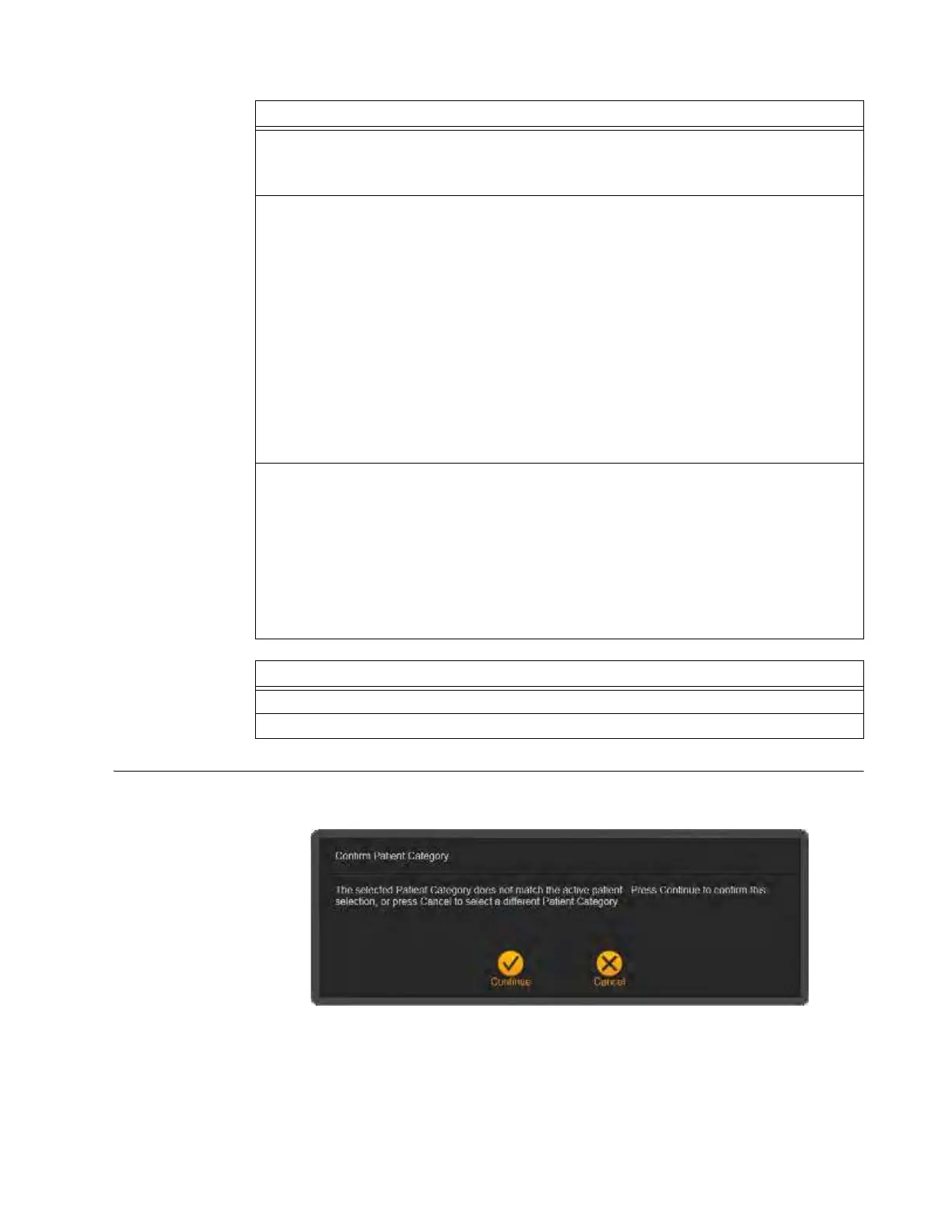
When the current, or active, patient does not match the default ranges of the selected patient
category, AIRO displays the Confirm Patient Category dialog.
Figure 66
Steps
1. For the listed patient
a s, select the appropriate patient type d f.
Available patient categories for the selected patient type appear in the middle section of the
screen.
2. Select the required patient category g h.
NOTES:
• The highlighted parameters are suggested to optimize dosage based on averages for
the patient’s age range, weight, and height. See the Standard Patient Categories
table above.
• However, the appropriate protocol must be selected by the patient’s physician to
accommodate patient size and physique. For more information, see MI-42-0005
Application Guide Protocols and Principles.
• If the active patient’s height and weight are lower than the 5% level of default Patient
Category ranges, consider selecting the Patient Category one level below the
patient’s age.
• If the active patient’s height and weight are greater than the 95% level of default
Patient Category ranges, consider selecting a Patient Category one level above the
patient’s age.
3. Review
Patient Info
and
Category Details
j k.
NOTES:
• For Pediatric patients, Category Details k provides information for selecting an
appropriate Patient Category based on the size and physique of the patient. This
includes:
– Ranges for age, height, and weight
– Typical sizes for Head Circumference and AP/LAT Thickness
• Any mismatches between the current, or active, patient and the default age, weight,
and height ranges of the selected category are highlighted in
Category Details
l.
Options
To change Scan direction, touch Back.
To proceed, touch Next.



 To Next Page