52 MI-42-0001 Rev. 19
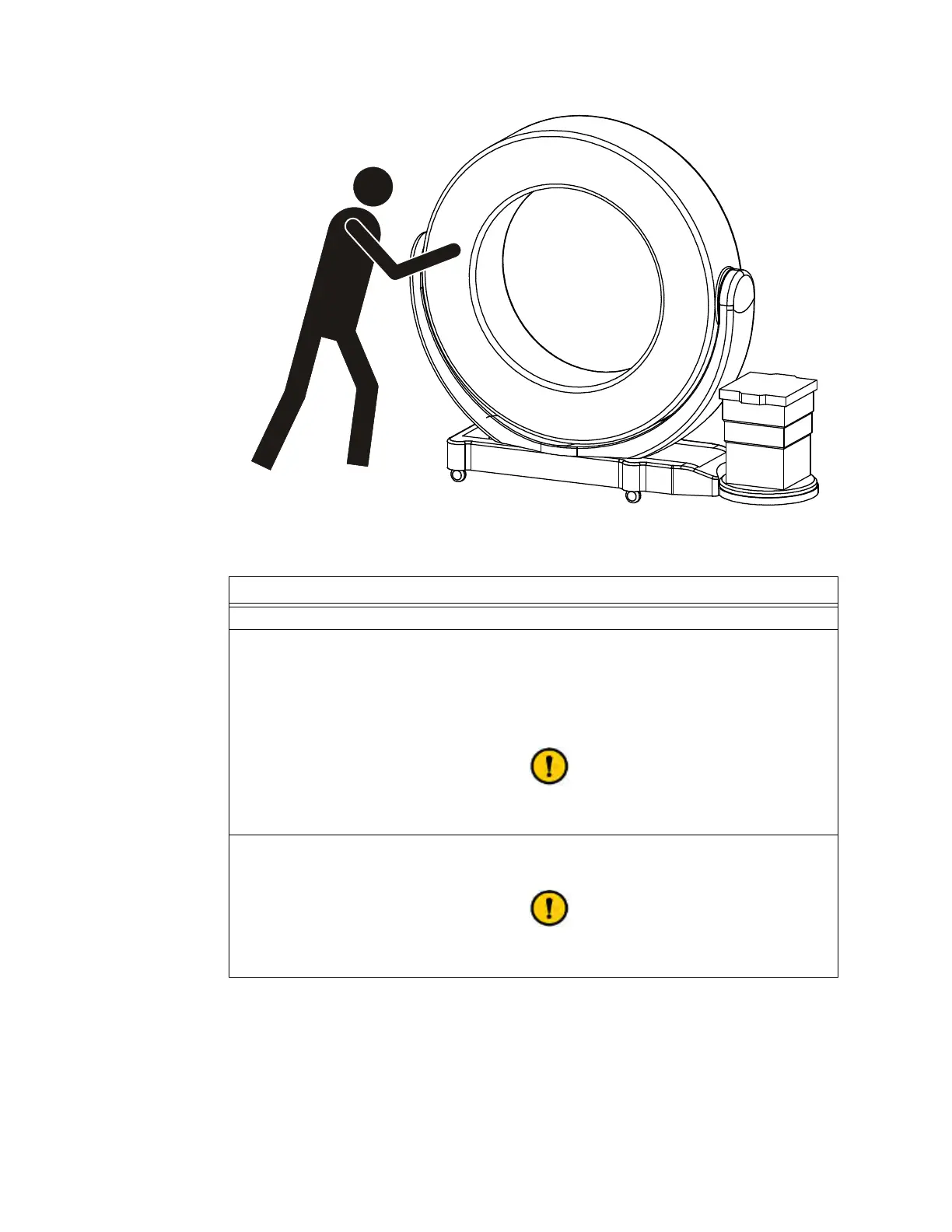
TRANSPORT MODE: Transportation
Figure 26
Steps
1. Use the latch to unlock the Ring. See section Using the Latch.
2. Rotate the Ring until it latches into position:
• Transport position: Parallel with the base
• Scan position: At a 90° angle to the base with the Mobius AIRO logo:
-
Away
from the column to scan
toward
base-column (STB).
-
Toward
the column to scan
away
from base-column (SAB).
See cautions about rotating the Ring in section
3.3.6 Rotating and Latching the Ring in Transport or Scan Position.
3. (Transport mode only:) Push the Ring so it moves toward the middle of the base’s Z-axis
until it latches.
Move the Ring slowly and carefully. Moving the Ring quickly can damage the anchor
points in the Ring and Transport latches.



 To Next Page