MI-42-0001 Rev. 19 71
SCANNING: Before Scanning
How to Home Ring
Tilt
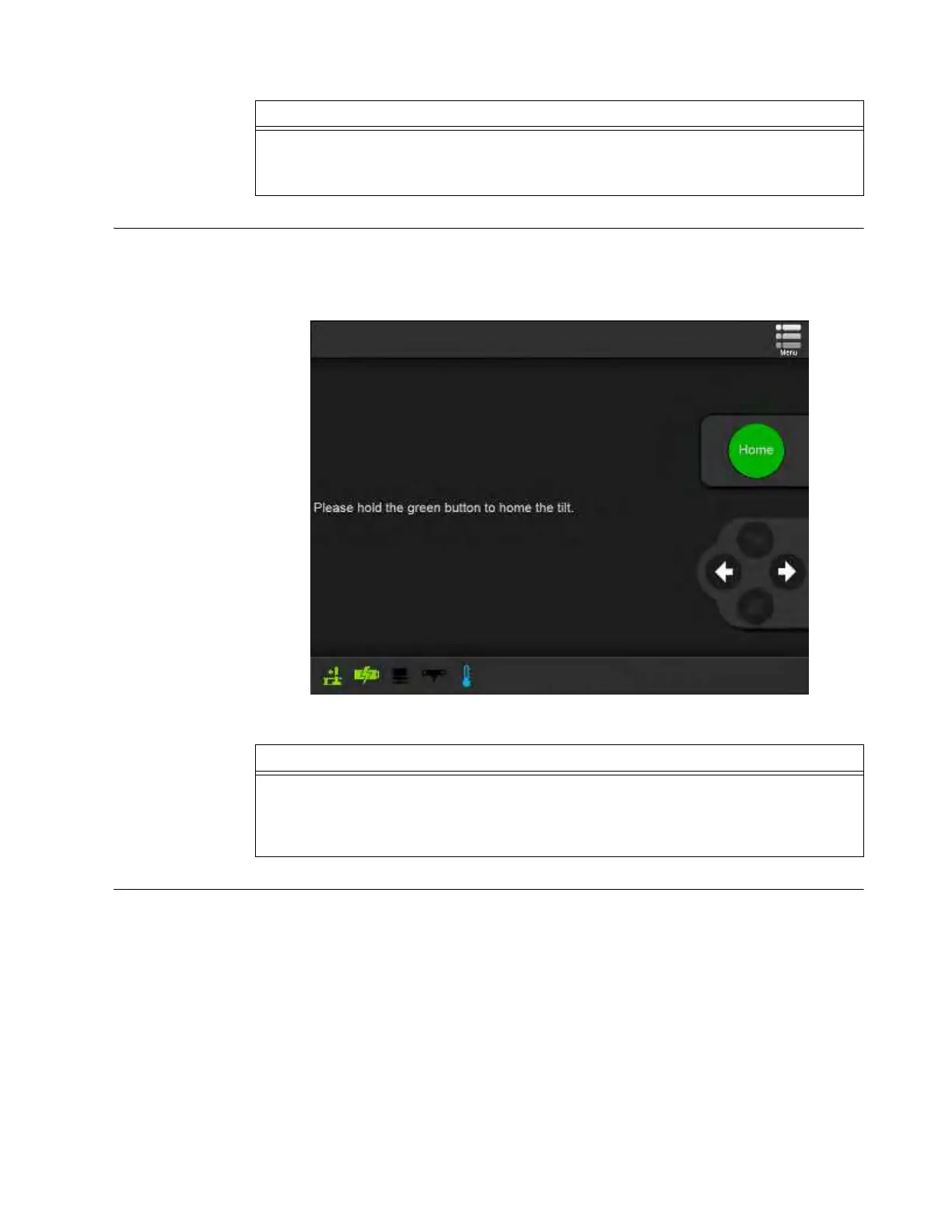
After operators select Scan, AIRO checks that the Ring is perpendicular. If adjustment is needed,
the Home the Tilt screen appears. Typically, this occurs after switching from Transport mode to Scan
mode or reorienting the Ring. See section 3.3.6 Rotating and Latching the Ring in Transport or Scan
Position. It can also occur after manually moving, or translating, the Ring along the Z-axis.
Figure 38
Required
Maintenance Scans
If the system detects that Required Maintenance Scans have not been performed recently, you are
prompted with a dialog box indicating which Scans need to be performed. Some maintenance check
scans verify system setup and must be run daily, Others are required less often.
Each day, allow time for performing these maintenance scans prior to using the system clinically. At
a minimum, run the Warm-Up, E-Stop, Gain Calibration, and the Required Maintenance Scans that
match the scan types scheduled for the current day. If the schedule includes Helical, Axial, SAB,
STB, and Pediatric scans, perform all Required Maintenance Scans.
Step
Select Scan
a on the touchscreen.
NOTE: If the system is not lowered, you are prompted to lower the system. See section 3.3.11
Lowering the System
Step
Hold the green
Scan Button
on the Pendant (g in Figure 36) until the Connect the Mobile CT
System screen (Figure 40) or the Required Maintenance Scans dialog (Figure 39) appears.
NOTE: While holding the Scan Button, AIRO oscillates Ring tilt to find a precisely perpendicular
position.



 To Next Page