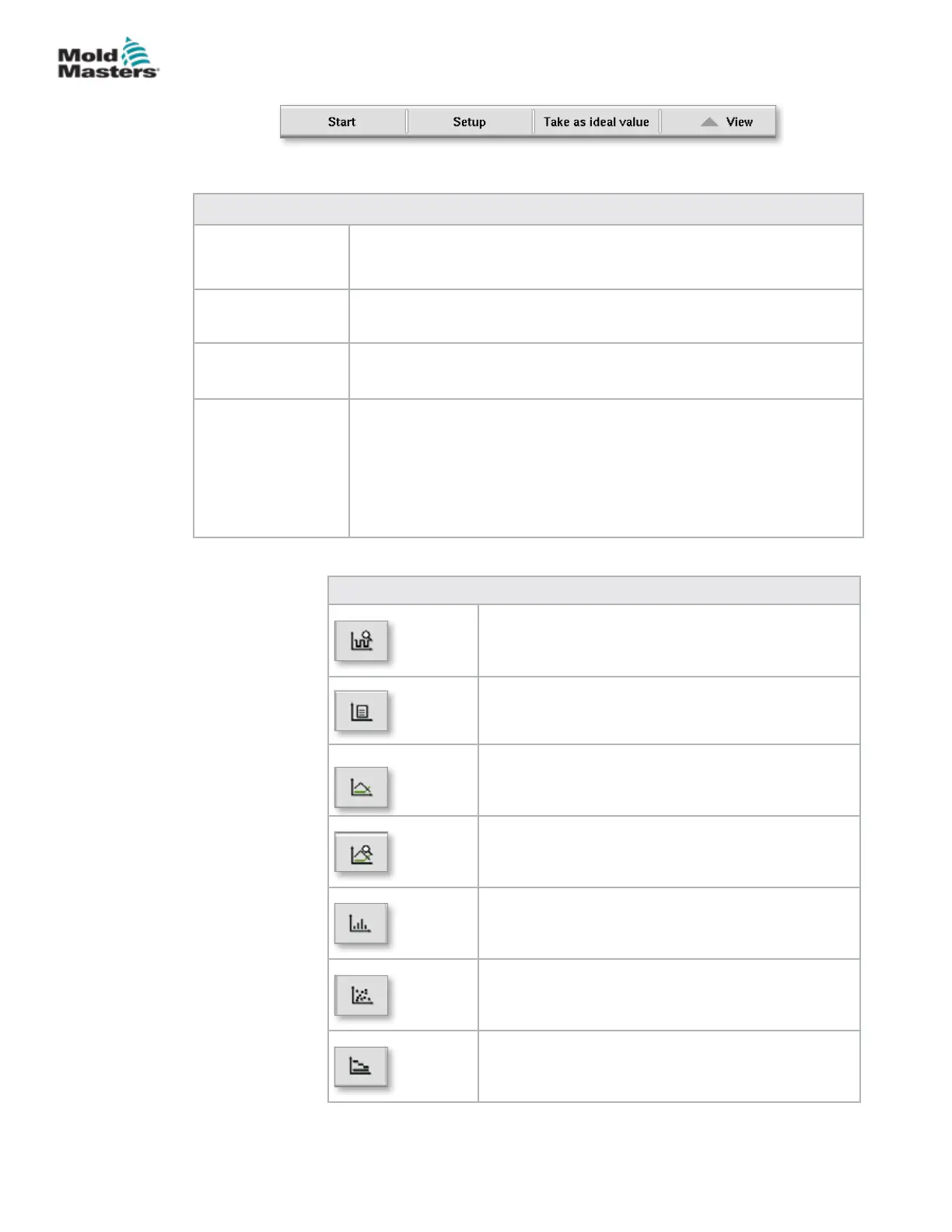
Table 7-34 Process Data Screen Lower Menu Buttons
Start / stop Starts and stops the measurement of process data.
The button is displayed alternatively depending on the current status of
the measurement.
Setup Opens the settings dialog of the PD protocol.
Take as ideal value The values of the current measurement are set as reference values.
Further measurements can be compared with these values.
View Details o: This option is used to show or hide the status line at the
upper edge of the screen.
Delete: Deletes the displayed data.
Keep list / clear list: Stops or starts the display of new values. The
protocol log continues to run in the background. A new actuation of the
button continues the display on the position of the current measurement.
7.20.1 Lower Menu Buttons
Figure 7-22 Process data screen lower menu buttons
Table 7-35 Process Data Screen Context Menu Buttons
Software Oscilloscope (SWO)
Congurable view
PD - Protocol
Production data in table format
PD - Line Graph
Production data in line graph format
Statistical Process Control (SPC) Setup
Production data Supervisor settings
PD - Histogram
Production data in histogram format
PD - Scatter Graph
Production data in scatter graph format
PD - Cycle Time
Process cycle time shown in stacked horizontal bars
7-58
© 2020 Mold-Masters (2007) Limited. All Rights Reserved.
E-MULTI CONTROLLER HMI INTERFACE
E-Multi Controller User Manual



 To Next Page