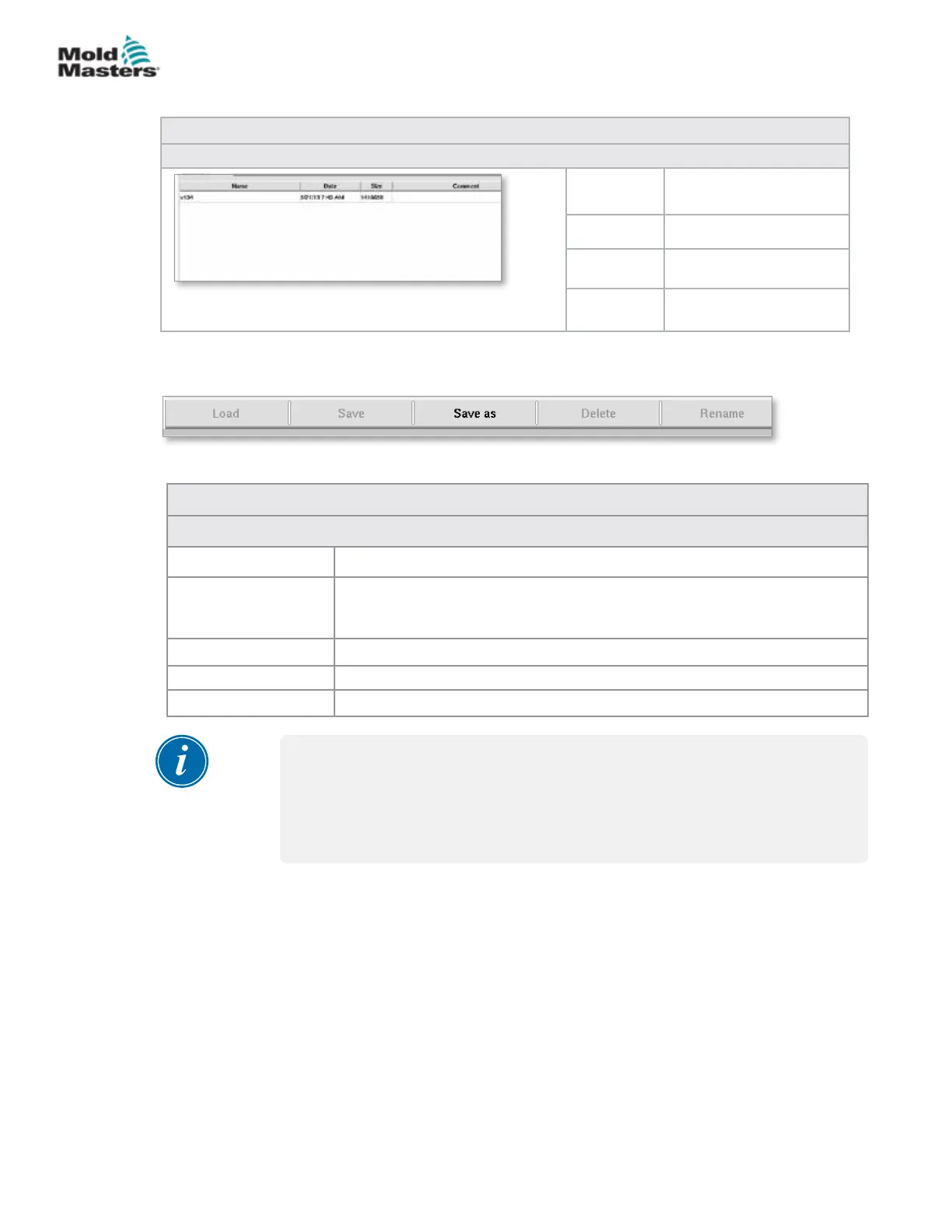
Table 7-57 Mold Data Screen Components
Screen Components
Name Name of the mold
settings.
Date Creation date.
File size File size.
Comment Comments about the
mold settings.
7.38.1 Lower Menu Buttons
Table 7-58 Mold Data Screen Menu Buttons
Menu Buttons
Load Loads the selected mold settings le.
Save Saves the current mold settings to a le.
If the settings le exists, the current settings will overwrite the previously
saved settings.
Save as Saves the current mold settings to a new le.
Delete Deletes the selected mold settings le.
Rename Renames the selected mold settings le.
NOTE
Do not load a standard E-Multi mold setting le on a E-Radial system as the
prole limits could be outside of normal operating conditions.
In the case where a standard mold setting le was loaded, loading a
E-Radial mold setting le will correct the prole.
Figure 7-43 Mold data screen lower menu buttons
Mold Data Screen - continued
7-89
© 2020 Mold-Masters (2007) Limited. All Rights Reserved.
E-MULTI CONTROLLER HMI INTERFACE
E-Multi Controller User Manual



 To Next Page