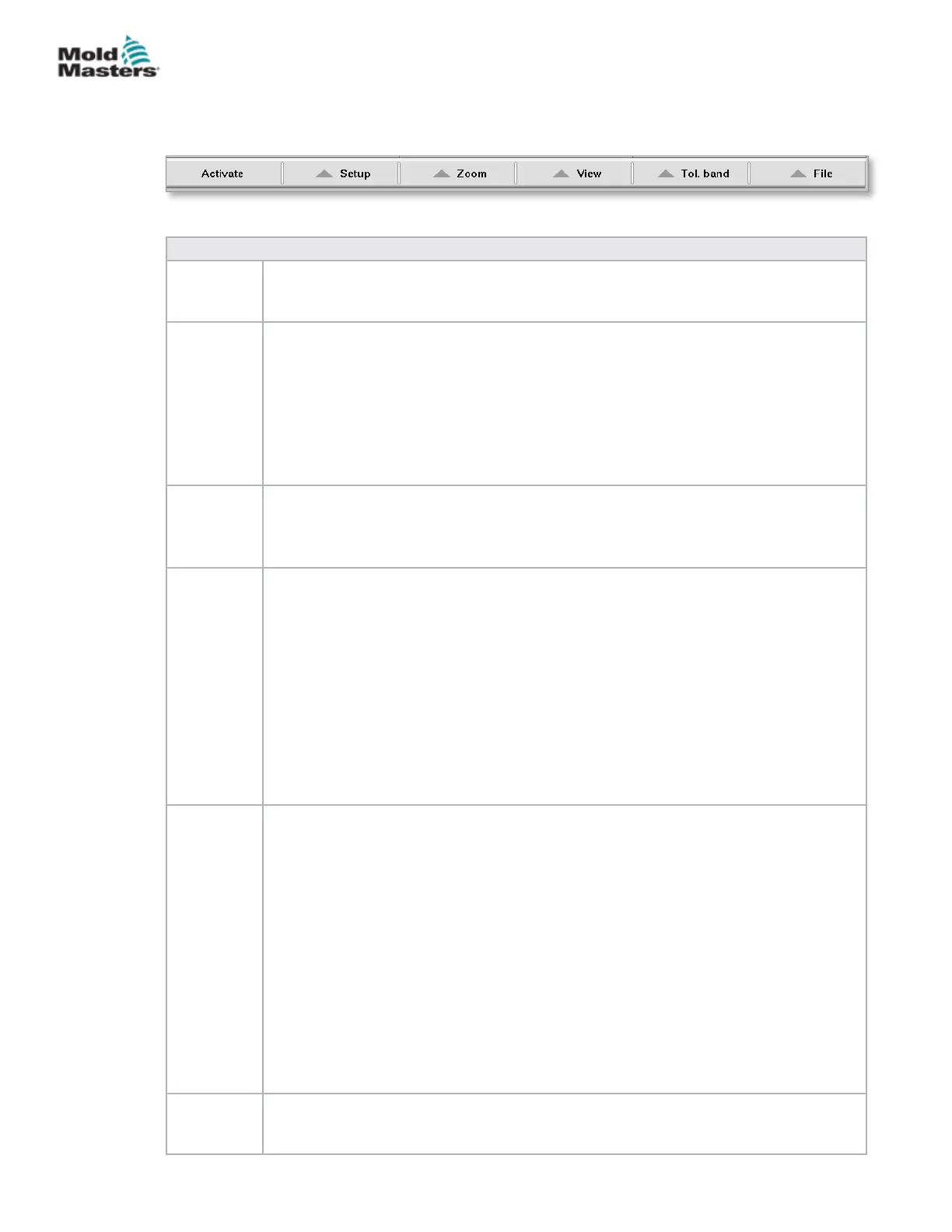
7.18.1 Lower Menu Buttons
These buttons are common to the dierent production graph screens. Their
sub-menus and functions are described in the following table.
Figure 7-20 Production graph screen lower menu buttons
Table 7-31 Production Graph Screen Lower Menu Buttons
Activate
Activates / deactivates the measurement. The button label toggles between activate /
deactivate depending on the current status.
Setup Conguration: Opens the general conguration dialog. See “7.18 Production Graph
Screen” on page 7-51.
Set all ref. curves: This is used to select all displayed curves as reference curves.
Pressing the button again cancels the selection of reference curves.
Export: Opens the Export Settings dialog for the export of measurements. See
"Export Settings" on page 9-18 for more detail.
Load original setup: If data from a le was loaded and displayed via the import
function, this function can be returned to for the currently running measurement.
Zoom Zoom xxx%: Enlarges the displayed area by the corresponding factor.
User dened: An arbitrary area can be selected and the display magnied here.
Auto scale: The x/y scales are automatically adapted to the optimum scaling.
View Actual value: Shows the actual value cursor (shown by a red cross on the curve) that
can be shifted using the Left and Right position buttons. The measurement values at
this position are displayed in the legend.
Pressing the Cancel button exits the dialog.
Maximize: Enlarges or shrinks the displayed graph (display/hide legend).
Tol.band: Activates or deactivates the display of the tolerance bands for all curves.
Trend: Display / hide the trend display.
The previous curves are displayed simultaneously with the current curves in a slightly
lighter color than the current curve. The number of curves to be displayed can be set
in the settings dialog and is limited to 10 curves.
Reference: Activates or deactivates the display of the reference curve for all curves.
Tolerance
band
Transfer: Enables the transfer of curves into a monitoring range, inside which the
curve is to move. A selection dialog allows the choice of whether a reference curve or
trend curves are used as source for the tolerance band. If the trend curve or reference
curve are not available, the corresponding selection box is deactivated. The selection
box is also deactivated if no matching tolerance properties were entered.
Selection Dialog
Name Display of the available curves.
Ref. If this eld is activated, the tolerance band for the curve is transferred
from the reference curve. This eld is only available if a reference
curve is saved.
Trend If this eld is activated, the tolerance band for the curve is transferred
from the trend curve. This eld is only available if trend curves are
available.
File Start Export: Starts the export of the current curve to a le.
Load Measurement: Opens a saved measurement and shows the variable values in
the diagram.
7-53
© 2020 Mold-Masters (2007) Limited. All Rights Reserved.
E-MULTI CONTROLLER HMI INTERFACE
E-Multi Controller User Manual



 To Next Page