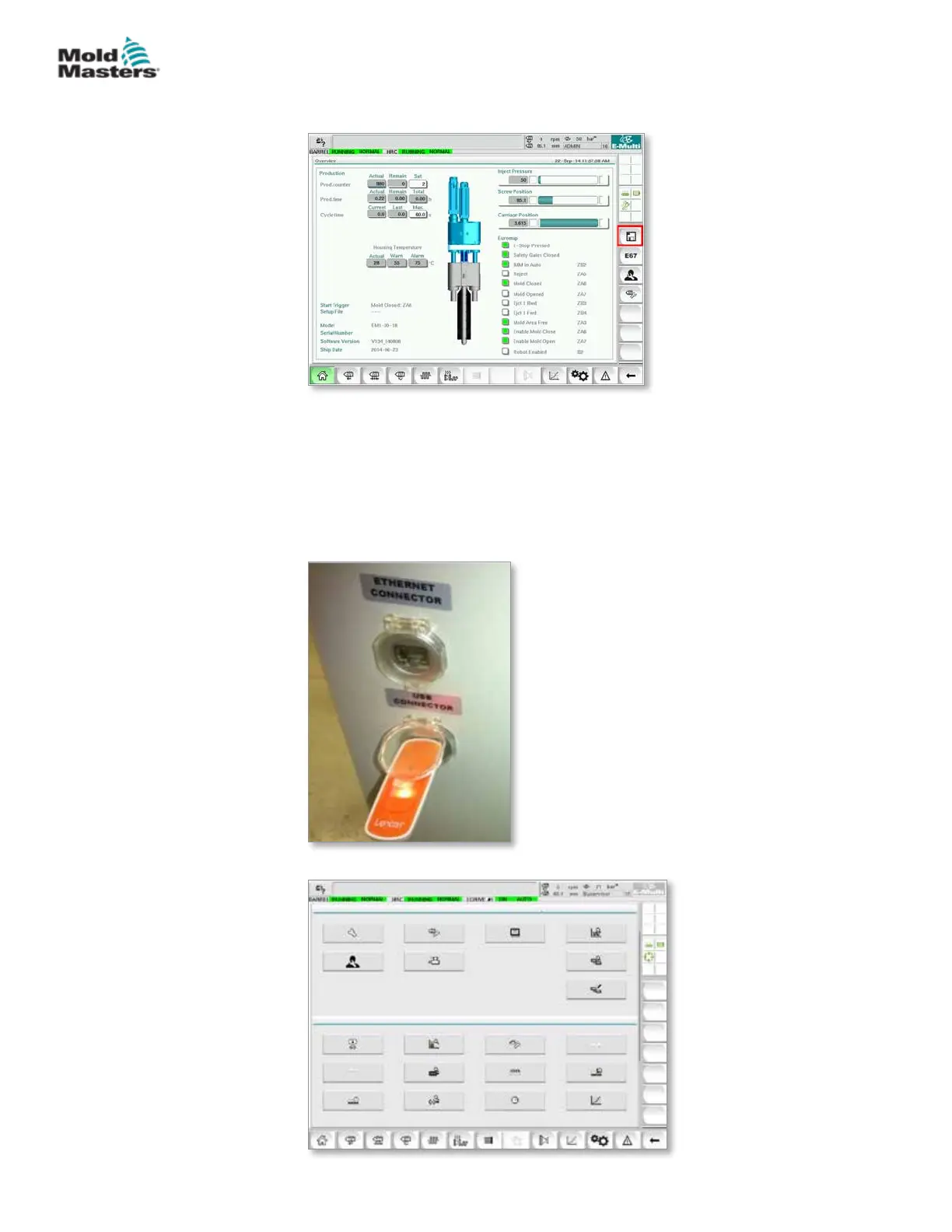
4. Navigate to the mold data screen.
5. From the Drive: drop down menu, select USB0.
6. Tap the Save button to save the active mold data le (as displayed along
the top of the screen) to the USB key.
7. Repeat this procedure for each mold data le to be saved.
8.7.2 Save Machine Data
1. Insert a USB key into the USB port located on the side of the controller.
2. Navigate to the machine data screen.
Save Mold Data - continued
8-8
© 2020 Mold-Masters (2007) Limited. All Rights Reserved.
MAINTENANCE
E-Multi Controller User Manual



 To Next Page