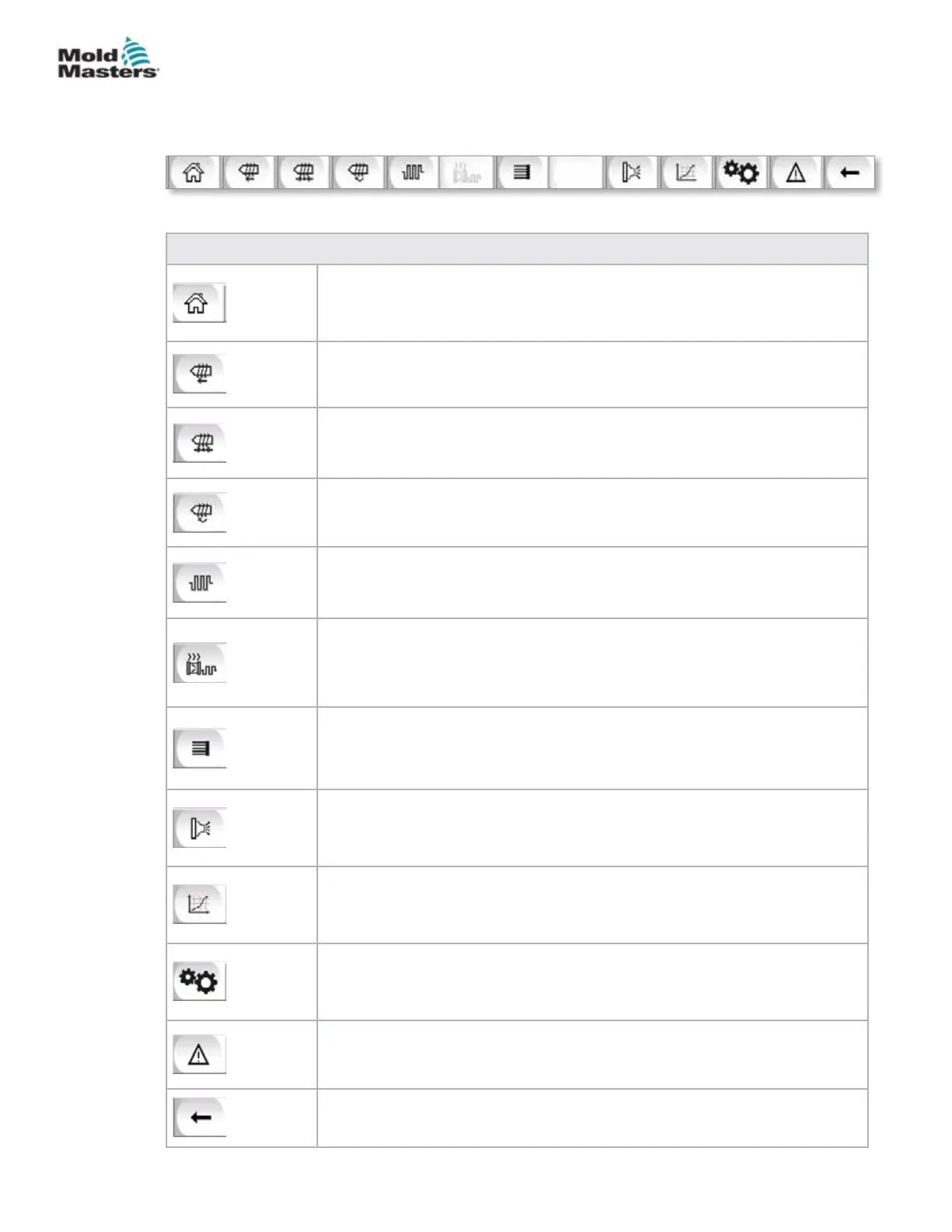
7.3.4 Bottom Bar - Screen Navigation Buttons
The Screen Navigation buttons at the bottom of the screen are used to
navigate to the main HMI screens.
Table 7-5 Screen Navigation Buttons
Overview (Home) Screen
This screen is the 'home page' for the system. It provides an overview of the
operation of the E-Multi.
Injection Settings Screen
This screen is used to adjust settings for the injection phase of the E-Multi
injection molding cycle.
Hold Settings Screen
This screen is used to adjust the settings for the hold phase of the E-Multi
injection molding cycle.
Recovery Settings Screen
This screen is used to adjust the settings for the recovery or plasticize phase
of the E-Multi injection cycle.
Barrel Temperature Settings Screen
This screen is used to adjust the settings for the E-Multi barrel heaters.
Hot Runner Temperature Control Screen
This screen is used to adjust parameters for hot runner temperature control,
for systems with this integrated option. If the option is not available then the
button will be greyed out as shown above.
E-Drive Screen
This screen is used to adjust E-Drive parameters, for systems with an
integrated E-Drive. If the option is not available then the button will be greyed
out.
Valve Gate Screen
This screen is used to adjust the behavior of the digital valve gate trigger
outputs.
Production Graph Screen
The Production Graph screen is used to display real time production
information based on preset system variables.
Machine Specication (Service Overview) Screen
This screen serves as a central access point for all conguration screens as
well as service and maintenance screens.
Alarm Display
Takes the user to the alarm screen which displays a list of alarms triggered by
the control system.
Back Button
Returns to the screen that was previously displayed.
7-6
© 2020 Mold-Masters (2007) Limited. All Rights Reserved.
E-MULTI CONTROLLER HMI INTERFACE
E-Multi Controller User Manual



 To Next Page