5.2 Connect the Controller to the E-Multi
There are 3 sets of cables that connect the controller to the E-Multi:
1. servo power cables
2. servo feedback cables
3. heater - I/O - IMM cables
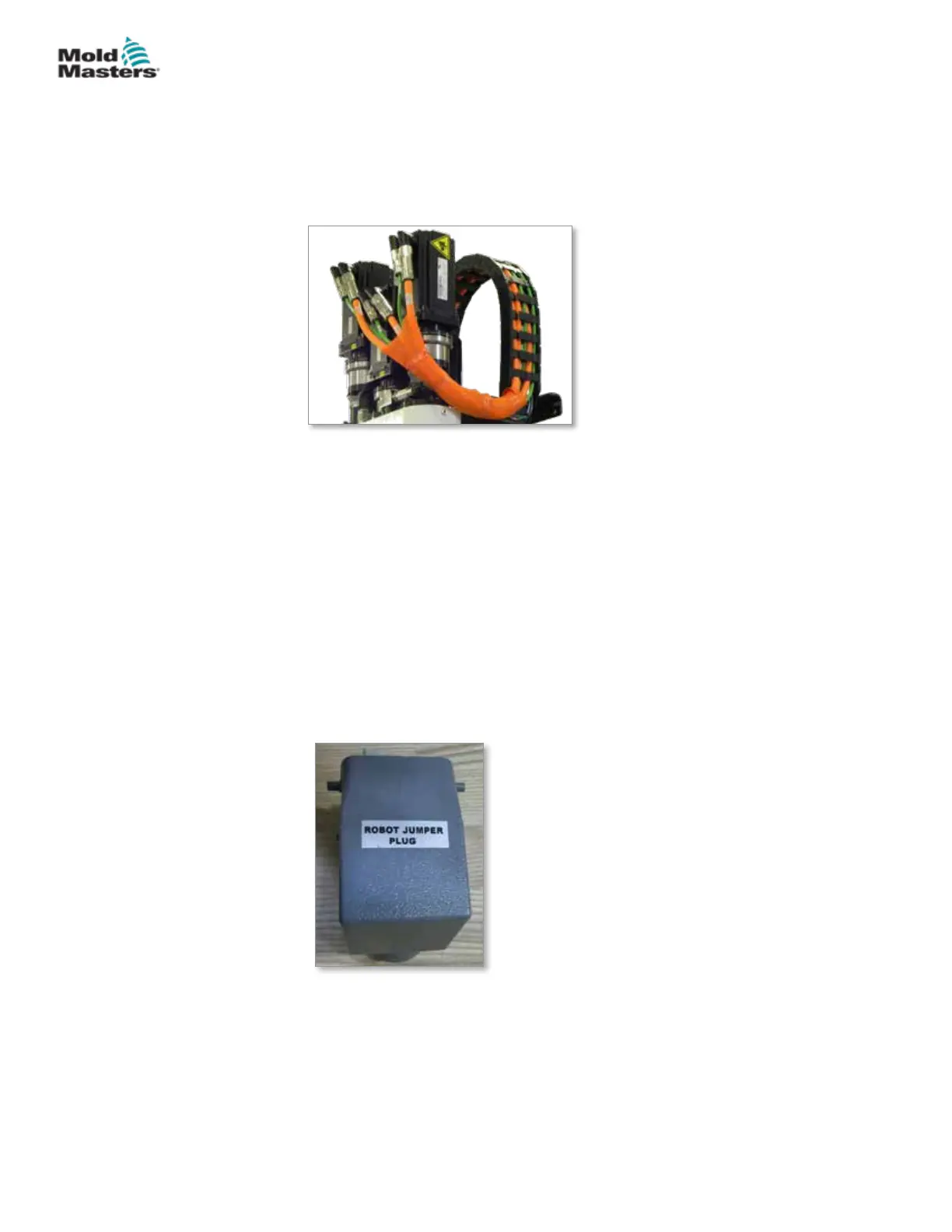
Figure 5-1 EM3 servo cable routing
The correct sequence must be followed when installing the cables. The
servo power and feedback cables need to be routed through the cable track
before being connected to the motors. The heater and the I/O cables can
be connected directly and are not routed through the cable track. All cables
should be routed so they do not interfere with the mold or molding machine
operation.
5.3 Connect a Robot to the Controller
E-Multi units are compatible with both E67 and SPI robots. In all cases, the
controller is shipped with a robot jumper plug.
If no robot is used, connect the robot jumper plug to the ROBOT E67
connector on the controller.
Figure 5-2 Robot jumper plug
If an E67 robot is to be used, connect the robot’s E67 cable to the ROBOT
E67 connector on the controller. If an SPI robot is to be used, attach the
optional ROBOT SPI ADAPTER to the ROBOT E67 connector on the
controller, and connect the robot’s SPI cable into the ROBOT SPI ADAPTER.
5-2
© 2020 Mold-Masters (2007) Limited. All Rights Reserved.
INSTALLATION
E-Multi Controller User Manual



 To Next Page