7.4 Screen Descriptions
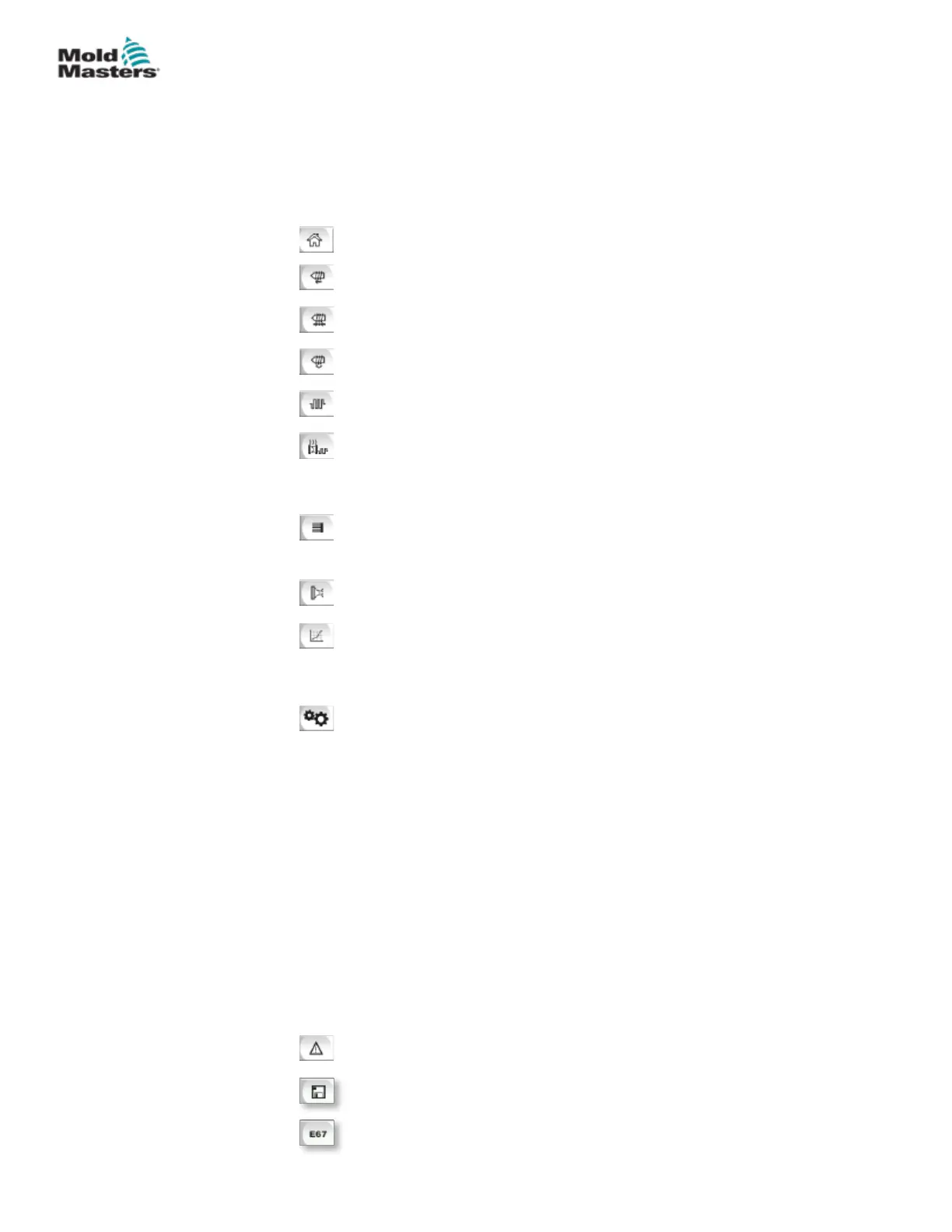
In this user manual, screen descriptions are presented in the order of the
lower screen navigation buttons. Some screens required a description of
many subsidiary screens which are indicated with an arrow (→) under the
parent screen. Many screens can also be accessed using the context buttons
on the right of a screen.
Overview (Home) Screen
Injection Settings Screen
Hold Settings Screen
Recovery Settings Screen
Barrel Temperature Settings Screen
Hot Runner Temperature Control Screen (Option)
→ Monitor Screen
→ Setup Screen (Supervisor Level)
→ Utilities Screen (Supervisor Level)
E-Drive Screen (Option)
→ Overview Screen
→ Settings Screen (Supervisor Level)
Valve Gate Screen
Production Graph Screen
→ Setup → Conguration Details
Process Data (PD) Protocol Screen
Main Screen
→ System Settings
→ Carriage
→ Info-Log
→ Production Graph
→ Programmable I/O
→ I/O Monitor
→ Production Settings
→ Drive Manager
→ Task Monitor
→ Prole Settings
→ Drive Parameter Monitor
→ PID Settings
→ Machine Data
→ Variable Monitor
→ Delay Settings
→ Calibration Settings
Alarm Display
Mold Data Screen
Euromap 67 Screen
7-8
© 2020 Mold-Masters (2007) Limited. All Rights Reserved.
E-MULTI CONTROLLER HMI INTERFACE
E-Multi Controller User Manual



 To Next Page