7.12.1 E-Drive Control Buttons
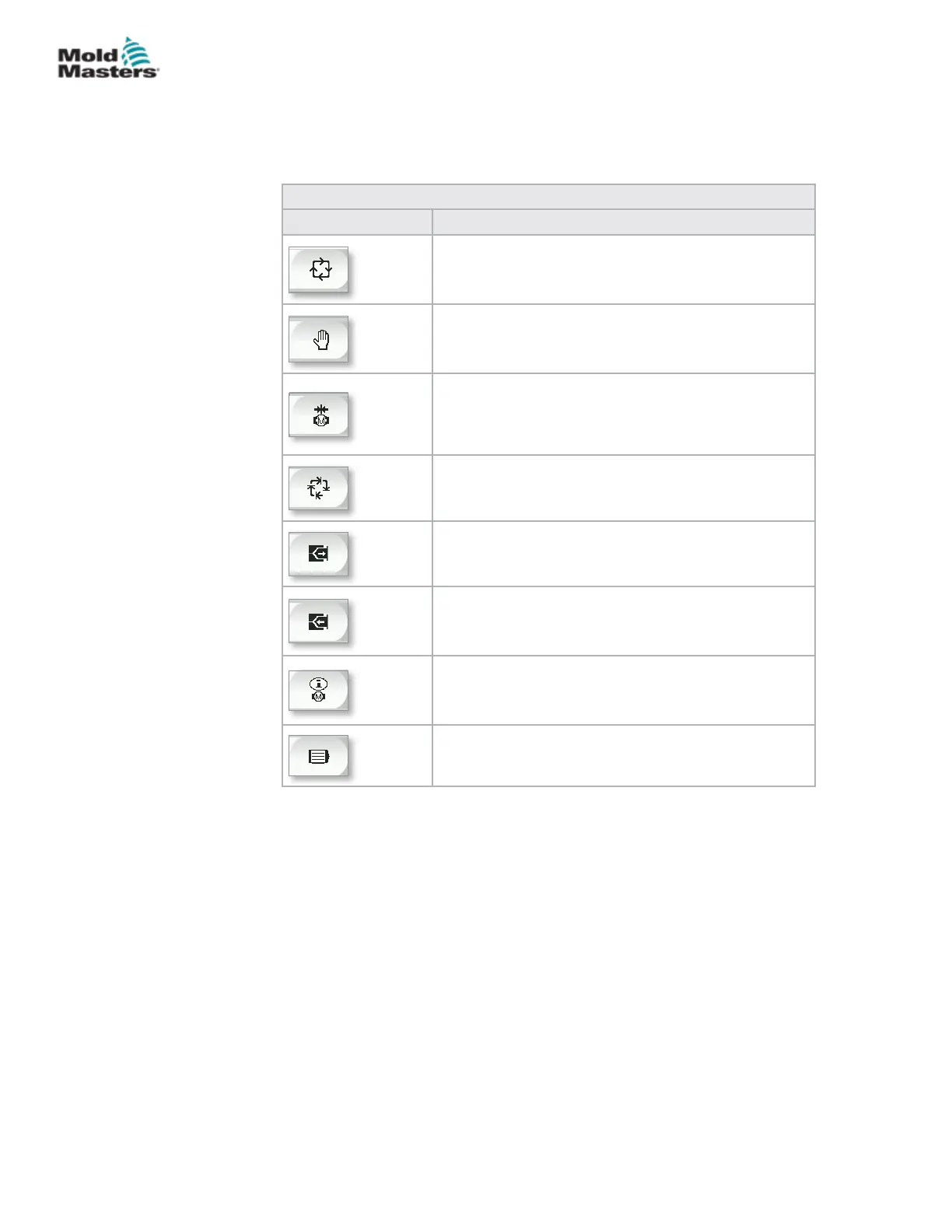
On the left hand edge of each screen is the E-Drive button bar.
To operate functions simply tap the button using either your ngers or a blunt
pointer.
Table 7-22 E-Drive Control Buttons
Button Description
Auto – Required to automatically sequence the
E-Drive controller based on external triggers.
Manual – Used for Home and jog mode.
Home – Used to reference the E-Drive controller (set
the forward – 0.00) position.
Step ON – Each press of the step button will step the
E-Drive controller through one step of the automatic
sequence.
Jog Forward- used to manually move the plates
forward. Position is ignored. Only available in setup
mode.
Jog Backward – used to manually move the plates
back. Position is ignored. Only available in setup
mode.
Servo Drive Management functions.
Servo State - used to turn the E-Drive servo drive
on and o. Button will be green when servos are
enabled.
7-38
© 2020 Mold-Masters (2007) Limited. All Rights Reserved.
E-MULTI CONTROLLER HMI INTERFACE
E-Multi Controller User Manual



 To Next Page