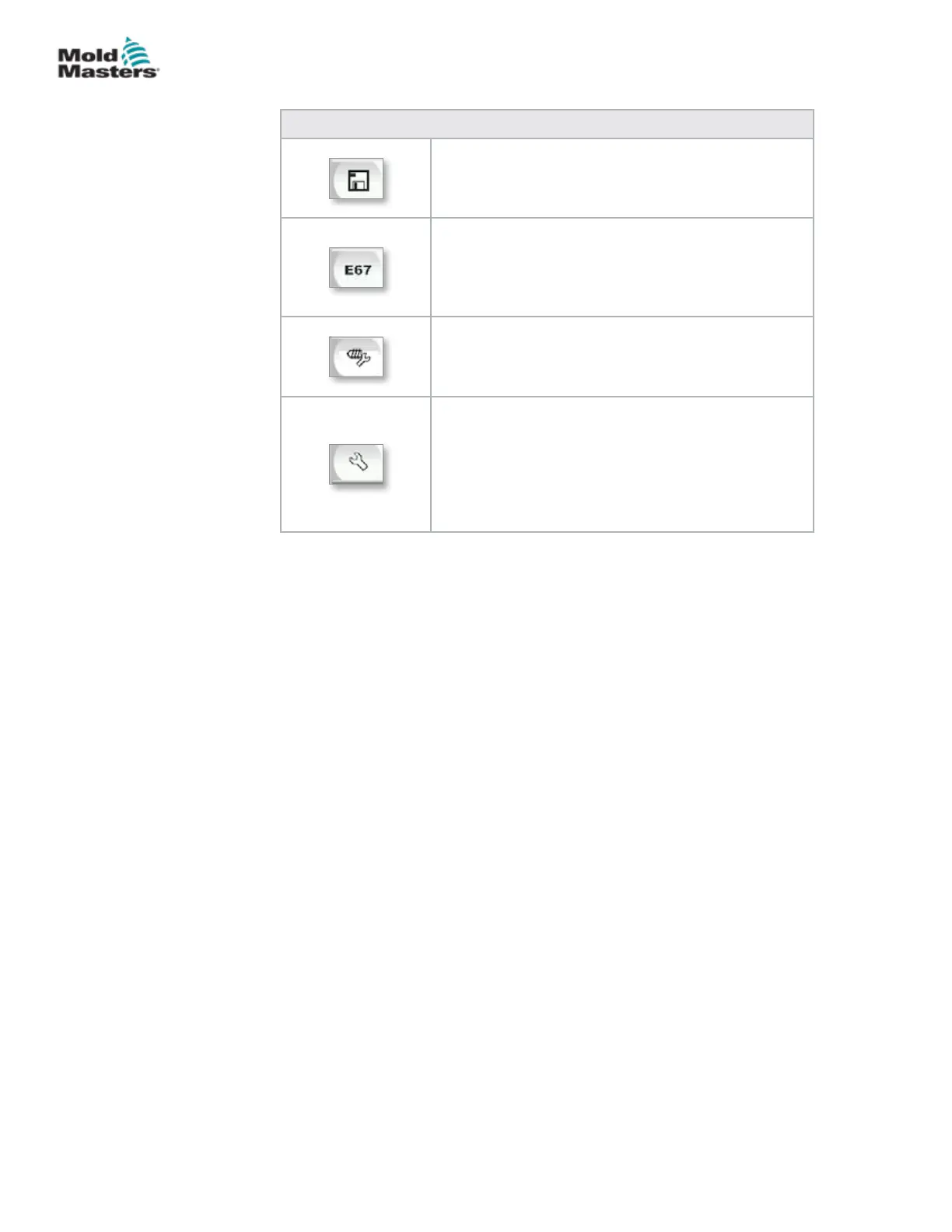
Table 7-8 Overview Screen Context Menu Buttons
Mold Data
Navigates to the Mold Settings Screen where mold
data may be saved and loaded for each specic
mold. See “Mold Data Screen” on page 7-88
Euromap 67
Navigates to the EuroMap 67 screen which allows the
user to monitor communications between the E-Multi
and the injection molding machine. See “Euromap
E67 Screen” on page 7-90.
Reference Settings
Navigates to the Reference Settings screen where
carriage reference position, screw reference position
and injection pressure reference may be set or reset.
System Settings
Navigates to the System Settings Screen where
screen saver options and global settings like
language, date and time, units can be adjusted. This
screen also displays system information like current
user, software version, and IP addresses.
See “System Settings Screen” on page 7-61.
Overview Screen - continued
7-12
© 2020 Mold-Masters (2007) Limited. All Rights Reserved.
E-MULTI CONTROLLER HMI INTERFACE
E-Multi Controller User Manual



 To Next Page