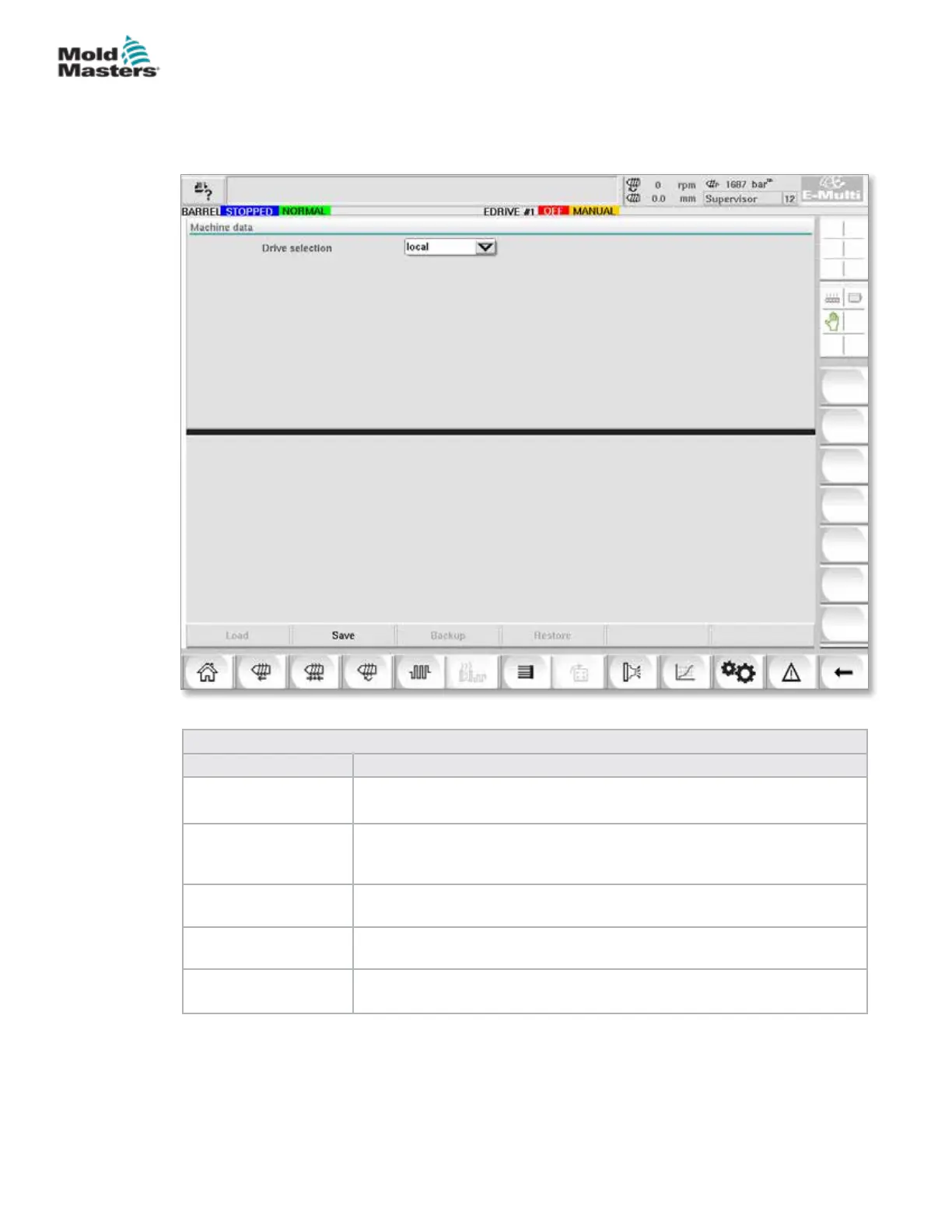
7.33 Machine Data Screen
Used for backing up (saving) machine parameters before a software update
and restoring (loading) saved machine parameters after a software update.
Figure 7-37 Machine data screen
Table 7-52 Machine Data Screen Components
Screen Components Description
Drive selection Drop
Down Menu
Location where the machine data will be saved to or loaded from.
Load Restores (loads) machine parameters from a previously backed up
dataset.
Saved datasets can be loaded from the CF Card or USB stick.
Save Saves the current machine parameters to a backup dataset on the CF
card or USB stick.
Backup Backs up the saved machine le as backup.
This button is only available if machine data has already been saved.
Restore Backup Restores the saved machine le.
This button is only available if a backup is available.
7-81
© 2020 Mold-Masters (2007) Limited. All Rights Reserved.
E-MULTI CONTROLLER HMI INTERFACE
E-Multi Controller User Manual



 To Next Page