8.7 Update Software
It is not necessary to send your control system back to the Mold-Masters
factory for upgrades. Instead they will, on request, be sent to you in the form
of one compact ash card that can be read by your controller. The following
instructions will guide you through the upgrade procedure.
Mold-Masters recommends that you always wait until your controller is
free before implementing any upgrade. This ensures that, in the event of a
mishap such as an error, or a power interruption at a crucial point, that normal
production will not be adversely aected.
8.7.1 Save Mold Data
CAUTION
Recipes and machine data are stored on the compact ash card.
It is important to save the machine data and mold data prior to upgrading
software.
CAUTION
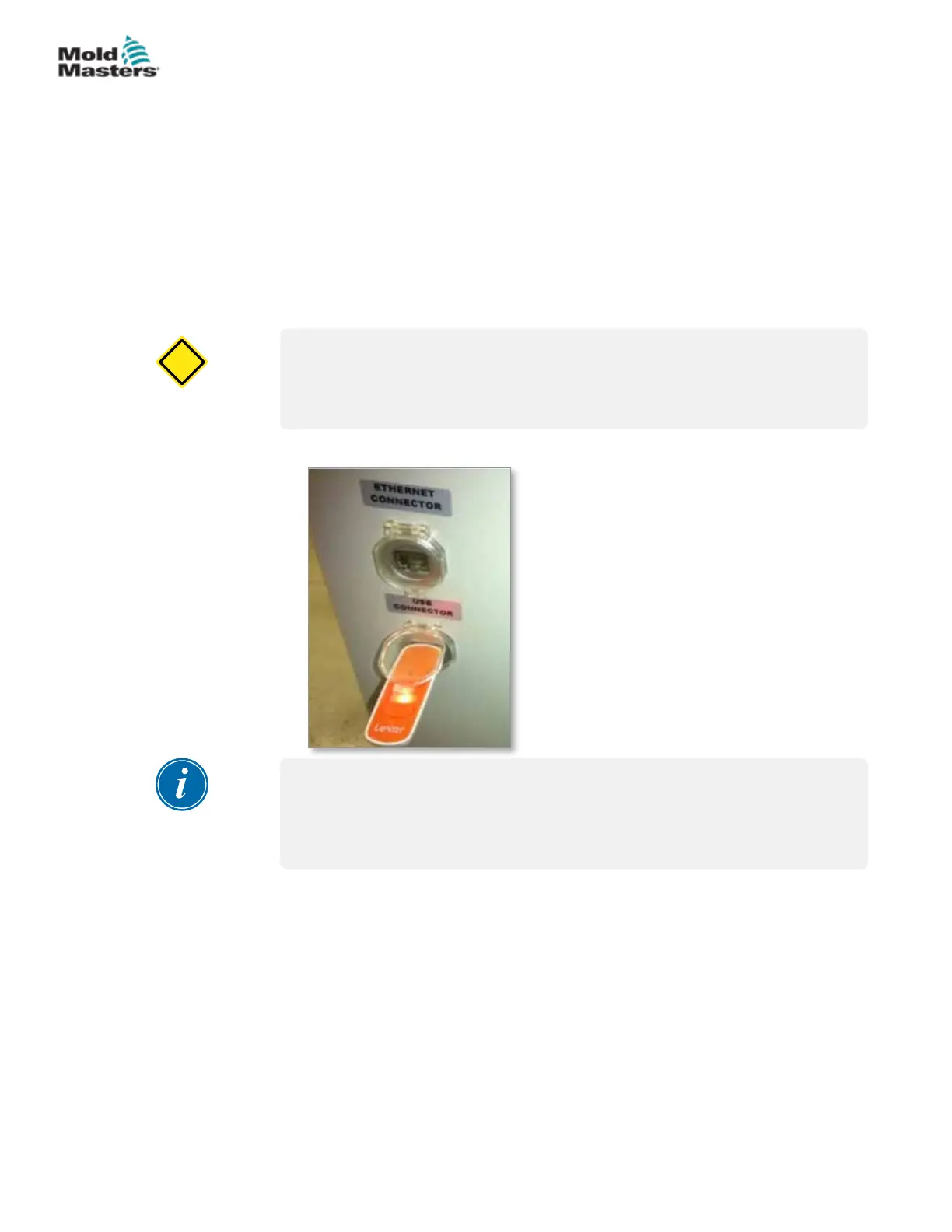
1. Insert a USB key into the USB port located on the side of the controller.
NOTE
Mold data les must be active (loaded) before they can be saved. Only
the active le will be saved. Each additional date le to be saved must be
activated (loaded) before saving.
2. Load the mold data le to be saved. If the mold data le to be saved is
already loaded skip to step 4.
3. Select Local from the Drive: drop down menu. Select the desired le, then
tap the Load button.
A message box will display Loading Complete once the le is active. The
active mold data lename appears at the top of the screen.
8-7
© 2020 Mold-Masters (2007) Limited. All Rights Reserved.
MAINTENANCE
E-Multi Controller User Manual



 To Next Page