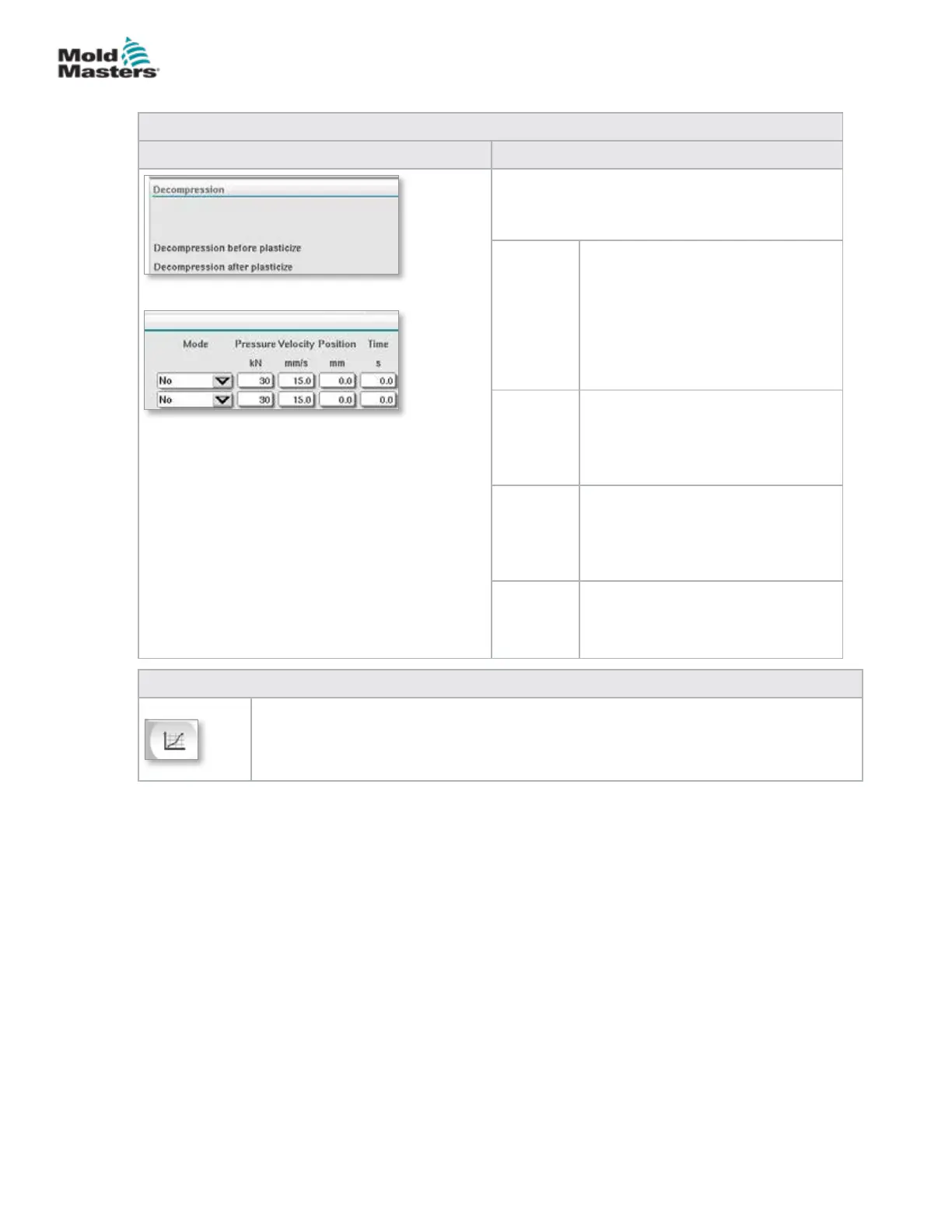
Table 7-13 Recovery Settings Screen Components
Screen Components Description
Decompression
These settings apply only for manual and
automatic mode.
Mode Mode of decompression before
plasticizing, with the following
selection options:
No: No decompression
Time: Decompression for a specied
time duration
Position: Decompression until a
specied screw position
Pressure Species the pressure for the linear
screw movement.
This eld can only be edited when
'Time' or 'Position' mode has been
selected.
Velocity Species the velocity for the linear
screw movement.
This eld can only be edited when
'Time' or 'Position' mode has been
selected.
Position /
Time
Species the screw position or the
duration of the decompression.
The display is dependent on the
mode selected.
Table 7-14 Recovery Settings Screen Context Menu Buttons
Production Graphs
Navigates to the Production Graph Screen which provides real time data on the current
production process.
Recovery Settings Screen - continued
7-20
© 2020 Mold-Masters (2007) Limited. All Rights Reserved.
E-MULTI CONTROLLER HMI INTERFACE
E-Multi Controller User Manual



 To Next Page