3. Connect the diagnostic computer power supply and connect to mains
power. Use the included adapter for 220 V mains.
4. Power up the diagnostic computer and log in with the following
credentials:
User name: emulti
Password: nopassword
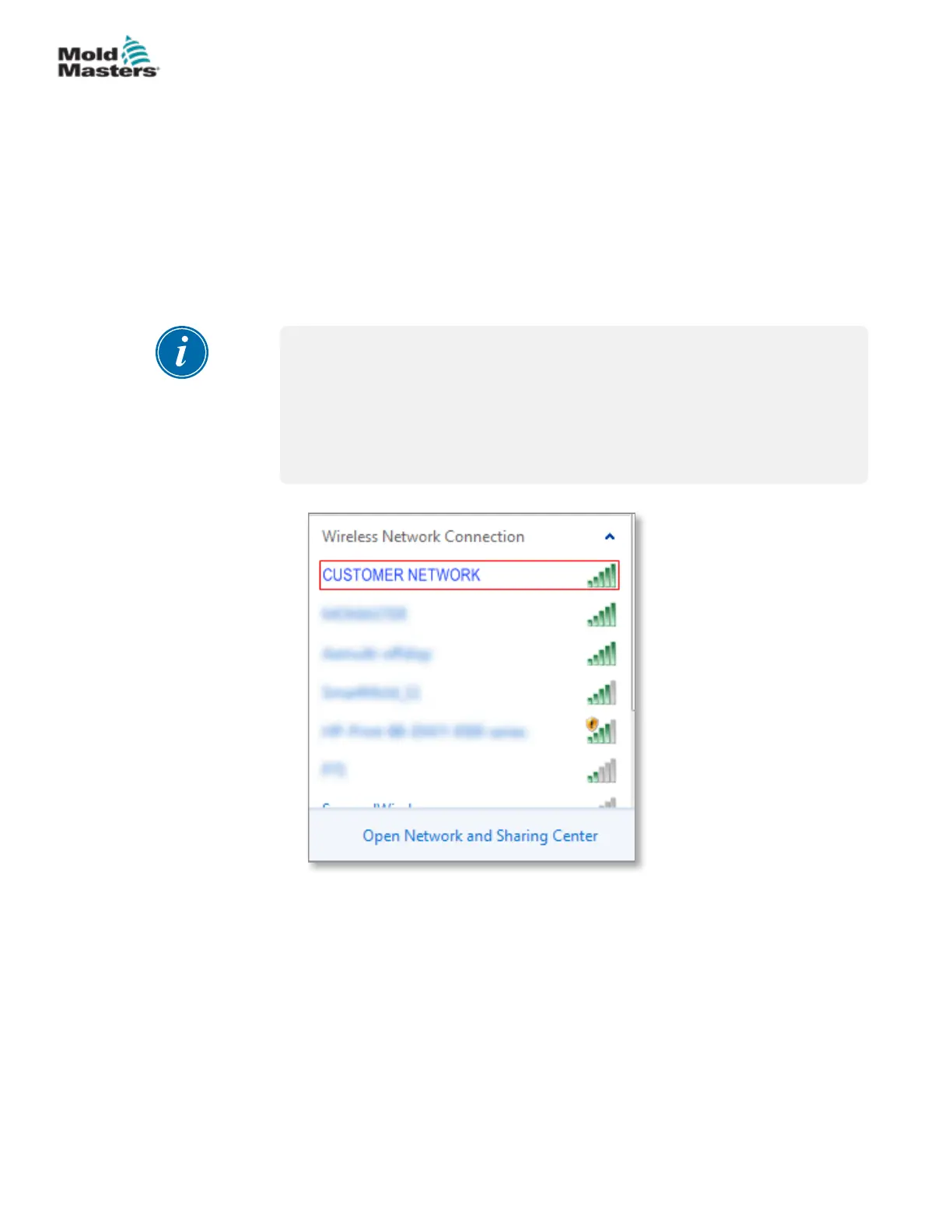
5. Connect the diagnostic computer to a WIFI network with internet access.
To see a list of available networks, click the wireless network icon next to
the clock on the taskbar.
NOTE
The diagnostic computer must be connected to the internet using its
wireless network adapter. The wired connection must be used to connect
to the controller. Mold-Masters does not support alternate network
congurations. Connection problems when using alternate congurations
are not covered under warranty and may result in increased support times
and additional costs.
Figure 5-5 Wireless network icon
6. Open a browser and perform a search to verify internet connectivity.
Connect Diagnostic Computer (Optional) - continued
5-5
© 2020 Mold-Masters (2007) Limited. All Rights Reserved.
INSTALLATION
E-Multi Controller User Manual



 To Next Page