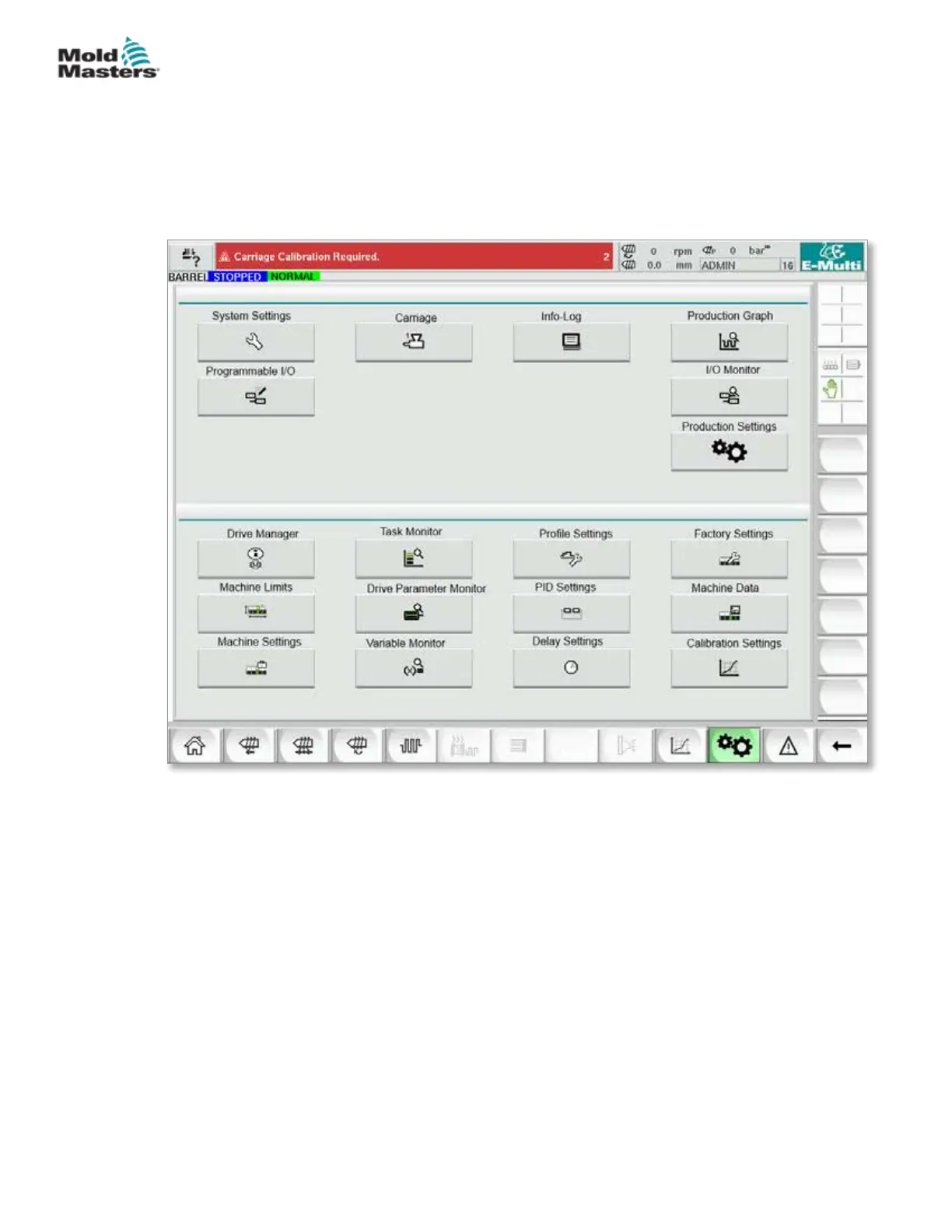
The following graphic shows the names of the icons on the Machine
Specication (Service Overview) screen.
Each screen will be given a high level description in the pages that follow.
If you need a more detailed description of the functionality, please contact
your Mold-Masters representative.
Figure 7-24 Machine specication screen icons
Main Settings Screen - continued
7-60
© 2020 Mold-Masters (2007) Limited. All Rights Reserved.
E-MULTI CONTROLLER HMI INTERFACE
E-Multi Controller User Manual



 To Next Page