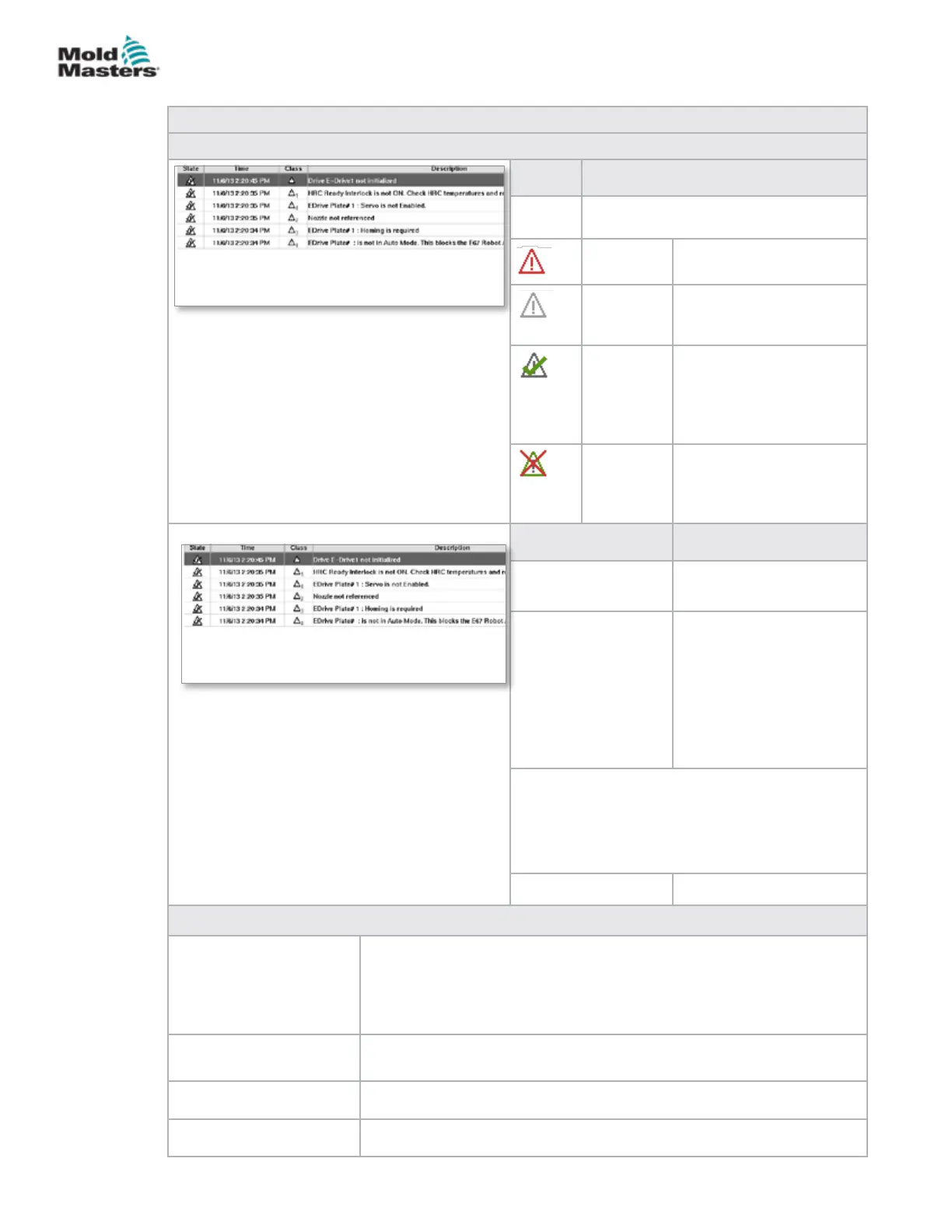
Table 7-56 Alarms Screen Components
Screen Components
Column Description
State The column shows the status icon of
the alarm
Active Pending alarm
Inactive Alarm is reset by the
application, but not yet
acknowledged by the user
Conrmed The alarm has been
acknowledged by the
user, but has not been
reset by the application
yet.
Cancelled The alarm has been
deleted (only relevant for
Info-Log, see Info-Log
screen)
Column Description
Time Date and time when the
alarm occurred.
Class Division of alarm classes*:
1 System error
2 Machine error
3 Process error
4 Not used at the moment
5 Information
6 Synchronization point
reached
Note*:
Alarm classes are used to identify the level
of alarm and are useful to sort, lter or group
alarms. It is a convention used to determine the
severity of an alarm with 1 being the most severe.
Description Alarm text
Menu Buttons
Conrm The user can conrm alarms here. Only those alarms that can be
conrmed by the user are acknowledged.
If an alarm is selected that the user cannot conrm, an info window
noties of this.
Several alarms may be selected one after the other.
Conrm all Conrmation of all pending alarms.
To acknowledge all alarms it is not necessary to select the alarms.
Alarm History Shows the history of alarms.
Help This button can call up an alarm help for a selected alarm line.
Alarms Screen - continued
7-87
© 2020 Mold-Masters (2007) Limited. All Rights Reserved.
E-MULTI CONTROLLER HMI INTERFACE
E-Multi Controller User Manual



 To Next Page