10 Scope Mode
Narda SRM-3006 129
Procedure for example 3:
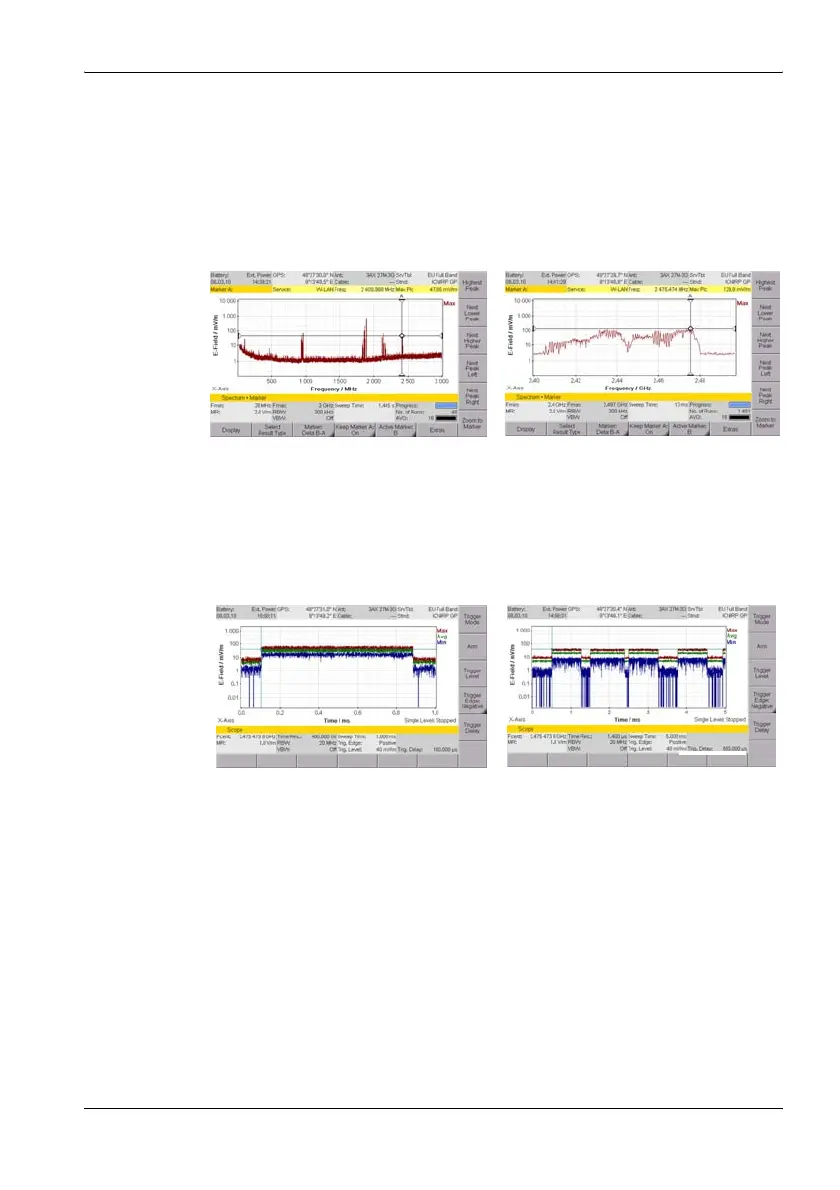
1. Switch to Spectrum Analysis mode, select a suitable frequency using
the marker function, and then switch to Scope mode (parameters are
retained)
ª Frequency hopping can make this selection more difficult.
2. Examples of different settings, RBW = 20 MHz:
Spectrum Analysis mode Frequency hopping
• Sweep Time = 1 ms
• Time resolution = 1/RBW =
1/20 MHz = 50 ns
–> corrected to 400 ns
•Sweep Time = 5ms
• Time resolution = 1400 ns



 To Next Page