4 Operation and Basic Settings
Narda SRM-3006 51
4.4.5 Softkeys with toggle function
4.4.6 Creating a screenshot
You can download the saved screenshots in PNG format from the device
using the SRM-3006 PC software applications SRM-3006 Tools.
To create a screenshot:
1. Press the Display softkey.
2. Press the Save Screenshot softkey.
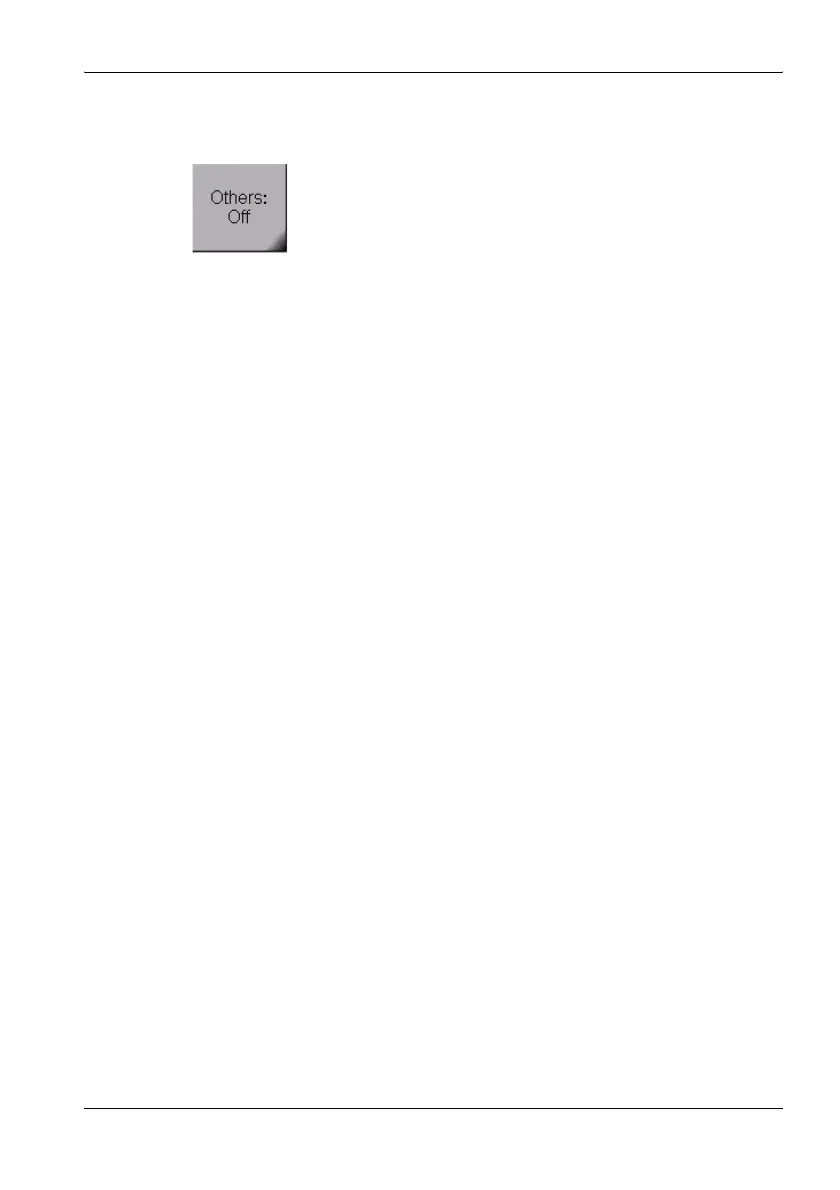
A black marked right lower corner indicates a toggle
function.
The displayed function is the one that can be selected.
In this example: Others = On, pressing the softkey will set
Other to Off.



 To Next Page