3 Connecting Up and Starting to Use the Device
28 SRM-3006 Narda
3.3.1 Operation from battery pack
A fully charged battery pack is sufficient for about 2.5 hours of operation
(with GPS and display backlight). This operating time can be increased
significantly by using the energy saving options (Power Save) such as
automatic backlight switch off (Backlight switches off after). The battery
pack is supplied in a pre-charged state and must be fully charged before
being used for the first time.
Note: Only use the original battery packs supplied with the device. If the
capacity of these battery packs is insufficient for your needs,
additional battery packs can be obtained as accessories.
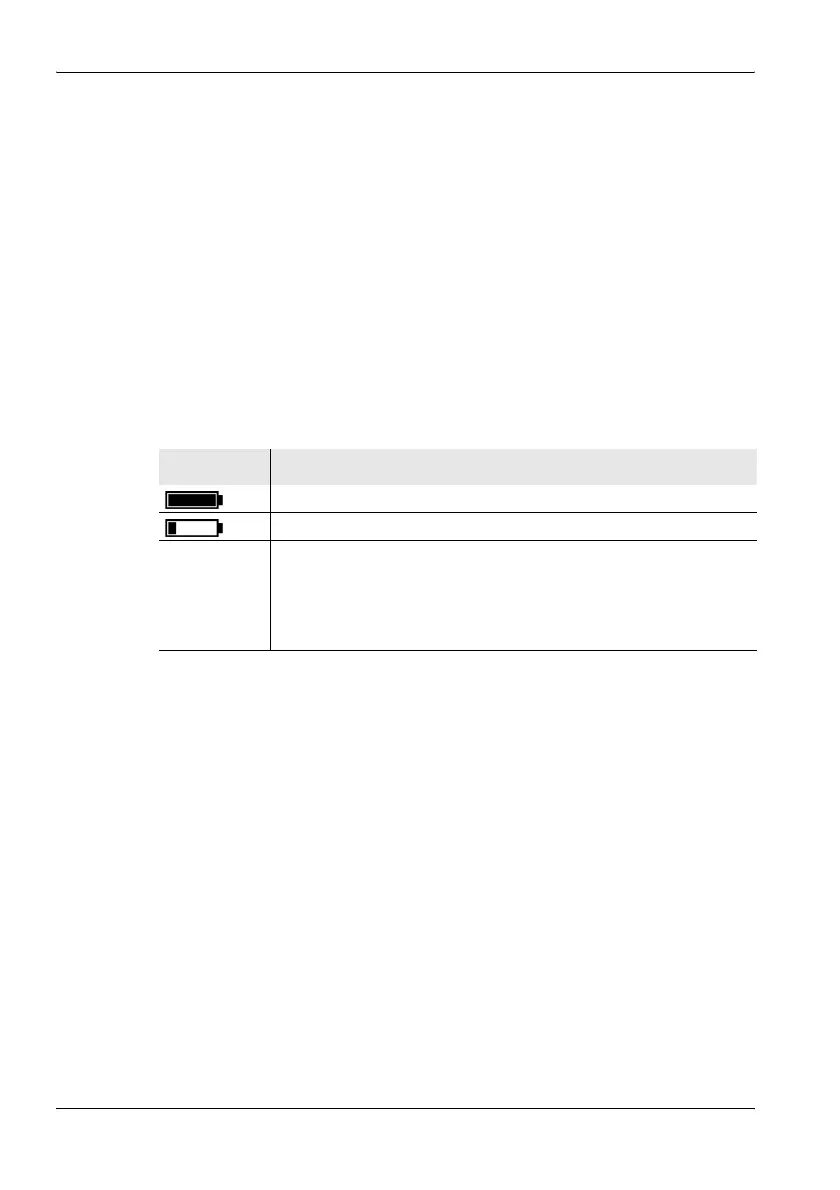
Charge indicator
The charge state of the battery pack is shown in the upper status line.
Charging the battery pack
A complete recharge takes about 4.5 hours.
You must use the AC adapter / charger provided or the optionally available
charging tray to recharge the battery pack.
Starting the charge cycle
✓ The AC line voltage must be the same as the operating voltage of the AC
adapter / charger.
1. Connect the AC adapter / charger to the charge socket of the SRM-3006.
2. Connect the AC adapter / charger to the AC line.
ª The charge cycle starts.
ª The Charge LED glows red during the charge cycle.
ª The AC adapter / charger switches to trickle charge mode
automatically and the Charge LED glows green when the charge
cycle is completed.
Display Meaning
The battery is fully charged.
The battery is almost discharged.
Batt. flashes The battery charge state is critical.
You should now switch the device off or connect it to the AC adapter
/ charger. If you continue to operate the device from the batteries, it
will switch off automatically after a short time. The device
configuration will however be saved before it switches off.



 To Next Page