15 PC Software
172 SRM-3006 Narda
15.1 PC software versions and functions
There are two versions of the PC software for the SRM-3006:
SRM-3006 Tools
The Tools version is free and is included with the SRM-3006.
It contains the following functions:
• Download measurement data to the PC
• Download screenshots to the PC
• Create antenna, cable, and service tables, measurement routines, and
user standards
• Set the instrument configuration
• Activate options and update the device software (firmware)
15.2 Connecting to the PC
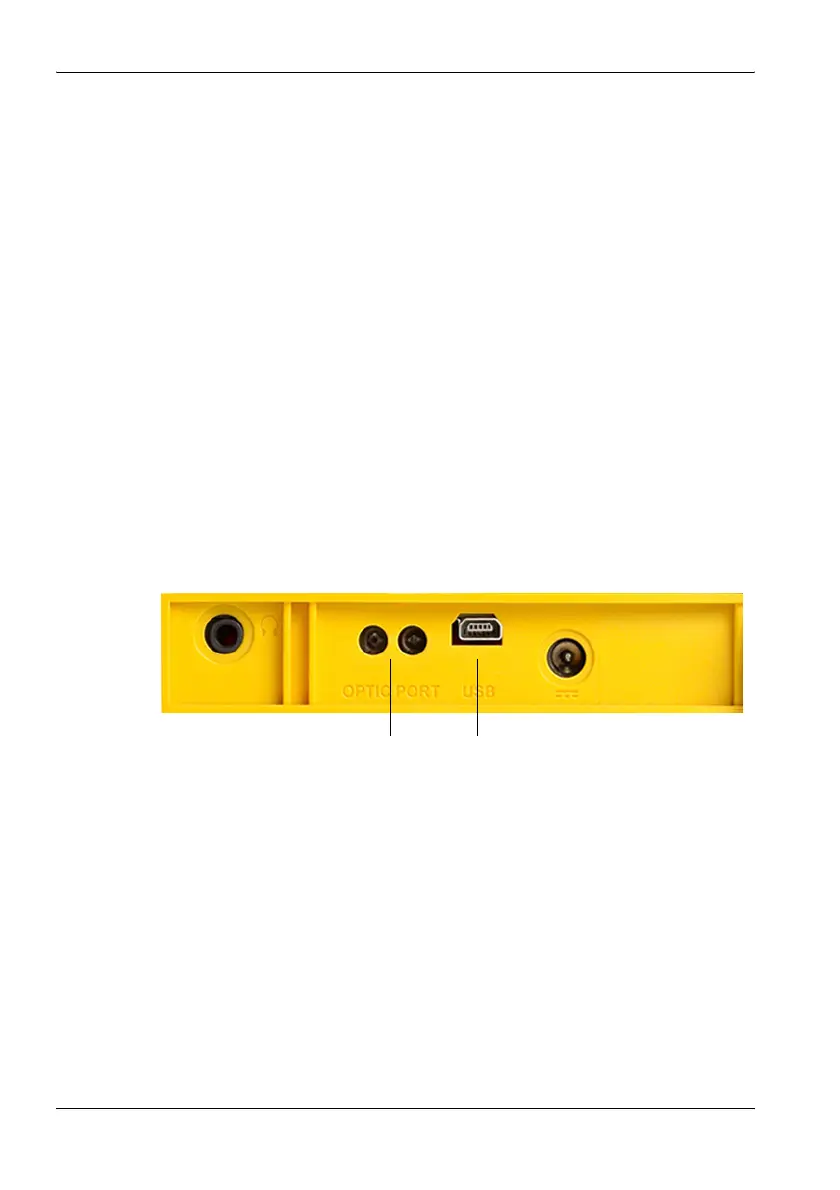
The connectors for the optical interface (RS 232) and the USB port (Mini B
type) are located on the left hand side panel of the device.
Figure 41: Optical interface (1) and USB port (2)
The following types of connection between the SRM-3006 and the PC are
possible (cables and adapters are shown in the table below):
• USB – USB: The fastest and most used type of connection. The electrical
signals transmitted can affect the field being measured.
• Optical – USB: Slower transmission speed than USB – USB. However,
the field being measured is unaffected by the optical signals transmitted.
• Optical – Serial: The only connection possible for systems not equipped
with USB ports or if COM1of the PC must be used.
Neues figure
12



 To Next Page