4 Operation and Basic Settings
Narda SRM-3006 47
4.4.2 Selecting entries from a list
Settings are often made by selecting entries or items from a list.
Simple list
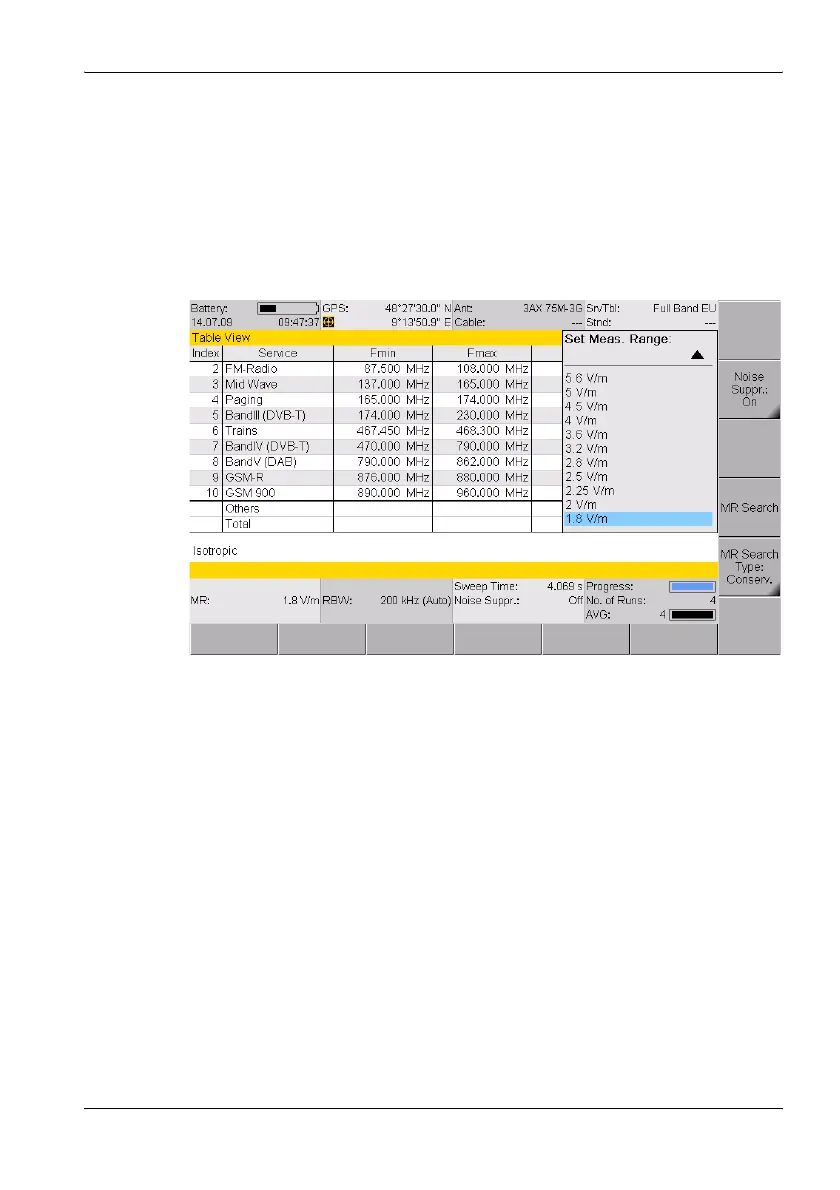
You can only select a single item from a simple list. This is demonstrated by
the selection of a measurement range (Meas. Range) in the example
below.
Figure 11: Example of a simple list: Select Meas Range
To select an item:
1. Use the rotary control to highlight the desired item.
2. Press the OK key to confirm your selection.
ª The new value is set.



 To Next Page