4 Operation and Basic Settings
48 SRM-3006 Narda
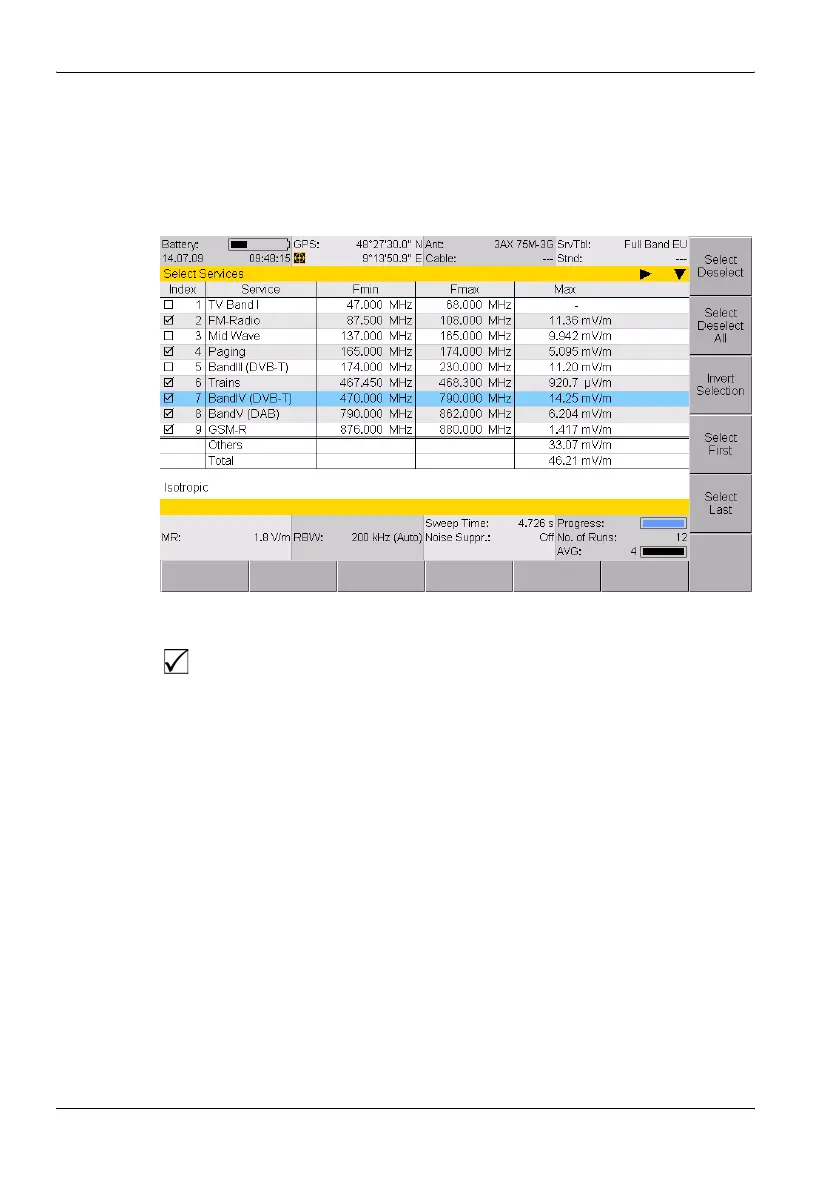
Extended list
You can select more than one entry or item from an extended list. You can
select one item at a time or use the softkeys to select all the items. This is
demonstrated by the selection of services (Select Services) in the example
below.
Figure 12: Example of an extended list: Select menu
To select or deselect items individually using the rotary control:
1. Use the rotary control to highlight the desired item.
2. Press the Select Deselect key to select or deselect the item.
ª The selection box shows the actual status.
3. Press the OK key to return to the measurement display.
To select or deselect several items at the same time:
Use the following softkeys, to select or deselect all the items or a group of
items in a list.
Note: The softkeys that are actually available depend on the Select menu
that is opened.
⇒ When you have selected the items you want, press the OK key to revert
to the measurement display again.
A selection box indicates if the option has been selected or not in an
extended list.



 To Next Page