6 Functions Common to More Than One Operating Mode
84 SRM-3006 Narda
6.6 Selecting an axis mode
Safety Evaluation • Axis
Spectrum • Axis
Level Recorder • Axis
UMTS • Axis
Scope • Axis
Depending on the antenna type being used (single axis or isotropic) you can
use the Axis softkey to select the axis to be measured or the axis mode in
the case of isotropic antennas.
To select the axis or the axis mode:
1. Press the Axis softkey.
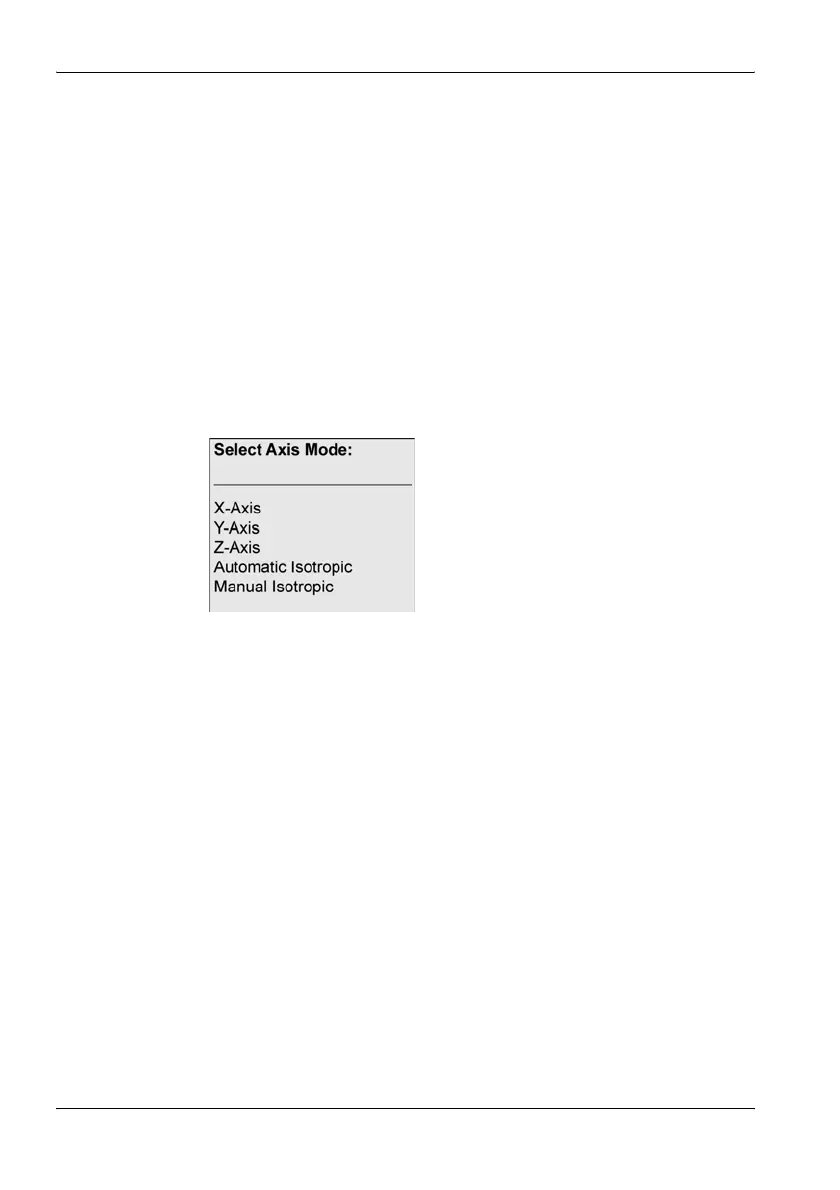
ª The selection window opens.
– X-Axis, Y-Axis, Z-Axis: Axes for a single axis antenna
– Automatic Isotropic: Automatic isotropic measurement (default for
isotropic antennas)
– Manual Isotropic: Measurement of each axis separately with an
isotropic antenna
2. Select the item you require (see descriptions below) and confirm by
pressing OK.
The following constellations are possible with the selections listed above:
Single axis antenna
1. Align the antenna on one axis (e.g. X axis).
2. Select X-Axis in the Axis menu and measure the X axis.
3. Repeat the above for the Y and Z axes.



 To Next Page