1 Introduction
Narda SRM-3006 11
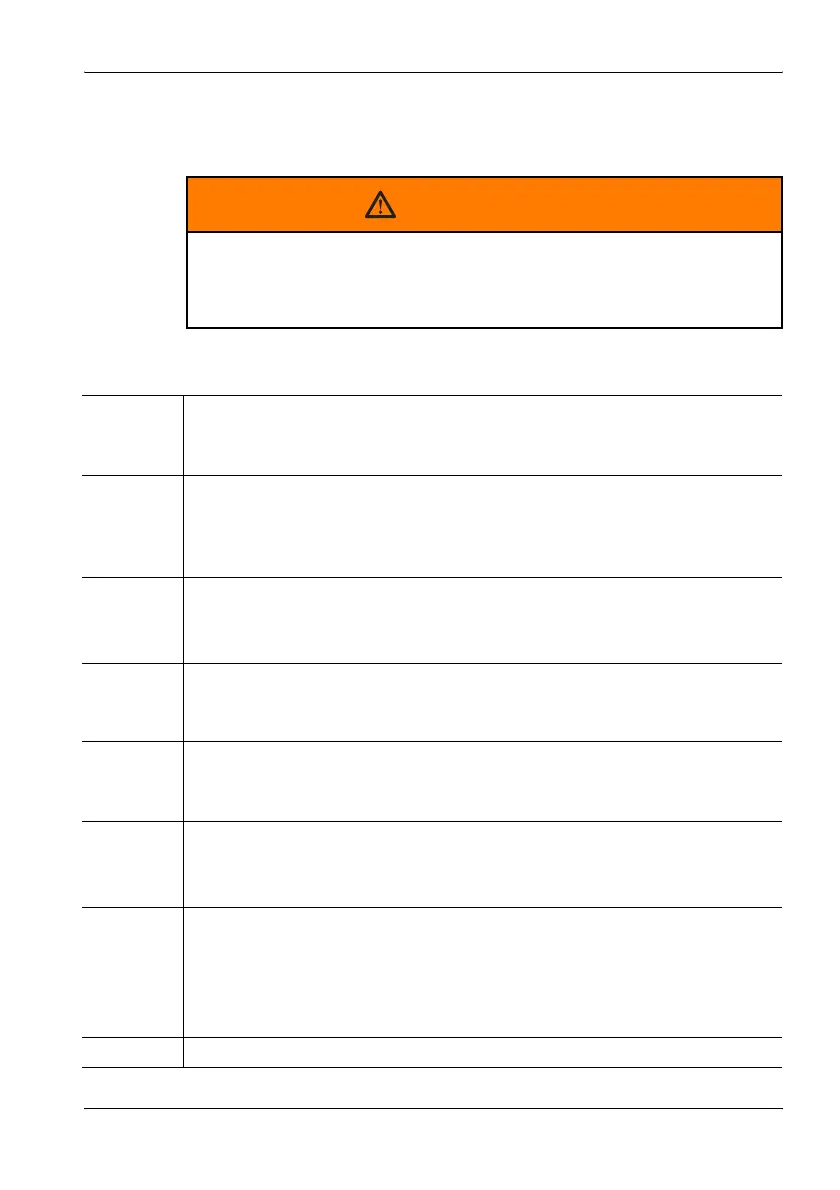
Warning format
All warnings have the following format:
Symbols and characters
WARNING TERM
Type and source of danger
Consequences of ignoring the warning
⇒ Action needed to avoid danger
! Important action instruction
Indicates an instruction for action that must be followed in order to avoid
danger.
✓ Requirement
Indicates a requirement that must be fulfilled before the subsequent action
can be taken. Example:
✓ The measurement screen is displayed.
⇒ Action
Indicates a single action. Example:
⇒ Switch the device on.
1.
2.
3.
Sequence of actions
Indicates a sequence of actions that must be performed in the order given.
ª Result
Indicates the result of an action. Example:
ª The device starts a self test.
Bold text Control element or menu name
Indicates device control elements and menu names. Example:
⇒ Press the OK key.
Gray text
Orientation
You will find a line of gray text at the start of every section in the
descriptions of the menus and functions. This indicates the order of
selection of the menus and sub-menus. Example:
Main Menu • Safety Evaluation • Select Menu
Note: Important additional information or details of special features or situations.



 To Next Page