The camera varies the sensitivity over three shots while keeping
the shutter speed and aper
ture fixed. You can select the bracketing
increment from 0.3EV, 0.7EV, and 1.0EV. Each time the shutter
button is pressed, the camera shoots three frames with the set
sensitivity (or if auto sensitivity is selected, the optimal sensitivity
setting) on the first shot, negative modification on the second shot,
and positive modification on the third shot.
ART BKT
ISO BKT
Focus BKT
WB BKT
AE BKT
F
L BKT --
--
--
--
A-- G--
3f 1.0EV
Back
Set
Bracketing
Off
3f 0.3EV
3f 0.7EV
3f 1.0EV
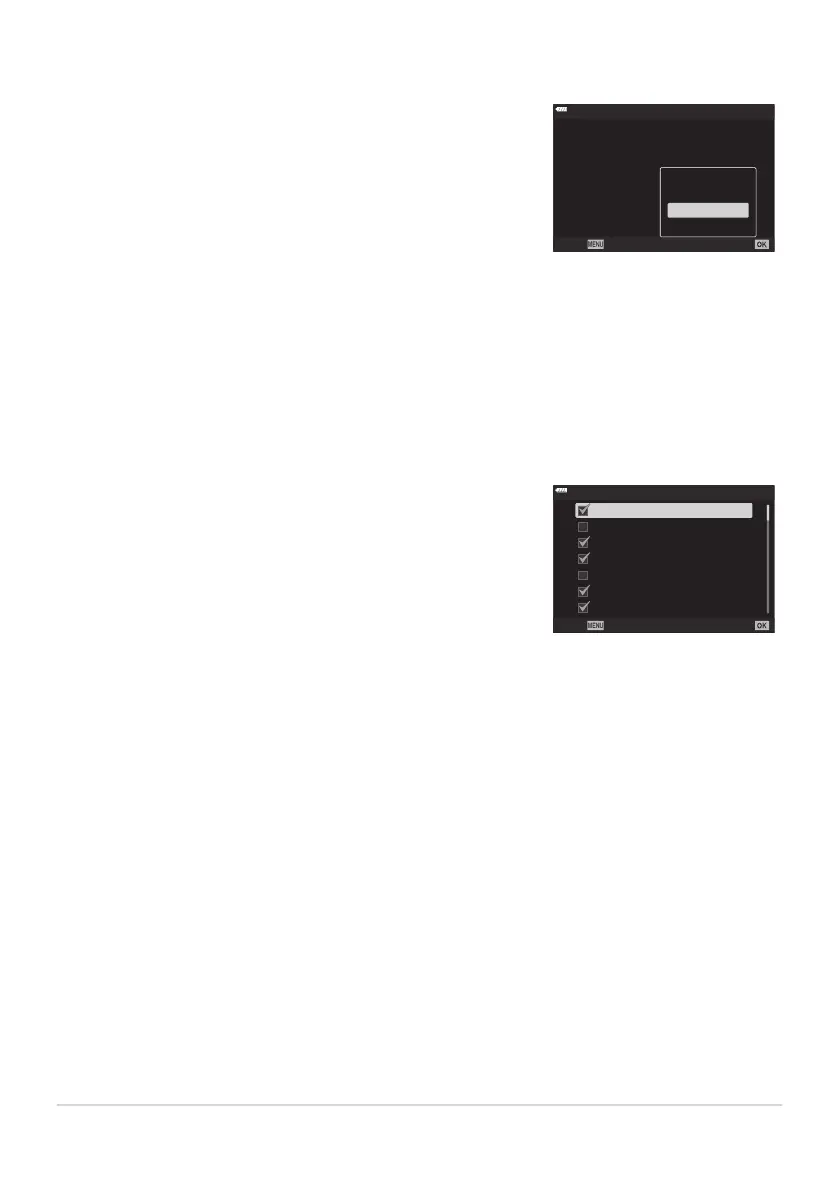
Create multiple copies of each picture, each with a different art filter
applied. The options select
ed ar
e indicated by checks (P).
ART BKT
H
Pop Art 2
Pop Art 1
Soft Focus
Pale&Light Col
or 1
Pale&Light Color 2
Light Tone
Grainy Film 1
Back
ISO BKT (ISO bracketing)
The size of the brack
eting increment does not change with the value selected for [ISO Step] in
CCustom Menum (P. 284).
The upper limit selected using [KISO-Auto Set] in CCustom Menum (P. 284) is ignored.
During silent photography, the flash sync speed is set to 1/20s.
ISO sensitivity bracketing cannot be combined with ART or focus bracketing.
ART BKT (ART bracketing)
When there is a large number of art filters to be applied, it may take a long time to record the
pictures after shooting.
With the exceptions of AE and FL bracketing, ART bracketing cannot be combined with other forms
of bracketing.
218
Varying settings over a series of photographs
(Brack
eting)
C
C
C
C
C
C



 To Next Page