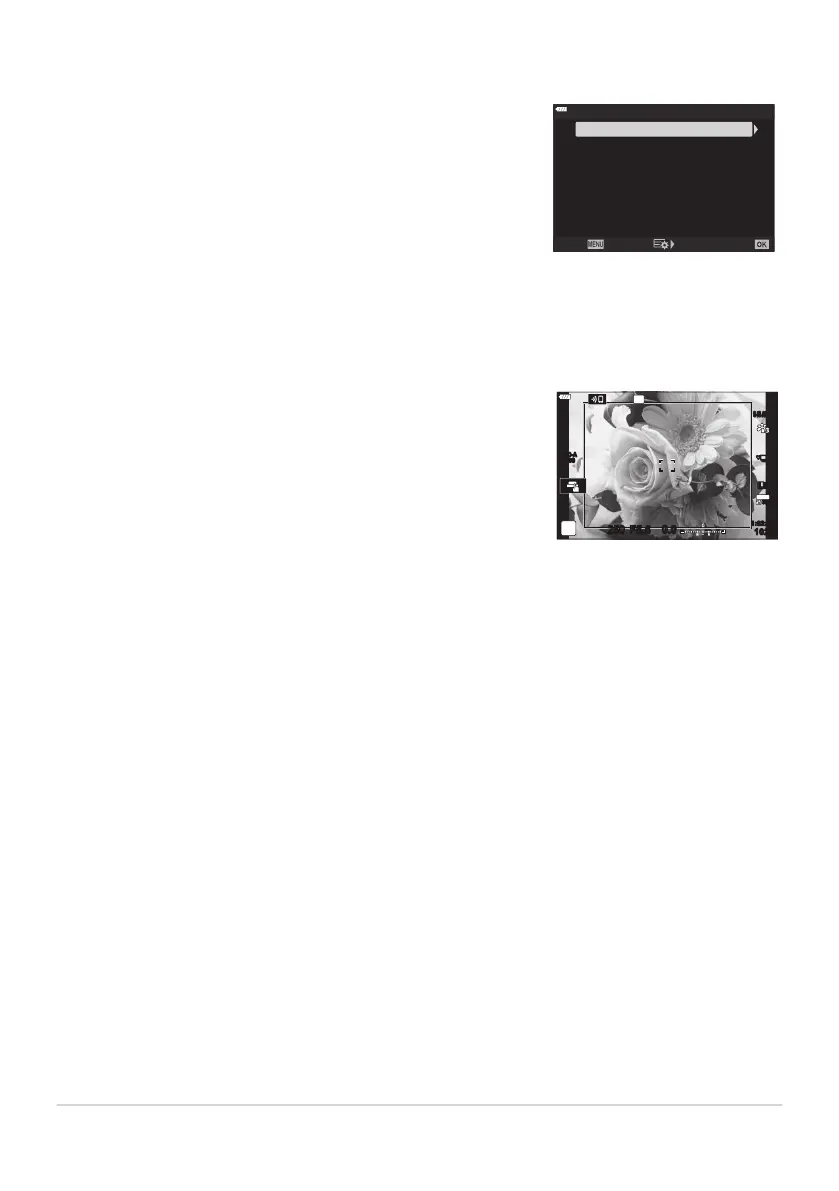
The camera automatically shifts focus over a series of from 3 to 8
shots and combines to cr
eate a single JPEG image that is in focus all
the way from the foreground to background.
Off
8
5
Set number of shots
Focus Stacking
Set focus differential
#Charge T
ime
0sec
Focus BKT
Back Set
A frame indicating the final crop will be shown in the display.
Compose the shot with your subject in the frame.
S-IS AUTOS-IS AUTO
DD
250 F5.6
0.0
30
p
30
p
4K
YFYF
1023
1:02:03
ISO-A
200
Focus BKT (Focus Stacking)
If focus stacking fails, the camera will recor
d the selected number of photos without creating a
composite image.
Shooting will end if zoom is adjusted after the shutter button has been pressed all the way down to
start focus stacking photography.
The angle of view for composited images is narrower than the original images.
The framing grid selected for [Grid Settings]> [Displayed Grid] in CCustom Menuk (P. 281)
will not be displayed.
Pictures taken with [e-Portrait] or an art filter selected for picture mode are recorded in [Natural]
mode.
This feature is available with compatible lenses only. Visit our website for information on compatible
lenses.
Focus stacking cannot be combined with other forms of bracketing.
220
Varying settings over a series of photographs
(Bracketing)
C
C
C
C
C
C
C
C



 To Next Page