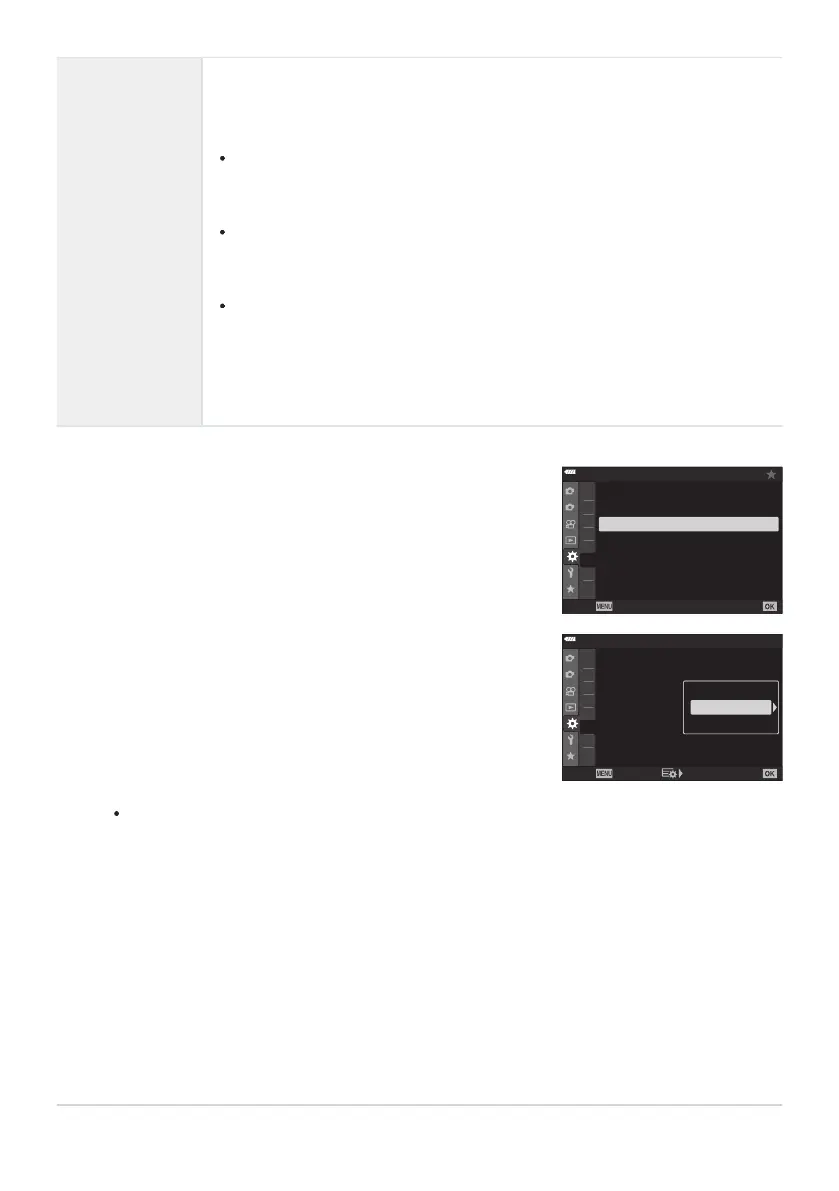
Highlight [gLSettings] or [gHSettings] in CCustom
Menu g and press the OK button.
1
2
A2
A3
A4
B
A1
C1
C
2
D1
C1
On
Off
Flicker Reduction
Back Set
C1. Release/
j
/Image Stabilizer
j
H
Settings
j
L
Settings
C-AF Release Priority
S-AF
Release Priority
Highlight an option using the FG buttons and pr
ess the I
button.
1
2
A2
A3
A4
A1
B
C
1
C2
D1
C1
On
Off
Flick
er Reduction
Back
Set
C1. Release/
j
/Image Stabilizer
j
H
Settings
j
L
Settings
C-AF Release Priority
S-AF
Release Priority
J
j
/
t
j
♥
j
gHSettings
(sequential high
options)
Choose the frame rate and maximum number of shots per burst for i
(sequential high) and D (silent sequential high) modes. You can also adjust
settings for
t (Pro Capture High) mode (P. 107).
i mode:
[Max fps]: 5–10fps
[Frame Count Limiter]: 2–99, Off (no limit)
D mode:
[Max fps]: 15, 20, or 30fps
[Frame Count Limiter]: 2–99, Off (no limit)
t mode:
[Max fps]: 15, 20, or 30fps
[Pre-shutter Frames]: 0–14
[Frame Count Limiter]: 2–99, Off (no limit)
Includes shots captured before recording begins.
The camera will display options for the selected item.
323
Burst Shooting Options (gLSettings/
gHSettings)
1.
2.



 To Next Page