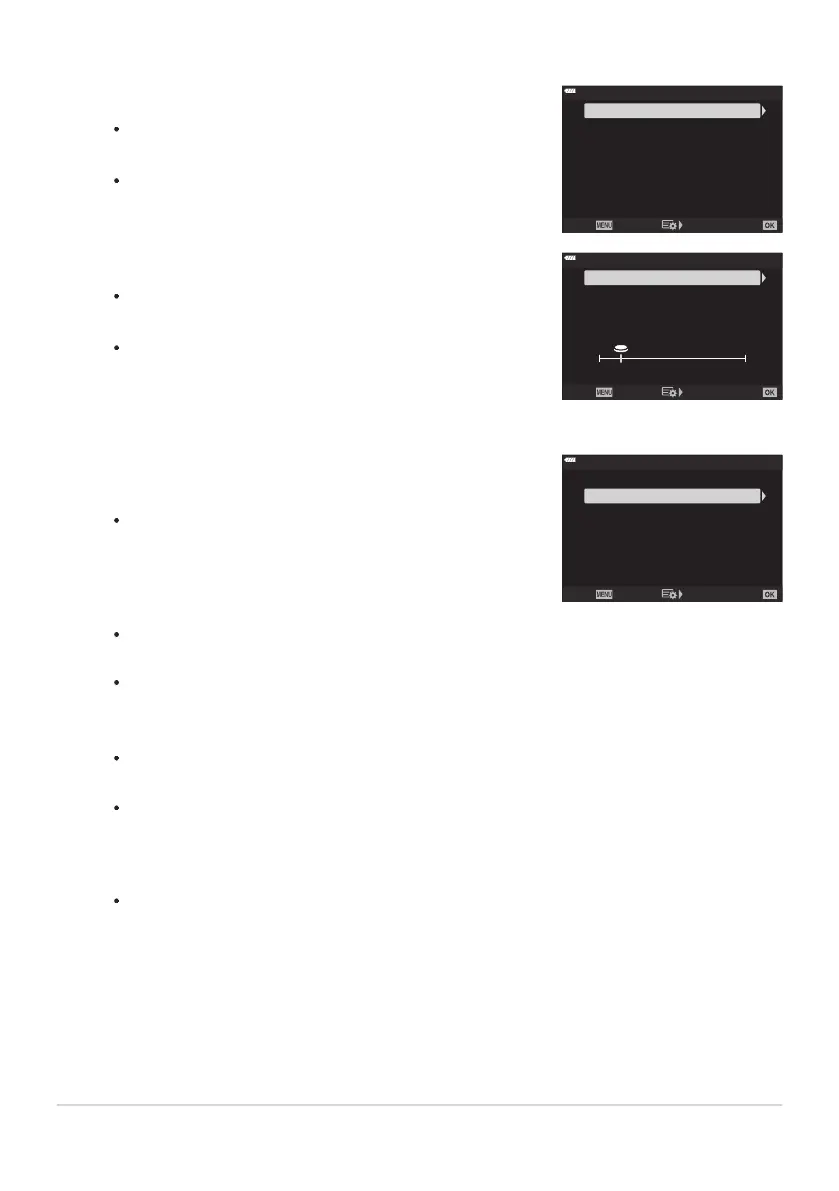
If you selected [h], [G], or [C] in St
ep2:
Highlight [Max fps] using the FG buttons and press the
I button.
Highlight an item using the FG buttons and press the OK
button.
♥
j
Off
10fps
Frame Count Limiter
Max fps
Back Set
If you selected [s] in Step2:
Highlight [Pre-shutter Frames] using the FG buttons
and press the I button.
Highlight an option using the FG buttons and press the
OK button.
8
25
J
Pre-shutter Frames
Frame Count Limiter
Back Set
8 17
25
Choose the maximum number of shots per burst ([Frame
Count Limit
er]).
Highlight
[Frame Count Limiter] using the FG buttons
and press the I button.
♥
j
Off
10fps
Frame Count Limiter
Max fps
Back Set
Choose settings for [Pre-shutt
er Frames] or [Max fps].
To keep shooting as long as the shutter release button is pressed all the way down, select
[Off].
To choose a maximum number of shots, highlight the current setting and press the I
button to display options. Highlight digits using the HI buttons and use the FG buttons
to change.
The maximum number of shots per burst includes shots captured while the shutter button is
pressed halfway. g“Shooting without a release time lag (Pro Capture shooting)” (P. 107)
Press the OK button to save changes to settings.
Press the OK button.
CCustom Menu g will be displayed.
Press the MENU button repeatedly to exit the menu.
324
Burst Shooting Options (gLSettings/
gHSettings)
3.
4.
5.
6.



 To Next Page