2 Basic repair procedures Chapter E: Basic repair procedures
200 Planmeca PlanMill 40 Technical manual
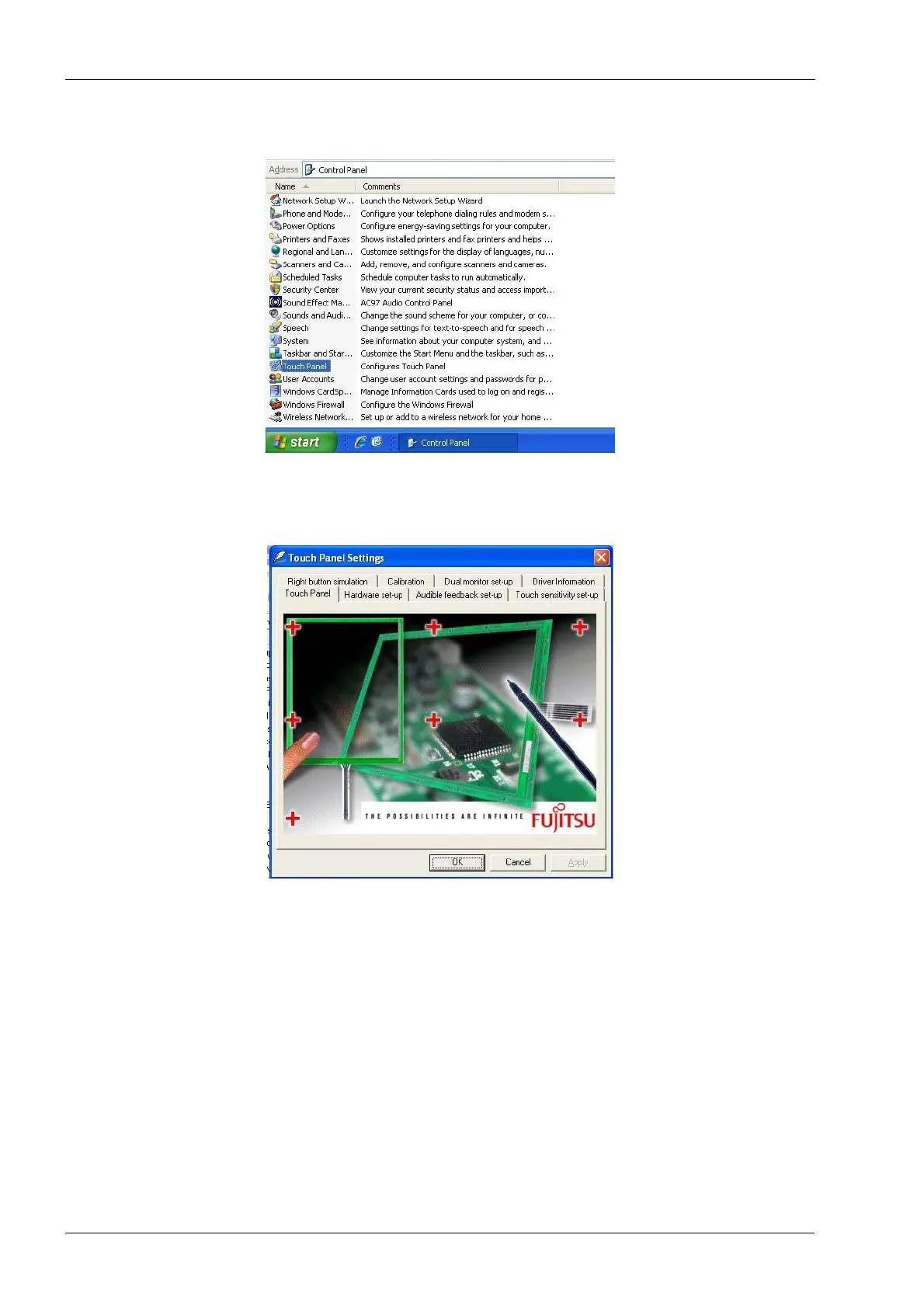
3. Scroll down and double click Touch Panel.
Figure 223: Selecting Touch Panel
4. The Touch Panel Settings screen will open.
5. Select the Calibration tab.
Figure 224: Selecting Calibration Tab
6. Ensure the 9 point calibration radio button is selected and touch Calibrate Now
button.














 To Next Page