Chapter E: Basic repair procedures 2 Basic repair procedures
Technical manual Planmeca PlanMill 40 201
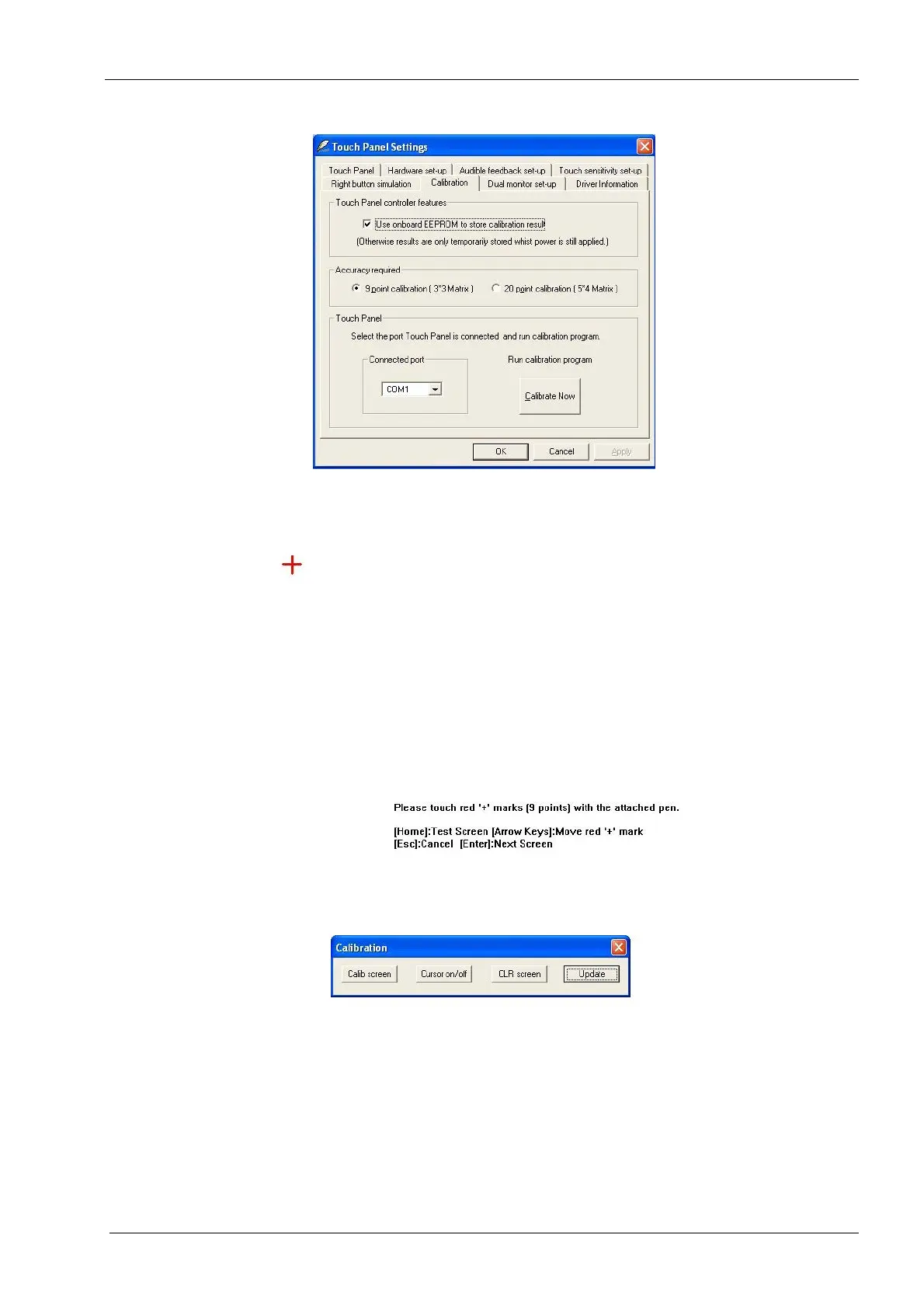
Figure 225: Selecting 9 Point Calibration
7. Follow the instructions on the screen using the tip of your finger rather than a pen to
touch the red "+" marks.
Figure 226: Touch red “+” mark with finger
8. After touching the 9th red "+" mark, touch the Update button in the dialog box that
appears.
Figure 227: Selecting Update button
9. Exit Touch Panel Settings.
The touch screen calibration is now complete.














 To Next Page