2 Maintenance procedures Chapter B: Preventive maintenance
42 Planmeca PlanMill 40 Technical manual
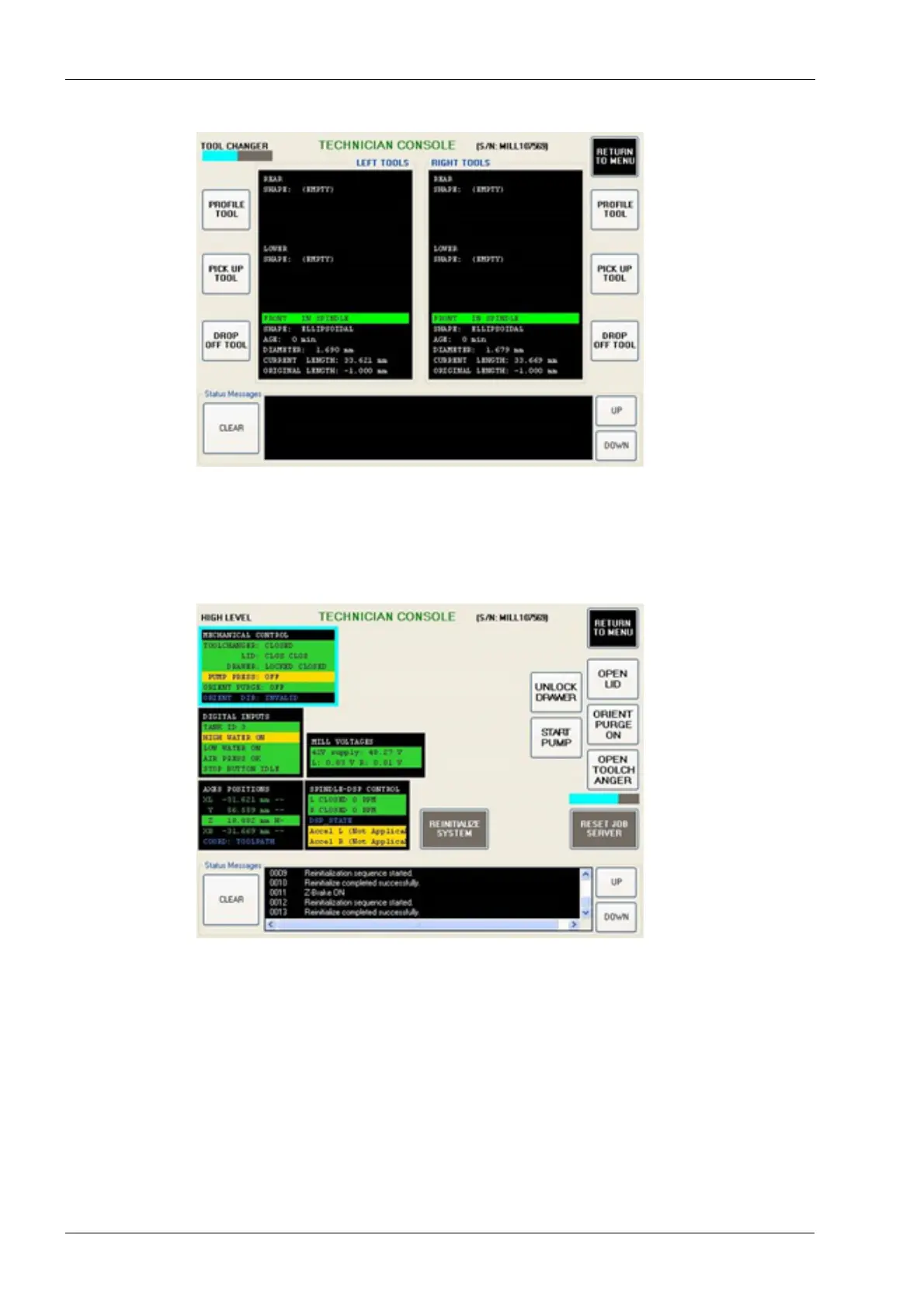
Figure 31: Tool Changer screen
6. Select the Drop Off Tool button for each spindle.
7. Select the Exit Console button to return to the Technician Console.
8. Select the High Level button to enter the high level diagnostics window.
9. Select Mechanical Control box.
Figure 32: HIGH LEVEL screen
10. Select the Open Lid button.
11. Remove the 6 Philips drive flat head screws.














 To Next Page