4 Origin calibration Chapter C: Calibration
66 Planmeca PlanMill 40 Technical manual
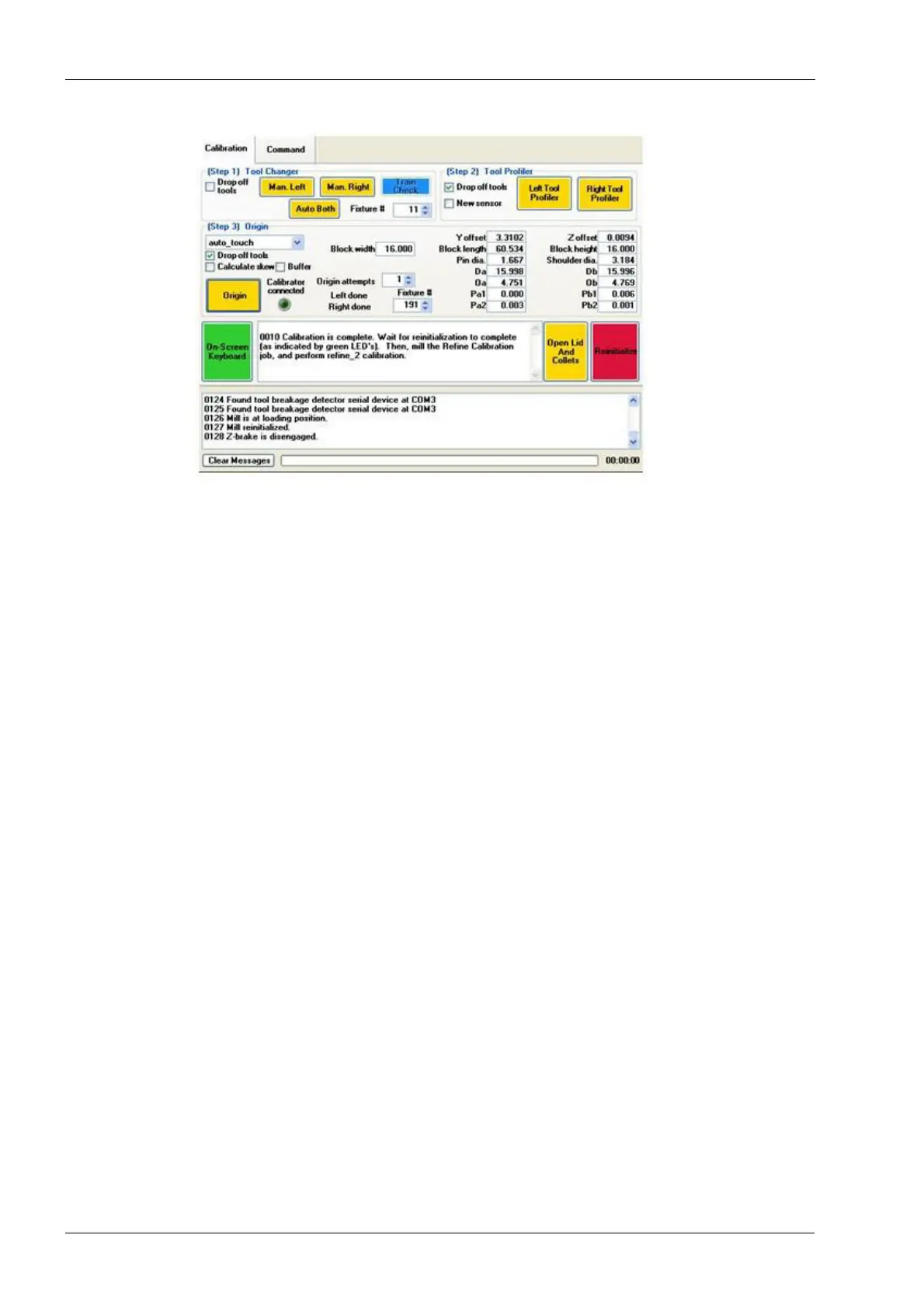
Figure 63: Calibration is complete
19. Close the lid and touch the Origin button. Origin Calibration is complete.
20. Select the Command tab and then the Close button.
21. Verify calibration results, follow instructions in the section 5 "Verifying calibration" on
page 67.














 To Next Page